
I have been connected to MS Office software since my school days. Breaking away from the Microsoft 365 ecosystem was always a risk. Like most professionals, I was convinced that a paid subscription was the only way to remain productive and compliant. I saw free open source software as a compromise, something used to save money, not to get the best results.
When I finally installed LibreOffice, I was expecting a clunky and frustrating experience compared to the polished world of MS Office. Instead, I discovered a power that defied everything I thought I knew about modern document sets. It turns out that moving away from the cloud didn’t slow me down; In fact, it made my workflow sharper.
Old UI Means Bad UI Myth
Nostalgia that really works

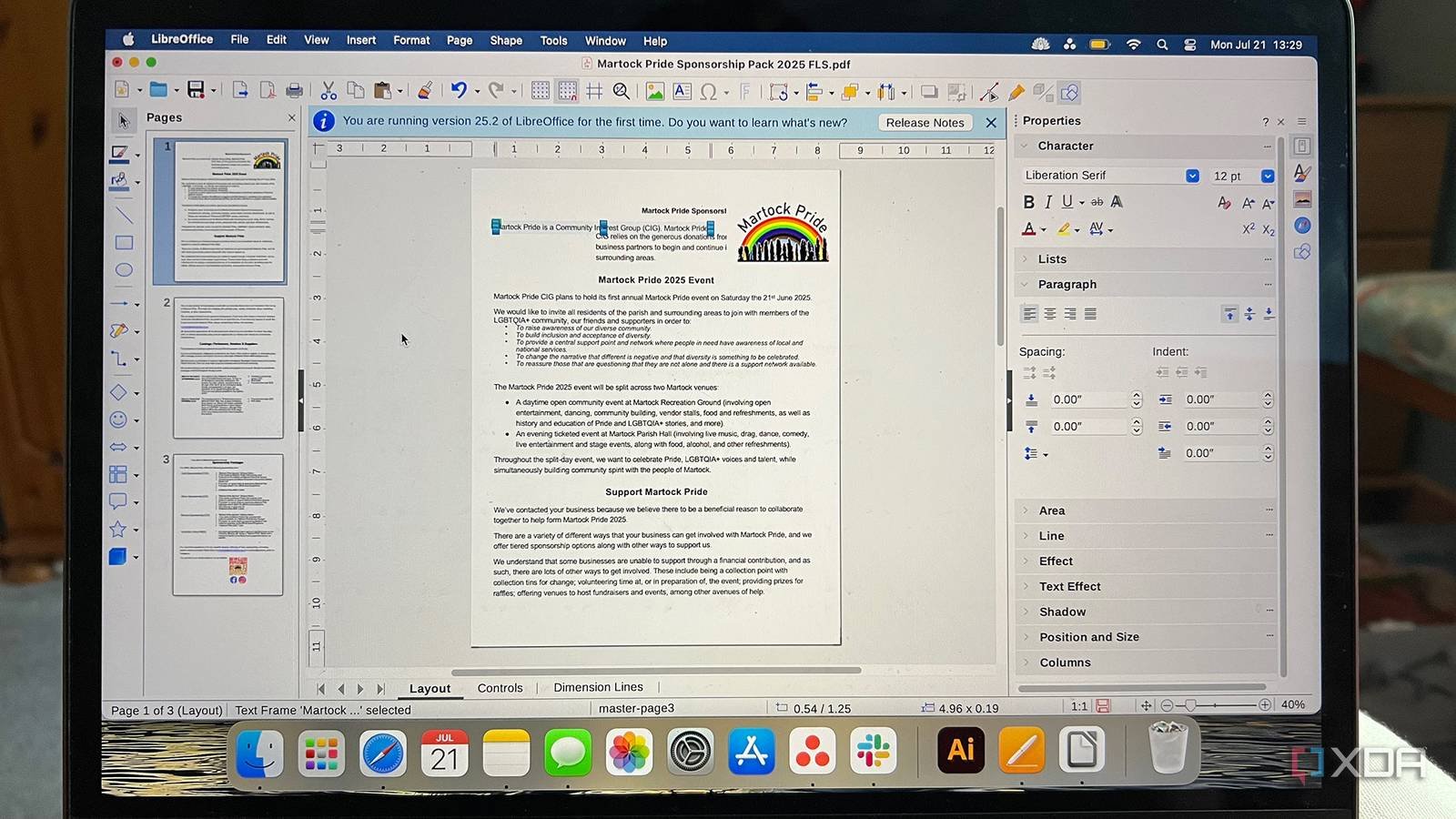
The common criticism of LibreOffice is that it feels like a time capsule from 2003. When I first turned it on, I had the same “ugh” moment; It felt like a step back to the days of Windows XP. But after working a few hours, I realized that I had fallen in love The Myth That “Old UI Means Bad UI”.
The interface is very responsive. Apps open quickly, menus react instantly, and common tasks like formatting text, inserting tables, or exporting files go smoothly. There are no delays in loading web parts, no waiting for features to appear, and no unnecessary visual clutter.
What surprised me most was how predictable everything seemed. The toolbars remain consistent, making it easy to develop muscle memory. I didn’t have to search through multiple layers of menus just to find simple options.
Yes, it looks old compared to modern SaaS tools, but it doesn’t look old in actual use. The UI stays out of the way and that really helps me focus more on writing.
Compatibility is the biggest benefit.
Work anywhere, with any file
One of my biggest fears when abandoning conventional suites was file compatibility. As a freelancer, I can’t afford to send a client a document that looks torn. However, LibreOffice handled my .docx and .xlsx files with surprising ease. The format remained intact and the transition was seamless. It turns out that the “walled garden” of paid software is not as necessary as I thought.
However, the real advantage is the cross-platform freedom. I’m no longer locked into a specific ecosystem or browser. Whether I’m working on my Windows 11 setup at home or switching to a different machine, my workflow remains the same. I can save a file locally and know that it will open perfectly on Linux, macOS, or Windows without needing to log into a specific account or an active Internet connection. This “platform agnostic” approach is liberating. I have control of my files again and they work wherever I am. It’s not just about being compatible with Microsoft; it’s about being compatible with my own mobile lifestyle.

Powerful features hidden in plain sight
A set of tools for advanced users in a simple box

When I started using LibreOffice, I expected basic editing features, but I quickly discovered many powerful tools that improve productivity. Writer’s advanced styles and formatting system make a big difference. I can control titles, spacing, fonts, and layout consistently without having to manually fix everything over and over again.
The template system is another time saver. I can create reusable templates for articles or documents, so I don’t have to start from scratch every time. Once set up, it keeps my workflow fast and organized.
LibreOffice also includes built-in graphing tools, making it easy to convert data into simple visual graphs without the need for additional software. For repetitive tasks, features like mail merge help automate document creation, especially when working with structured content.
For greater control, macro support automates repetitive actions. Even simple macros can save time by performing the same formatting steps regularly.
None of these features are flashy, but they reduce repetitive work. Over time, these small productivity improvements making LibreOffice feel much more capable than I initially expected.
Recovering my wallet and data

As I move toward using more open source tools, I know how refreshing it is to use one that doesn’t rely on subscriptions. With many SaaS publishers, I always feel tied to monthly payments just to access my own documents. LibreOffice eliminates that dependency completely. I install it once and can use it as long as I want without worrying about renewals or feature restrictions.
Privacy is another great advantage. My documents remain on my system and are not automatically synced to someone else’s server. I don’t have to think about accounts, permissions, or whether my files are scanned in the background. Everything works offline by default, making the experience more controlled and distraction-free.
I also like being able to open my files at any time, even without Internet access. There are no loading screens or connection issues preventing me from working.
LibreOffice made me realize that sometimes the simple, local tools provide more freedom than cloud-based applications.

Sometimes practicality beats modernity
LibreOffice changed my perspective on what really improves productivity. Instead of looking for modern-looking tools, I found myself appreciating software that focuses on stability, flexibility, and efficient work. The features are mature, reliable, and designed to support real workflows without constant interruptions or unnecessary complexities. Over time, I’ve noticed fewer distractions and more consistency in the way I create and manage documents. It may not try to impress visually, but it quietly supports serious work. What I expected to be a compromise turned out to be a reliable tool that helps me stay focused and productive every day.

- Individual prices
-
Free
- Platforms
-
Windows, macOS, Linux
LibreOffice is one of the most complete alternatives to Microsoft Office, completely free and open source. It gives you several different tools for various use cases, including Math and Drawing tools for advanced users.



