

Andy Walker / Android Authority
TL;DR
- Google is testing lazy loading of video and audio elements for Chrome 148.
- This feature defers loading video and audio resources to speed up page performance and reduce data usage.
- Lazy loading will be implemented for all users on desktop and mobile devices.
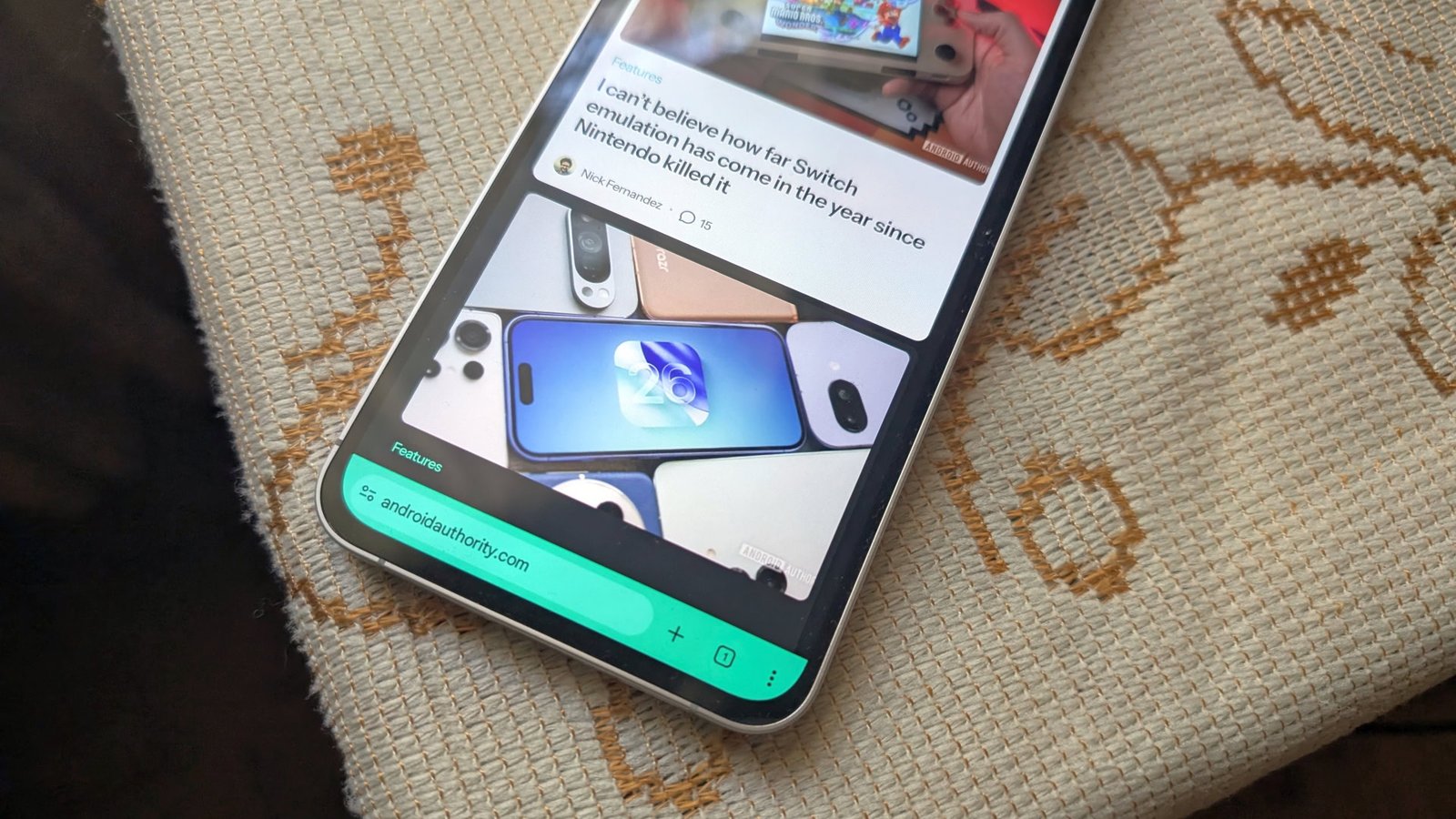
Chrome 148 is currently in development and is expected to launch in mid-April. When the update arrives, your daily browsing might be a little faster. Google is testing lazy loading for video and audio elements (via WorldPC).
I don’t want to miss the best of Android Authority?


If you’re not familiar with lazy loading, it’s a feature that delays loading non-critical off-screen resources until they are needed. The result is improved page loading performance and reduced bandwidth usage. For example, let’s say you navigated to a website with a bunch of images. Normally, all page elements would need to be loaded before you could continue with your business. Lazy loading, on the other hand, postpones loading images that are not in your immediate view until you scroll to them, allowing the page to load faster.
What’s your favorite Chrome trick?
212 votes
Chrome and Chromium-based browsers already have built-in lazy loading support, but only for images and iframes. This update would introduce support for lazy loading of video and audio elements. But don’t expect to see a difference with embedded YouTube videos; Lazy loading is already in effect for these videos since they are embedded using iframes.
According to the announcement, lazy loading will be enabled for all users. It will be available on desktop, Android and iOS. This feature is also expected to come to other Chromium browsers, such as Edge and Vivaldi.
In related news, Google is also fixing a major issue for Chrome’s Split View Feature. The fix will relocate the option to the context menu and adjust the drag and drop thresholds to activate it.
Thank you for being part of our community. Read our Comment Policy before publishing.



