
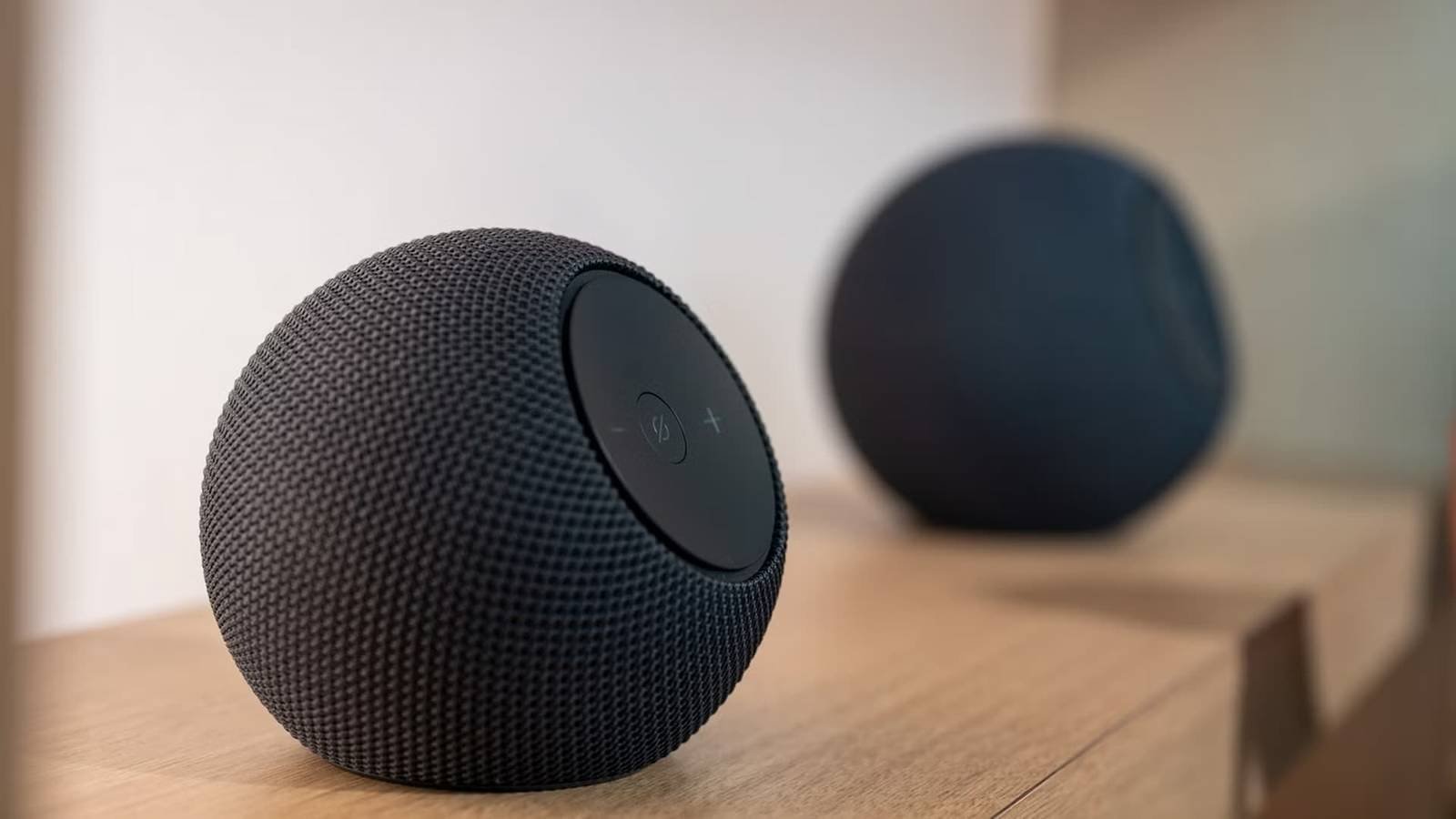
If you were an early adopter of the smart speaker revolution, chances are there’s an older Amazon Echo model sitting in a drawer, especially if you abandoned the brand. This device is not just a paperweight; It is a powerful piece of hardware that is underutilized. Don’t sell your spare parts for pennies or throw them away; Instead, use them as dedicated smart home tools to solve everyday home problems.
The center dedicated to guest mode
Make sure your guests can use it without problems.
When you’re preparing your room for entertaining, using an older Amazon Echo device is a smart way to add some luxury and make things easier. Placing a guest-only smart speaker in your room allows your friends and family to control your settings, check the local weather, set alarms, or play music without having to access your personal calendars, reminders, or private notifications.
To make this special for them and Help them feel more at home.You can reset your old device and configure its settings correctly, creating a smart home setup made just for your visitors. For example, you should make sure that any smart home devices connected to the guest room, such as plugs or smart lights, have a clear name, such as “guest room lamp” or “heater.” That way, visitors can naturally ask Alexa to check in on them without having to guess complicated device names.
You can protect the device by setting some important limits, such as setting up a voice purchasing PIN and disabling any external skills linked to your credit cards, such as ride sharing or food delivery services. Additionally, turning off communication features for calling, messaging, and Drop-In will ensure that guests can’t accidentally call your personal contacts, read your text messages, or send unexpected announcements to the rest of your household.
A dedicated Bluetooth receiver
An Echo is still a speaker at the end of the day
If you’re the proud owner of a high-end vintage stereo system or classic Hi-Fi setup, you probably appreciate the warm, premium analog sound it produces. Unfortunately, these older audio systems don’t have modern connectivity features, so you can’t natively stream your favorite digital playlists directly from your smartphone or tablet.
Fortunately, your old, unused Amazon Echo can act as a bluetooth speaker. Most Echo devices, from the original Echo Dot onwards, have a 3.5mm audio output jack. By getting a 3.5mm to RCA cable or a standard auxiliary audio cable, you can plug the old Echo directly into the back of your old receiver or speakers.
Once connected, it upgrades your traditional Hi-Fi setup with modern voice-controlled capabilities, allowing you to effortlessly stream music from services like Spotify or Amazon Music without needing to constantly pair your phone or press any buttons. This turns an old, several-hundred-dollar audio setup into a modern smart system, all for the cost of a basic audio cable.
Your next intercom is an Echo

When you place an old Amazon Echo in peripheral or high-traffic areas, like a garage or finished basement, you can create an intercom system without spending a dime on new hardware. This prevents you from having to yell throughout the house when it’s time to call the kids for dinner or ask a quick question to someone working in the garage.
For this method to work well, you just need to make sure all your devices are integrated into your smart home setup with clear, distinguishable names, like “basement echo” or “garage speaker.” Once set up, you can simply say “Alexa, come to daycare” or you can even open a line with the entire house by commanding “Alexa, come everywhere.”
Even if it’s audio-only, a standard Echo or Echo Dot placed near a crib lets you listen to your baby while they sleep or monitor toddlers playing in another room. However, if you’re repurposing an old Echo Show, it’s much better as a stationary video baby monitor or surveillance tool to check on pets while you’re busy elsewhere in the house.
A permanent smart button or Zigbee bridge
The echoes are very powerful.
Older Echo Plus models have a built-in Zigbee smart home hub. Even if you don’t use it to listen to music, you can store it in a cabinet to act as the brain for your smart light bulbs and sensors. Zigbee is a low-power mesh networking standard that allows compatible smart home hardware from various manufacturers to communicate directly with each other without relying heavily on point-to-point Wi-Fi connections.
You don’t need to buy dedicated, dedicated hubs or jumpers for your everyday sensors and bulbs if you own an Echo. Since Zigbee devices work locally, an Echo can be your dedicated network hub to reduce the overall load on your home Wi-Fi network while ensuring your smart home remains responsive.
To pair these devices, all you have to do is turn on your compatible Zigbee hardware and use the Alexa app to discover new devices. Alternatively, you can use Device Routines to trigger complex scenes. Placing an old Echo near the front door allows you to set a goodbye routine that turns off all the lights and locks the doors with a single localized command when you leave.
A kitchen timer and recipe assistant.
Let Echo become your assistant

The kitchen is definitely a high-wear place where spills and flour-covered hands often occur, making it a risk area for your expensive technology. Instead of risking your phone or a new Echo Show for the messes that happen when you cook, use an older model as a kitchen assistant that you don’t mind getting dirty.
While cooking, you may find yourself preparing a few dishes at a time; With just your voice, you can easily set and manage multiple timers at the same time. It’s very easy to set them up and give each one a specific name, and when the alarm goes off, the device will tell you exactly which timer just went off.
Beyond basic timing, this serves as an instant and really helpful recipe guide. When you’re deep in the dough and suddenly need to scale a recipe, your Echo, which you don’t mind getting dirty, is ready to quickly calculate unit conversions. You can even focus on ingredient changes, oven temperatures you need, and how long to let meats rest.
Devices aren’t dead until you abandon them
The best value from smart home technology usually comes from its ability to breathe more life into older devices you may have forgotten about, rather than simply reaching for the newest model. The smart part of this strategy is separating tasks, which keeps things reliable and prevents your main devices or Wi-Fi network from being overloaded. This approach takes you beyond the cycle of constant updates and allows you to manage your smart home in a long-term way. So give your old Amazon Echo a permanent, special and essential job, making it a valued part of your home long after it’s finished its first job.



