
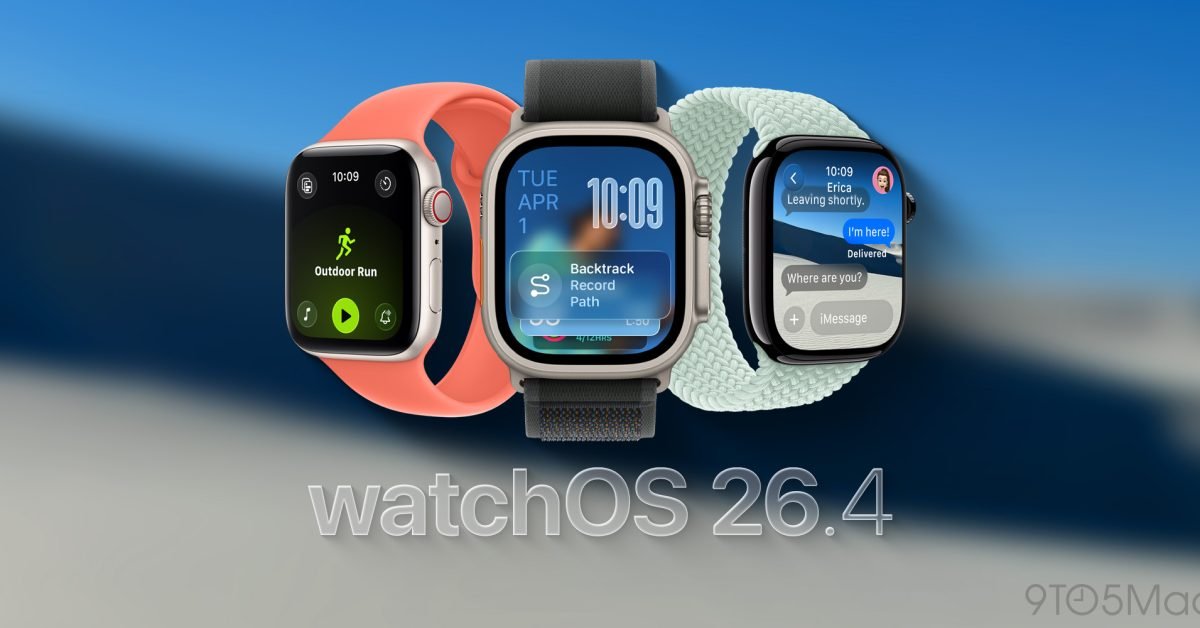
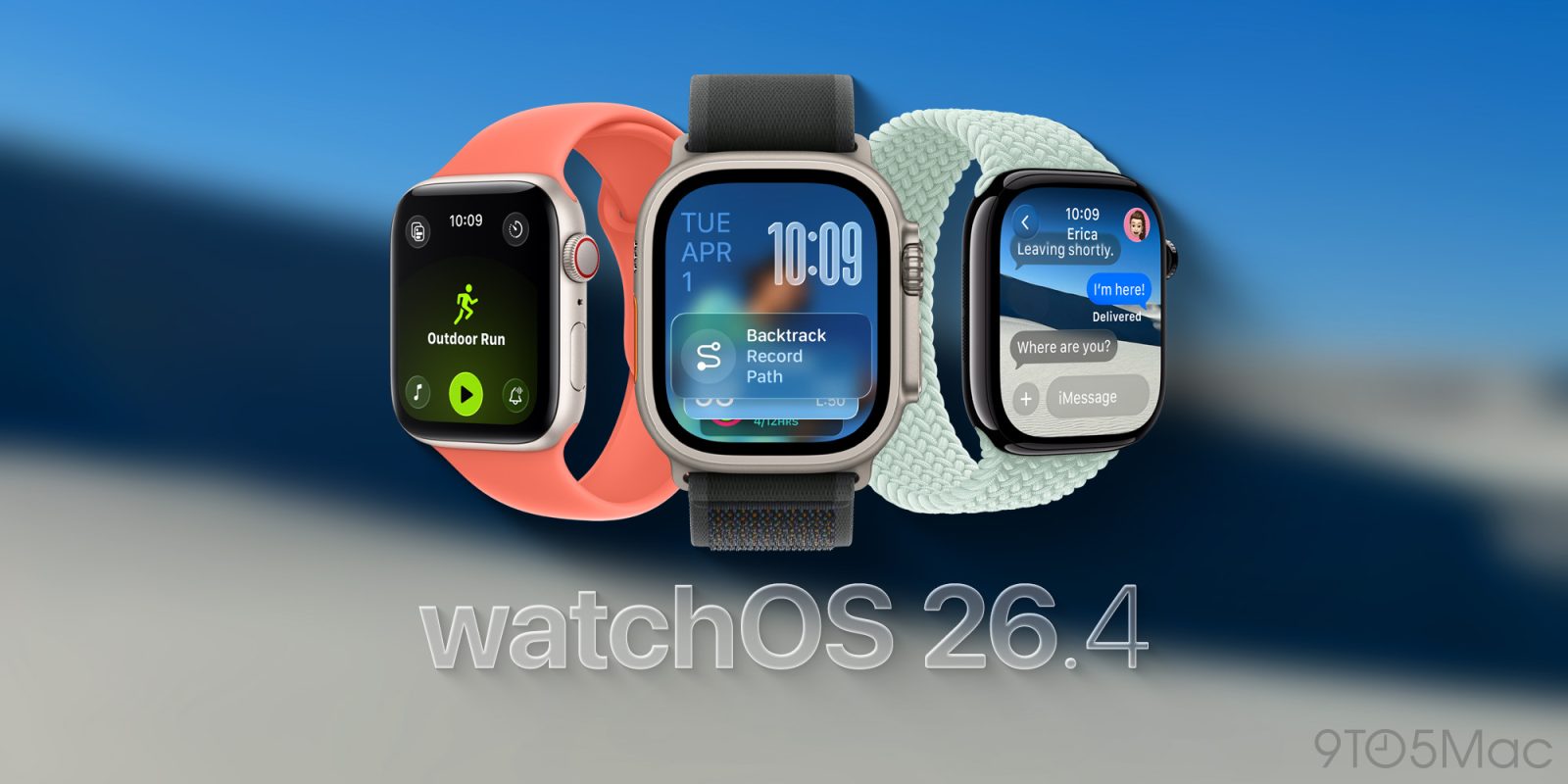
Apple redesigned the Workout app in watchOS 26, but not everyone loved the new one apple watch Exercise tracking experience. It turns out Apple has been listening, because watchOS 26.4 addresses a major complaint about the new design.
watchOS 26.4 improves the Workout app user experience
A common complaint about the Workout app on watchOS 26 it’s that it feels slow or requires more interactions to simply start a workout.
The redesign is a big change after a decade of using the Apple Watch Workout app in one way, of course. The current design is also a little less intuitive.
The problem is that what in the previous design functioned as a touchable button was now just a decoration that ignored touch.
However, with watchOS 26.4, Apple is adapting the existing design of the Workout app so that it works as users expect.
According to the release notes: The workout type icon in the Workout app lets you start a workout with a single tap.
Boom, that’s the solution people needed. Now the training icon/label and The play button does exactly the same thing: it starts tracking your workout.
Tapping the list view icon still requires the rest of the training view to load. If you are quick enough and tap the workout icon while the list is still visible, your tap is still ignored.
That’s one more area where this could be improved, but the change from watchOS 26.4 is a big improvement in user experience from the behavior of watchOS 26.0 to watchOS 26.3.
What went wrong and how Apple fixed it
Before watchOS 26.4, the Workout app featured a scrolling list of workout type icons and labels.
Naturally, you’d expect to be able to tap the workout icon from the list to get started. Instead, the entire workout layout needed to be loaded, and tapping the centered workout type icon did nothing.
The design seems more optimized to avoid accidentally starting a workout. It can also lead you to pause and look at the new design while encouraging you to tap the four corner buttons before starting your workout. These are used to adjust training views, goals and objectives, media and alerts and training partners.
It wasn’t exactly optimized for previously established speed or muscle memory.
Instead, a “Play” icon was the only way to start the workout. This is already mixing metaphors in a confusing way… since you are recording a training and not reproducing a session.
Anyway, watchOS 26.4 fixes this complicated situation with the simple change mentioned above.
In my case, I had adapted to the new behavior after running watchOS 26.0 through watchOS 26.3 since June. Still, I’m glad Apple is listening to feedback and improving the user experience. The new layout still felt slower in the back of my brain. Something about the placement of the bottom center play icon made me want to scroll up, especially since the center icon didn’t do anything.
Regardless, the goal should be to have a great first run experience, not to adapt to the less intuitive system after enough iterations. It’s good to see this fixed in watchOS 26.4.
Apple Watch update availability
watchOS 26.4 is now available.
Buy the new Apple Watch Series 11 to start tracking your exercise and achieve your fitness goals.


FTC: We use automatic affiliate links that generate income. Further.




