
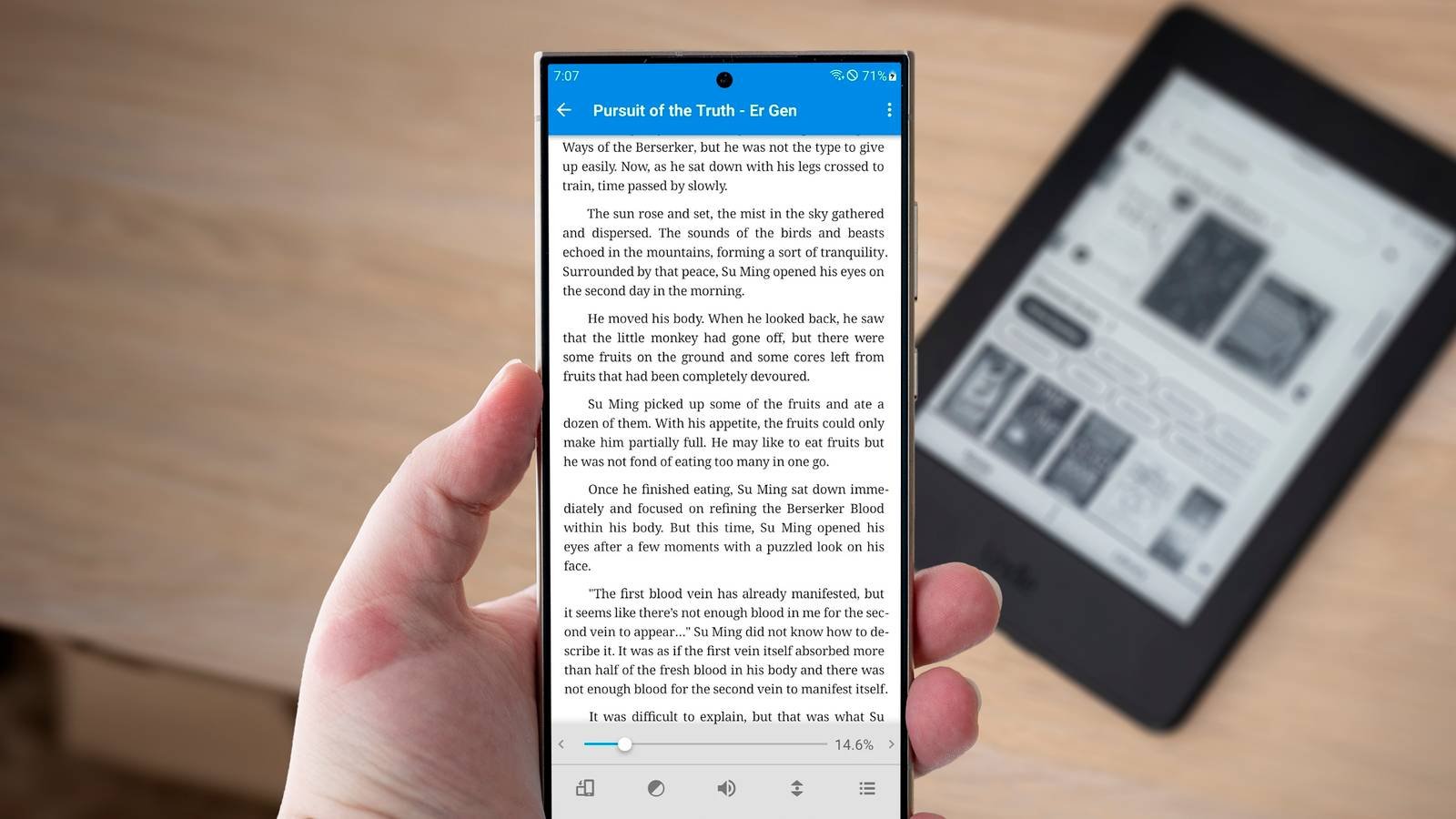
The Kindle is the preferred choice for anyone who wants to read e-books. But if you don’t have one yet, don’t rush to buy it just yet. You already own many devices that work quite well as e-readers, and some might even be better suited to your needs.
Your smartphone
The device you always carry with you
When I decided that I wanted start reading moreBy far the biggest change I made was removing social media and other distracting apps from my phone’s home screen and instead putting the Kindle app front and center. Now, whenever I have five free minutes, sitting in the dentist’s waiting room or whatever, I don’t jump straight to Reddit, but instead read a couple pages of my book.
The Kindle app is great because it syncs with all the other devices you have it installed on and you don’t need a Kindle to use it. However, you are not limited to just that. You can use any reading and store app you want.
On a phone with a larger screen, or even a foldableWith dark mode on and the blue light filter working, it’s a comfortable read. And you will have it with you all the time.
An iPad or Android tablet
Enjoy the benefits of a larger screen

A tablet offers many of the same benefits as a smartphone when used as an e-reader. The main disadvantage is that you won’t take it with you everywhere, while the advantage is that you get a larger screen, which is even more comfortable on the eyes.
A device larger than 10 inches may be a little heavy for some, especially with extended use, but it’s much better than a Kindle for things like graphic novels or cookbooks. An 8 inch is the perfect size for regular novels. In both cases, it’s easy to stay free of distractions by simply disconnecting from Wi-Fi while you read.
a laptop
The hands-free option

Although I have a Kindle and a phone, I also sometimes read on my laptop. I probably wouldn’t want to do it with an 18-inch gaming machine, but my MacBook Air is thin and light enough to be comfortable. The clamshell design also makes it almost hands-free.
The benefits are similar to those of phones and tablets. You can choose between stores, file formats are less of an issue, and the large screen is perfect for anything with images. Apps for most popular stores are available for Windows and Mac, or you can use the excellent Caliber app to manage your library and read it.
Any web browser
Access your library without installing anything

There is no need to install applications to read on a computer. If you’re on a platform that isn’t supported by your preferred e-book store, or you’re using one that doesn’t have a desktop app, you can usually access these services through any web browser.
Kindle, Kobo and Google Play Books are three examples of commercial stores that you can read on the web. Furthermore, there are countless free ebook sites that make all the classics of literature completely accessible.
your old phone
Turn that old device into a dedicated reader

Using your primary smartphone as an e-reader is an obvious choice, but many of us have an old, unused device sitting in a drawer somewhere. Can Turn that old phone into a dedicated e-book reader.
Delete all the extra apps and put it on airplane mode (except when purchasing or downloading new titles), and battery life will be excellent, even on an older model. Go even further with a few extra steps, like installing a matte screen protector for the best experience.
on television
Niche for reading, perhaps, but good for audiobooks.

Okay, bear with me. You probably don’t want to read a novel on television. However, it is indicated for things like following recipe books in the kitchen, for greater accessibility thanks to the large screen or for shared reading between children. You can get apps for this on a Fire TV Stick or through an Android TV.
A television is also suitable for a different type of reading: audiobooks. You can listen to them through the Audible or Spotify apps on a Fire TV device, or through your Plex setup, and you’ll be able to take advantage of your TV’s superior sound quality. It will be infinitely better than the sound that comes out of a Kindle.
Of course, if we open this topic to audiobooks, many other devices become relevant, including game consoles, smart speakers, smart watches, or even your old iPod.
-
- Storage
-
16 GB
- Screen size
-
6 inches
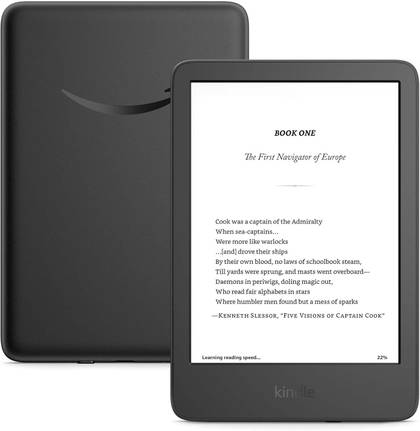
Even in the budget department, the Amazon Kindle is a stellar value, from its lightweight and compact design to its adjustable front light and 6-inch screen.
-
- Brand
-
Amazon
- Screen
-
7 inches, 300 dpi, 16-level grayscale
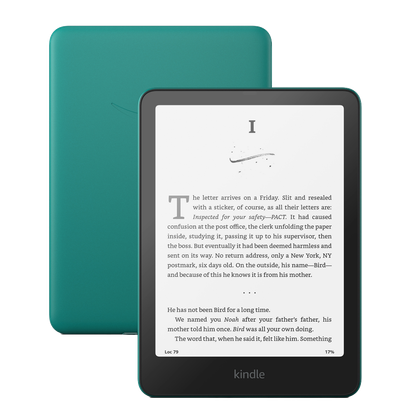
With a 7-inch screen, high contrast, and sharp image quality, the Amazon Kindle Paperwhite will help you fall in love with e-readers. It’s even compatible with Bluetooth devices to put aside the eReader and enjoy audiobooks through headphones or earbuds.


Try These Other Devices Before You Buy
There is a lot to love about the Kindle. If mine broke tomorrow, I would go out and replace it. But I don’t use it exclusively. I also read on my phone and laptop, and have audiobooks in my Plex library. Sometimes these options are more convenient to use; Sometimes I just choose to use them for no obvious reason.
So if you don’t have a Kindle or have an old model that is no longer supportedReview the equipment you already have before purchasing it.



