
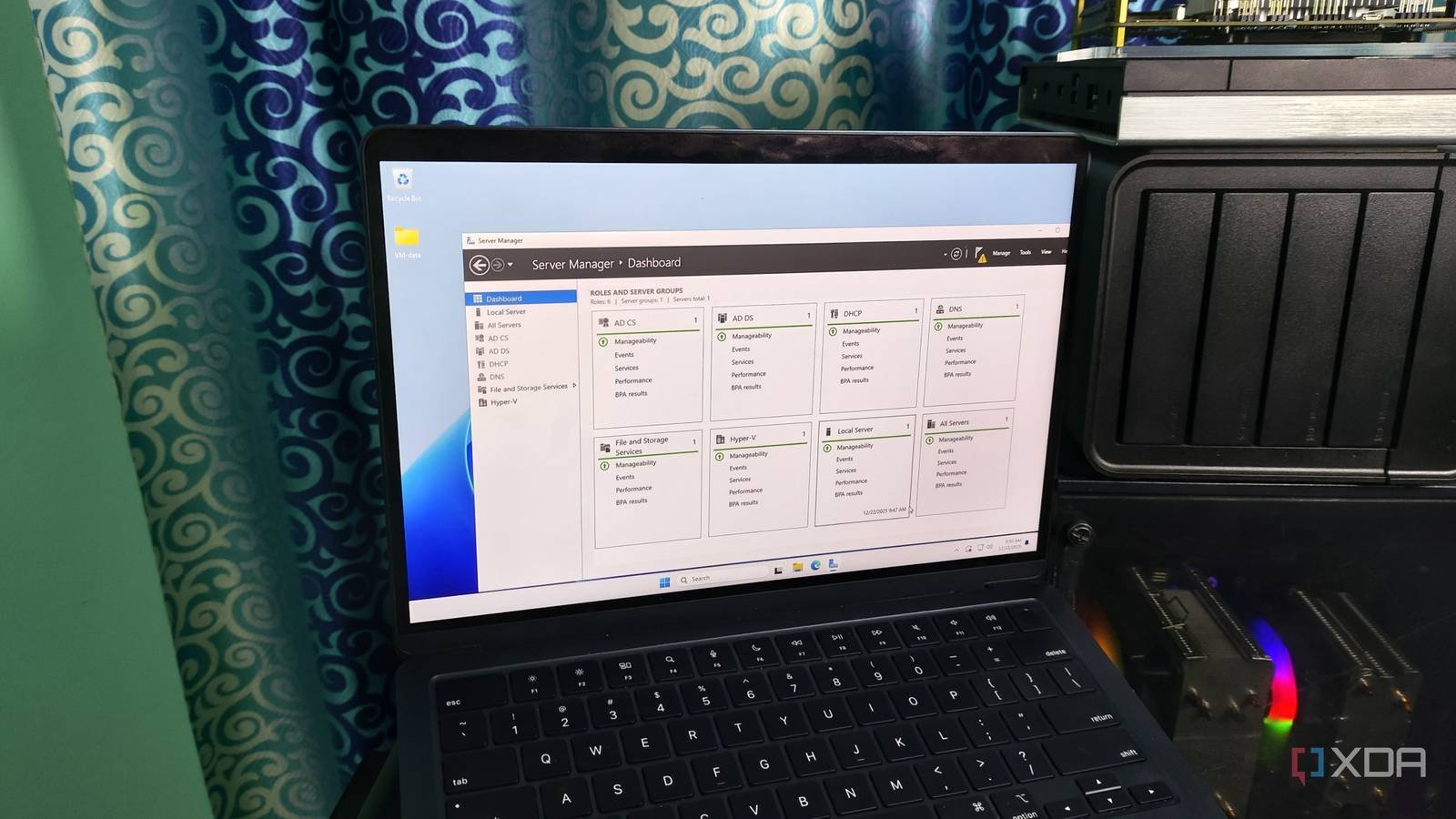
Not in a dramatic way, I almost got rid of that laptop, just a practical decision. If I were you, and it honestly was of no use at the time, I’d probably even consider doing some experiment with it. It was slow, noisy, and honestly a little embarrassing to even turn it on in 2026. The battery was completely dead, so it had to stay plugged in every time I wanted to use it. The fan was another story entirely, turning it on sounded like it was getting ready to take off, and opening about three tabs sounded like it was personally trying to offend him.
At that point, I had already mentally classified it as junk hardware, not even a backup laptop, just useless. I remember sitting there thinking I should finally clear out my space, throw it in the trash, and move on. And honestly, it wouldn’t have made any difference to me. I think this is how most old technologies die, quietly and quickly, unceremoniously. Still, something in me wavered. I wasn’t completely ready to accept that it was already done. So instead of throwing it away, I left it on the shelf to collect dust.

The idea that changed everything
From a “useless laptop” to “what if it ran something useful?”
I was frustrated for a long time trying to stabilize my smart home settings using Home Assistant, but everything was working on my main machine. Every reboot broke my automations, every update broke services, and nothing felt stable.
That’s when it hit me. I didn’t need a more powerful setup; I needed a dedicated machine. And that’s when my abandoned laptop came back to my mind, this time as a server. At first it sounded ridiculous, since it was something I had never built before, but the more I thought about it, the more it made sense. Servers are not meant to be fast; They just need to be consistent, always active and available.
Before doing anything serious, I had to deal with the fact that it had been collecting dust for a while. I gave it a basic revival, cleaning it and paying special attention to the vents, since it was going to run non-stop. Obviously, it needed some upgrades, and that’s where adding some extra RAM came into play. Nothing crazy, just enough to keep it from getting bogged down by background tasks. I also switched to a lightweight SATA SSD and that just gave it a second life. After that, I moved away from Windows and installed a lightweight Linux system.
What it really does
Light automation and a smart home that finally feels smart

I started with the obvious setup: installing Docker to isolate services and then configuring Home Assistant for automation control. I also experimented with tools like Node-RED to handle the automation logic more visually. On top of that, I added monitoring tools like fastfetch and configured basic network stability to not randomly terminate services. Once everything was up and running, it stopped being a “laptop” and became a proper home server, my first real setup.
Through Home Assistant, it now handles things like automating light, turning rooms on or off based on the time or whether I’m present, sometimes before I even touch a switch. Docker made it easier to experiment without breaking everything. If something fails, I simply restart a container instead of rebuilding the entire system. I also set up basic monitoring so I can see what’s happening in real time: CPU usage, memory load, uptime, and network status. It gave me visibility into my entire setup and somehow everything runs smoothly on the same laptop I almost discarded.
Why it works better than expected
Old and simple can be really reliable…with limits

What surprised me the most is how stable it actually is. Because it doesn’t do anything heavy, it just runs smoothly without crashing. Even the battery, which was previously a problem, became an unexpected advantage. It acts like a mini UPS, so if the power goes out briefly, it doesn’t shut down immediately like a desktop computer would. It also consumes much less power compared to a full PC running 24/7, making it much easier to leave it on all the time. In a way, its weaknesses became strengths once I started using it differently.
That said, it has limitations. It cannot handle a large number of devices or heavy automation logic. When too many things are activated at once, I can feel it slowing down. For example, presence-based lighting sometimes takes a little longer to respond when the system is under load. Running too many containers is also a challenge, as it is difficult to keep everything running smoothly at the same time.
The change of perspective that changed everything
I almost threw away a perfectly usable machine just because it couldn’t maintain modern performance standards. But turning it into something that now controls my smart home completely changed the way I look at old hardware. Some devices don’t need to be powerful, they just need a specific purpose.
The laptop did not change. It is still the same machine that was about to become electronic waste. What changed was how I used it. Now, every time I see it running quietly in a corner, it’s no longer an obsolete device, it’s one of the most useful pieces of technology I own.



