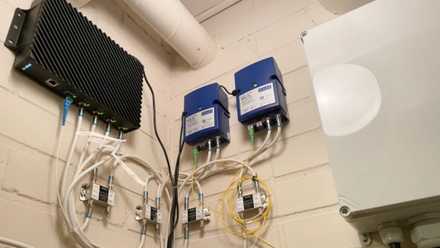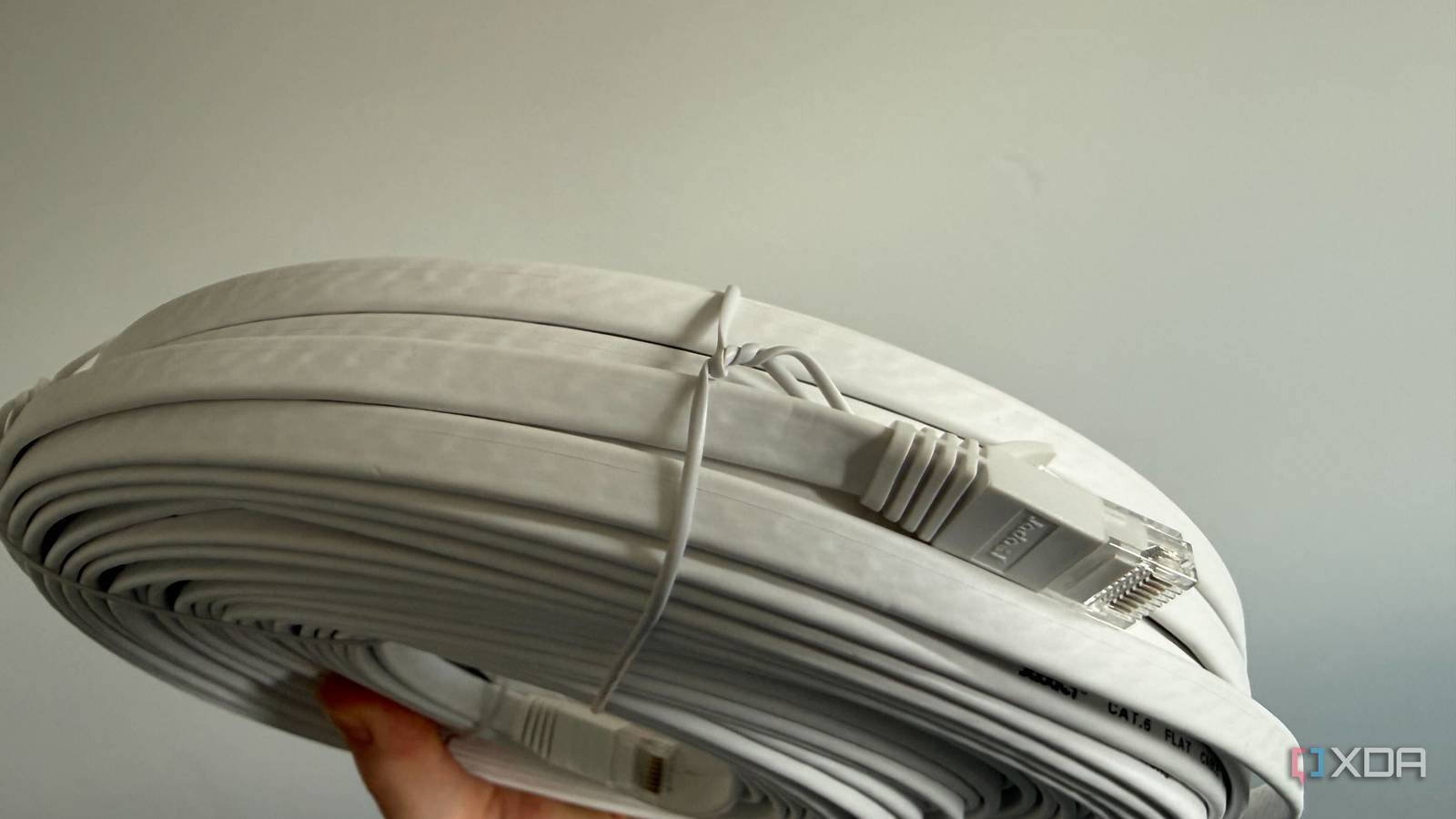
Moving into a home that is advertised as pre-wired is a big win for us technophiles and networking enthusiasts. Those little square plates with RJ45 termination in every room help us imagine infinite possibilities ranging from zero-latency gaming to crystal-clear video in every morning monologue. A friend was enjoying a similar joy recently, assuming he’d only need to hook up a router and switch for gigabit nirvana, but it was an older house and the reality was much more complex.
If you’re moving into a property that’s more than 10 years old, the original builder may have wired the house for a landline, intercom, or dial-up Internet access instead of the 2.5GbE we’re used to today. Depending on the current state of the internal cabling and how much previous owners put off until later, this little detail could slow down your top-of-the-line networking hardware. Fortunately, the solution is simple, although not easy to execute.
Identify network gremlins left by the last occupant
Any combination of these issues may be at play together.
Before tearing up the drywall, hair, or tearing up the runner for a new one, I highly recommend unscrewing the wall plates and checking the cable cover. Some builders installed Cat5e behind walls and simply terminated the ends to RJ11 for phone lines because it was cheaper or easier for them back then. This would be ideal, because you’ll only need a punching tool and some new RJ45 keys to enjoy true network speeds.
During the awkward gap between the death of dial-up and the dominance of Wi-Fi, builders hedged their bets by wiring homes for intercoms and multi-line phones. They used standard faceplates, but made the actual cable cheaper, leaving modern owners with the fairly useless Cat3 wiring standard of yesteryear. These older cables do not work with adapters because the hardware is physically incapable of supporting modern data demands.
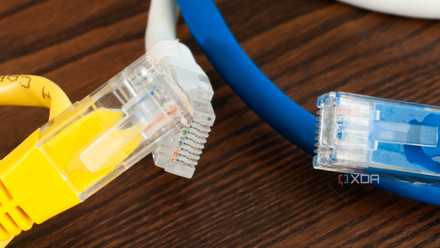
It starts with the connector mismatch between the old four-pin RJ11, usually only two of them connected for analog voice transmission, while the RJ45 used today needs eight pins for Ethernet. Physically too, the connectors are different sizes despite visual similarity, so you can’t fit a modern plug into an old RJ11 receptacle in the wall. Even if you bypassed the connector and spliced an RJ45 end to the existing cable, the cable is still the main bottleneck. Cat3 is not fully shielded, is slightly twisted, and is limited to 10 Mbps since the dial-up Internet era. A 4K video stream will drown you out instantly.
If your home network is somehow working because the last owner changed connectors instead of cabling, your devices will constantly drop packets, renegotiate speeds, and eventually default to 10 Mbps shared between them. The new connectors were nonsense, and running new wiring into the walls might have been lower on the previous occupants’ priority list.
The solution seems daunting, but it could be simple
It’s a problem of scale, not skill.

Category 6e brings thicker copper and much tighter twists. A plastic spine supports the cable and separates the twisted pairs to prevent internal crosstalk. This physical design guarantees 10 Gigabit speeds over standard residential distances. So, you could tolerate abysmal Wi-Fi dead zones and wasting money on expensive mesh routers who still suffer from wireless backhaul latencyor start mining copper.
Going the DIY route may seem appealing at first, since you already have cables and conduits in the wall, so in theory Cat3 serves as a pull wire for Cat6e. It’s easy to tape the cables together, grease the cable jacket, and pull, but I don’t approve of this approach. It might be feasible for one room or to run Ethernet from your HTPC to a network switchbut on the scale of a multi-room plan, you will run out of energy and patience, even with help. I’m not an alarmist, but worst of all, lazy builders sometimes love to staple wires directly to the wood studs behind the drywall, undoing the wire bond inside the wall and creating a bigger problem than it originally had.
If you live in a sprawling two-story mansion, or even a moderate-sized home with complex routing, hire a low-voltage professional to pull the Cat6e. They have fiberglass guide tape, long, flexible drill bits, and the spatial expertise to blindly navigate behind drywall without destroying it. Your time and sanity are worth it. If your home has coaxial wiring for TV decoders along with phone lines, you might be able to get by with MoCA Adaptersdepending on the size of your home and your network hardware requirements.
Route the new cable wisely
It is better to run the new cable with the future in mind. We suggest running each new cable to a convenient central location, such as a utility closet, a corner of the basement, or a dedicated spot in your home office. Check if your plans include a small server rack, NAS or network switch, and mount a suitable patch panel here on the wall. Label each port on this panel so you can then run short, colorful patch cables from there to an unmanaged gigabit network switch.
The slowness of the Internet is intolerable today and the demand for networks will only increase. The last thing you would want is to face the same situation after another decade, but Cat6e should work fine with a theoretical speed limit of 10Gbps. If you need to, you can still use a landline over Cat6e.