
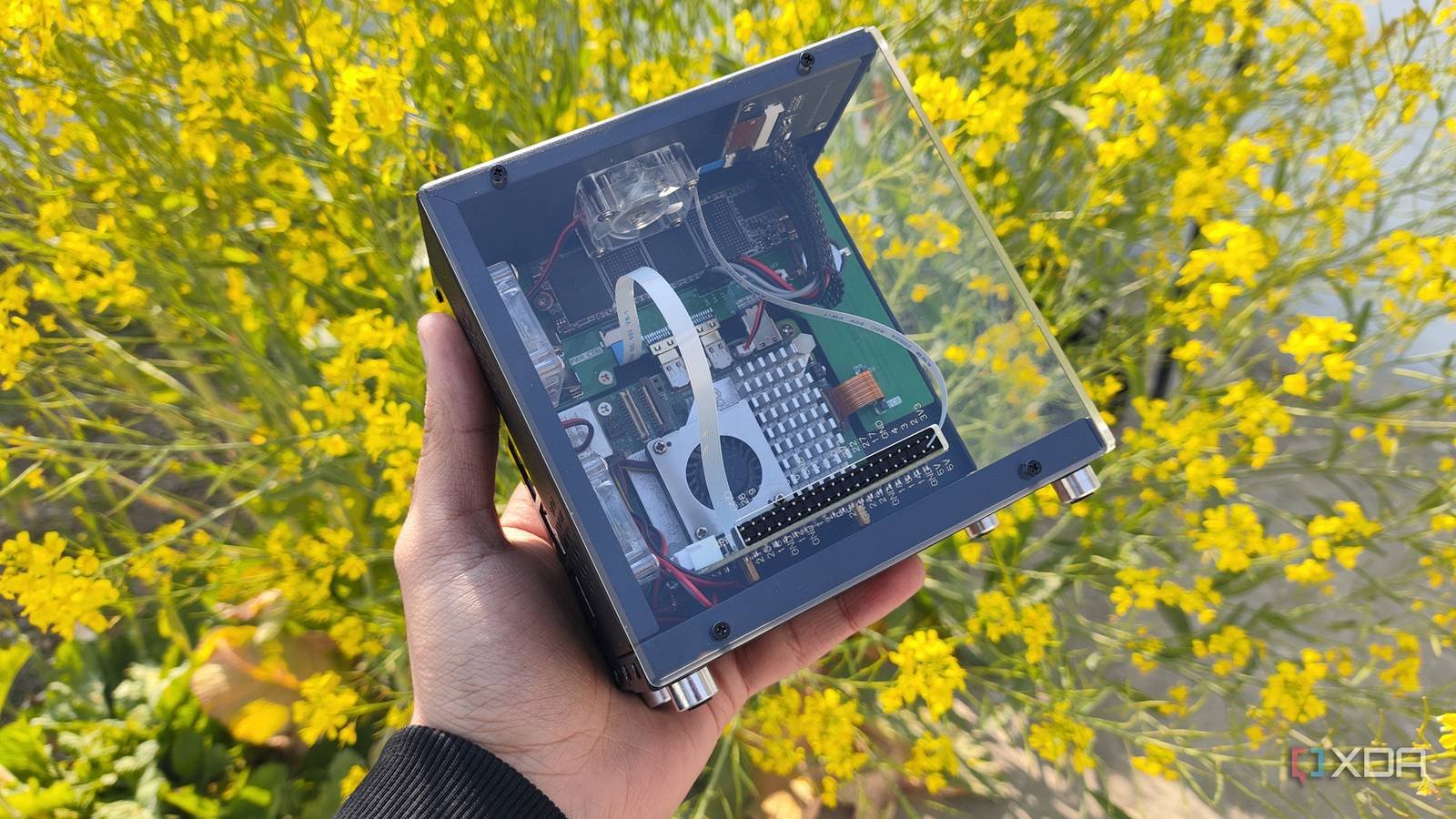
Building a network attached storage server from old hardware is the best way to repurpose systems that would otherwise gather dust into reliable backup solutions. While you can opt for weaker systems released over a decade ago, most DIY NAS setups typically include x86 machines capable of supporting at least a handful of storage drives.
Compare that to the Raspberry Pi drives, which are not only limited on the OS front, but are also incapable of powering 2 or 3 drives (unless you invest in expensive HATs and adapters), and you can see why these ARM-based single board computers aren’t ideal for NAS tasks. That being said, I came across a community project That brought the almighty TrueNAS to ARM systems a few months ago, and after using it on my Raspberry Pi 5 for a while, I have to admit that it’s more usable than it looks.
Installing TrueNAS on Raspberry Pi involved some workarounds
Blame it on the RPi’s lack of UEFI support

Although the TrueNAS project on ARM solves the CPU incompatibility issue with the ARM-based Raspberry Pi, the SBC also does not have a BIOS like typical x86 mini PCs. So unless a distro has been tweaked for the device, running any old Linux distro (or even Windows, for that matter) requires a custom UEFI package, and that’s where the now archived file rpi5-uefi repository by worproject enters the equation.
Fortunately, rpi5-uefi is fairly easy to run on the Raspberry Pi, as all I had to do was format a microSD card to FAT32 and paste the extracted files into its root directory. But since the microSD card is meant to serve as a UEFI partition, I had to use a USB-powered device for the TrueNAS installation drive. Ideally I would use an SSD for the boot drive, but since this was a strange project to begin with, I went with a cheap flash drive.
But the biggest caveat of the rpi5-uefi package is that it renders the EEPROM module, GPIO pins, PWM control configuration, and Ethernet port useless on any distribution that attempts to boot with this configuration. Considering that the N in a NAS stands for Network, the latter is a deal breaker for a makeshift storage server. That said, using a USB to Ethernet adapter solves this problem, leaving only two slots for hard drives. And to be fair, a Raspberry Pi tends to have problems powering multiple drives (especially hard drives) without additional accessories.
This strange setup supports basic NAS functionality
Including network shares and rsync tasks
Taking into account my previous running experience Proxmox and windows 11 bare-metal on Raspberry Pi, I wasn’t too sure about the performance of TrueNAS on SBC. However, the community port works surprisingly well for simple NAS operations. Sure, the TrueNAS panel may have trouble identifying the processor, but it’s possible to enable ZFS clusters in this makeshift setup. Since I wanted to test the capabilities of the TrueNAS-berry Pi, I chose a 2.5G Ethernet adapter and connected an SSD to the small board.
Once I created a new storage pool, I started modifying the network share settings and user profiles. Creating a new account to access the shares was easy and the same applies to the SMB share creation process. Within a minute, I was able to log into my PC’s SMB share and my spare drive was able to transfer files at a steady 210MB/s. This is really impressive for a project that involves running an incompatible distribution (one that relies on the almighty ZFS under the hood) on something as weak as a Raspberry Pi.
However, the TrueNAS application templates do not work on the ARM-based SBC, but it was not a big problem since I can deploy custom LXC containers anyway. Rsync tasks work surprisingly well and the same applies to cleanup tasks. Honestly, that’s all you could ask for in a basic NAS.

The DIY Raspberry Pi NAS has its uses in a budget-friendly home lab

Let me be clear: I cannot recommend using a Raspberry Pi as a dedicated NAS. Even leaving aside Ethernet and UEFI workarounds, an x86 machine is always better for a primary storage, archive and backup server, even more so once you factor the Raspberry Pi’s hugely inflated prices into the viability equation.
That said, if you have a spare Raspberry Pi, but don’t have the money to build a dedicated 3-2-1 backup pipeline, this setup can act as an external server. Pair it with an OPNsense router armed with Queue scale (or even a subnet router running on another PC), and the TrueNAS-berry Pi rig is quite useful for performing rsync tasks from a local node. Or you could simply use it as a redundant backup/cold storage machine (although you may want to avoid using SSDs for long-term storage as they can lose data if you leave them unplugged for a couple of months).

- UPC
-
Arm Cortex-A76 (quad core, 2.4 GHz)
- Memory
-
Up to 8GB LPDDR4X SDRAM
- Operating system
-
Raspberry Pi operating system (official)
- Ports
-
2× USB 3.0, 2× USB 2.0, Ethernet, 2× micro HDMI, 2× 4-lane MIPI transceivers, PCIe Gen 2.0 interface, USB-C, 40-pin GPIO connector
- GPU
-
VideoCore VII
- Starting price
-
$60



