
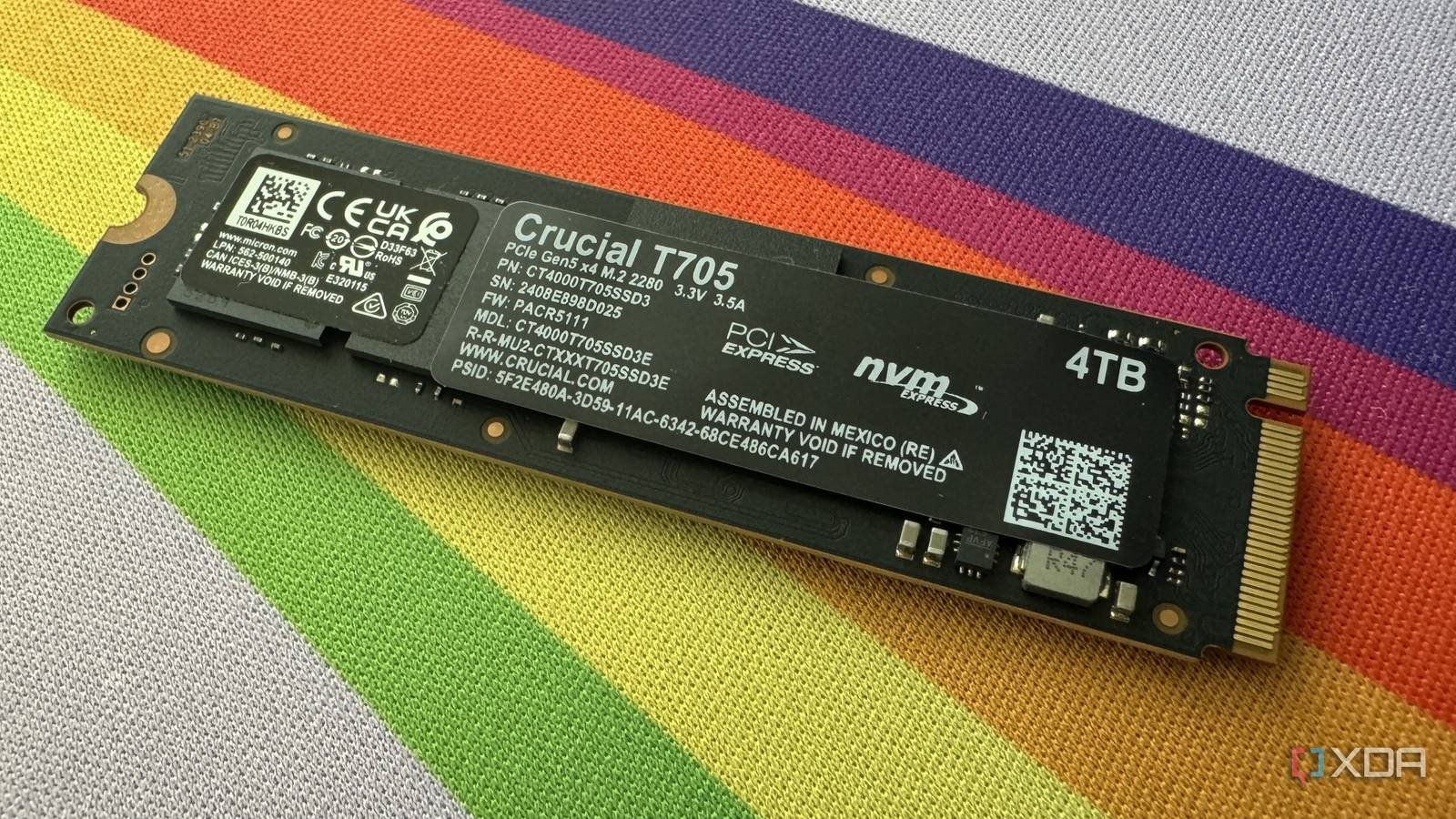
PCIe 5.0 or Gen5 SSDs have been on the market for a few years, and even dropped to relatively affordable levels before the DRAM crisis upended everything. Adoption, however, has been fairly lukewarm. For one thing, countless PC users are still using PCIe 4.0 systems, and building a new PC with PCIe 5.0 support is anything but affordable right now. Even before PC hardware prices skyrocketed, there was little incentive for a complete platform overhaul. Second, the much-hyped transfer speeds of Gen5 SSDs don’t translate into any real-world benefits for most gamers. Gen4 SSDs are still more than enough for gaming. However, PCIe 5.0 storage benefits heavy file transfer and productivity workloads, more than justifying the investment in these cases. Before paying a premium for a expensive Gen5 unit With speeds of 15,000 MB/s, decide if it will benefit your use case.
Games still don’t care about next-gen SSDs
PCIe 5.0 storage is worse than overkill
Marketing around PCIe 5.0 SSDs often misrepresents ultra-fast sequential speeds. It tricks gullible gamers into believing that a Gen5 SSD will improve their gaming experience. In reality, if you already have a Gen3 or Gen4 NVMe SSD, buying something faster won’t reduce your loading times or improve your FPS in any way. Games rely on random read/write speeds rather than sequential speeds, and it is in the latter where PCIe 5.0 storage has shown huge strides. Random IOPS (input/output operations per second) has not seen a similar jump from Gen4 to Gen5 SSDs, which is why the former performs as well as the latter in gaming.
Technologies like DirectStorage were intended to remedy this situation, but adoption has been abysmally low. Aside from a handful of games, DirectStorage has not been implemented anywhereand there are still years before the technology becomes commonplace. Once that happens, Gen5 SSDs could become important for gaming, but until then you’re good with Gen4 (and even Gen3) SSDs. Gen5 SSDs are worse than overkill, as you don’t even get a theoretical improvement in load or boot times. With an excessive GPU, you can at least argue that the extra performance exists and could be taken advantage of in the future. A Gen5 SSD is simply a spectator on your PC, while things proceed the same as before on older storage.
Your workstation will happily use PCIe 5.0 speeds
Horses for courses
The record-breaking sequential speeds of PCIe 5.0 SSDs are not completely useless, at least not for professionals and power users. If you regularly run video editing, 3D rendering and local LLM training workloads, you can really benefit from those 15,000 MB/s transfer speeds. Video editing involves analyzing massive files, deleting long timelines, and exporting large output files, all of which require high storage bandwidth. This is where you can really feel the huge difference between Gen3, Gen4 and Gen5 SSDs. Even in 3D rendering, PCIe 5.0 storage accelerates asset loading, streaming, caching, and rendering performance. As for LLM training, large data sets and models can suffer slowdowns on slower storage, making Gen5 drives worth the cost. For professionals, the investment is recovered in a short time, and for enthusiasts, well, extra money is usually not a problem.
Large file transfers require all possible sequential speed
This is why PCIe 5.0 drives were born
Another practical advantage of Gen5 storage is incredibly fast file transfers. If your daily workflow involves moving hundreds of GB of media files, raw footage, backups and other data between drives, transfer time can really increase, especially for professionals. PCIe 5.0 SSDs are perfect for bulk file transfers, saving you time by keeping everything streamlined. Most users don’t fall into this group, but those who do can really benefit from the cutting-edge transfer speeds of the latest SSDs. If you plan to buy Gen5 storage for your PC, make sure your build has Enough cooling to sustain high-speed PCIe 5.0 transfers. Gen5 SSDs are known to run hot and can sometimes throttle even outside of intensive workloads. Most of them come with heatsinks and fans attached, but you may have to buy a replacement cooler if yours doesn’t include one.
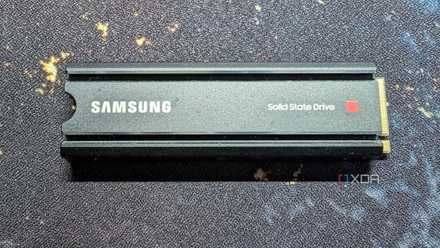
PCIe 5.0 SSDs are useless for most users, but they shine in certain workloads
The larger market has not yet adopted Gen5 units as some people thought they would, due to the poor value for money for the average user. Gen5 storage does not benefit gaming or general PC use, making Gen4 SSDs the default for almost everyone. That said, professionals and enthusiasts who need high-bandwidth storage for serious productivity and large file transfers will find Gen5 storage to be the only viable option.



