
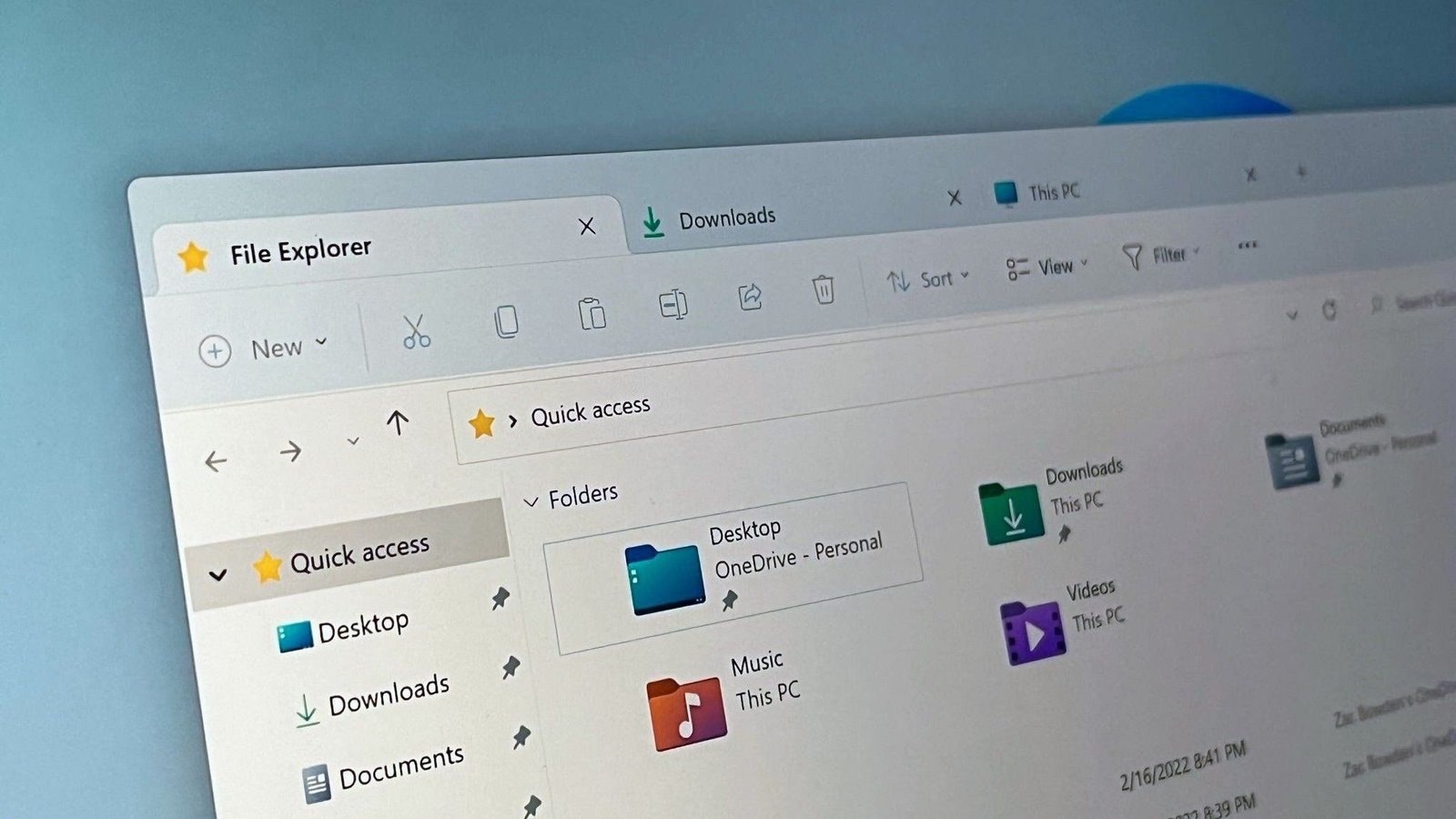
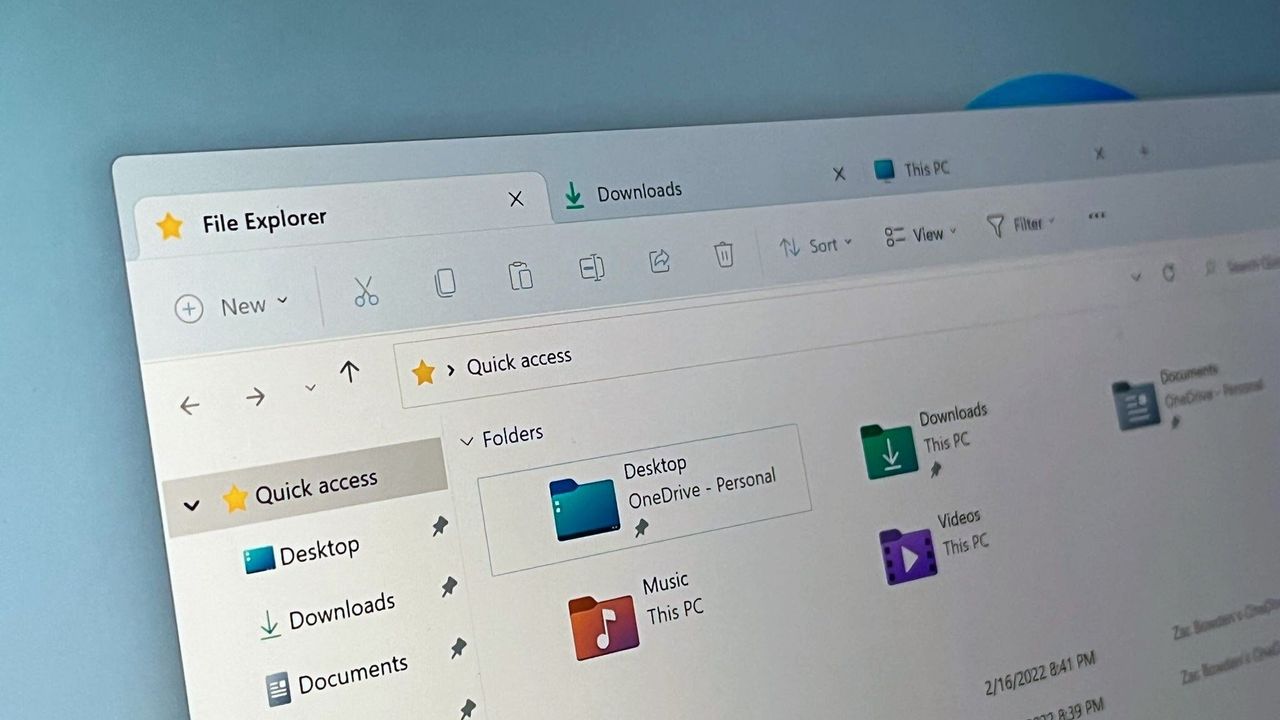
If you’ve ever tried to right-click a file or folder in File Explorer, or quickly navigate through multiple layers of folders, you’ve probably found that performance isn’t very good. File Explorer feels slow and sometimes it takes a few seconds for the context menu to appear once you click on it.
Well, good news. Microsoft is aware of these issues and has promised that it is working to fix them this year as part of its Greater effort fixes quality issues in Windows.
Article continues below.
- Substantially lower latency for search, navigation and context menus.
- Copying and moving large files will be faster and more reliable
- Faster startup and responsiveness for common file tasks
Microsoft has already been testing some performance improvements for File Explorer with Windows Insiders over the past few months, including the ability to preload File Explorer in the background so that it launches instantly when you click the icon.
Now, the company is adding more improvements that will make using File Explorer streamlined and easy to use. It never made sense to me why clicking through multiple folder trees always takes a second to load the contents within a folder. It should open instantly and looks like it will soon.
Having a more responsive context menu will also be a big improvement. I almost always have to wait two times between right-clicking and seeing the context menu in File Explorer, even on high-end systems. This gets worse depending on what type of file you right-click and how many apps you have installed that appear in that menu.
In addition to improving the performance and functionality of File Explorer, Microsoft has also confirmed that it is working to address inconsistent user interface issues that have also plagued File Explorer for years. The company says it is working to reduce UI flickering when in dark mode and will also make dark mode even more consistent across legacy interfaces within File Explorer.
💬 What do you think of these File Explorer improvements?
Since Microsoft is focusing a lot on improving quality in Windows 11 this year, I want to know what you think specifically about these File Explorer improvements. Is this what File Explorer needs, or should Microsoft strive to rebuild File Explorer from the ground up with a modern codebase instead of optimizing this legacy experience? Let us know in the comments.



