

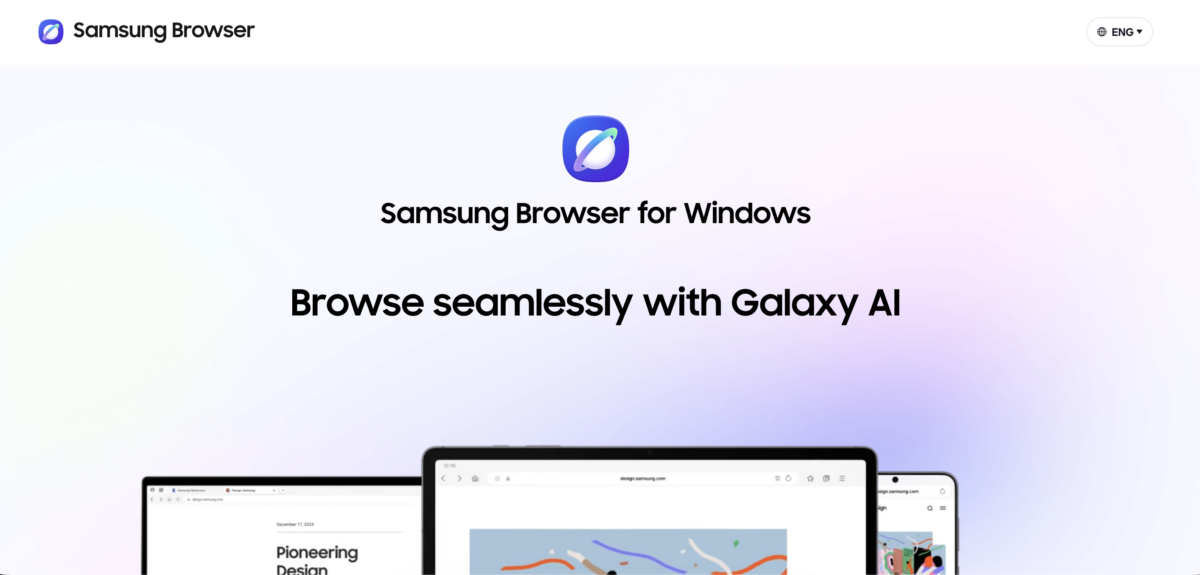
Samsung Browser is now available for Windows 10 and windows 11marking its debut as a desktop application after being exclusive to mobile devices. The browser can be downloaded for free from Samsung’s website and requires Windows 10 version 1809 or later.
Prior to this release, Samsung Browser was only available on Android smartphones and tablets. The desktop version introduces continuity between devices, allowing users to seamlessly switch active browsing sessions between their mobile device and PC.
Multi-device features and Samsung Pass in Samsung Browser for Windows
Users who connect their Samsung mobile devices with desktop installations can continue where they left off on web pages across devices without any manual steps. The browser also supports Samsung Pass, which securely stores login credentials and personal information on connected devices.
This cross-device feature is not limited to Samsung hardware. Samsung Browser for Windows works with any PC running Windows 10 (version 1809 or later) or Windows 11regardless of the manufacturer.
AI Assistant Powered by Perplexity in Samsung Browser
Samsung Browser features AI assistant developed in partnership with Perplexity. The assistant is context-aware and analyzes the content of the active web page to provide responses relevant to what is currently displayed. Its capabilities include:
- Generate structured plans or summaries based on page content, page
- Search browsing history using natural language instead of keywords or dates, jumping to specific moments within videos.
- Summarize and compare content across multiple open tabs. simultaneously
Samsung has not provided details on how to disable individual AI features. Currently, the browser does not have a dedicated AI kill switch similar to the toggle that Mozilla introduced in Firefox.
Samsung browser availability for Windows
Samsung Browser for Windows is now available as a free download from Samsung official website. You can install and use the browser without needing a Samsung account or Samsung hardware.
However, features like cross-device syncing and Samsung Pass require a connected Samsung mobile device. The company has not announced a timeline for the browser’s release on additional platforms or operating systems beyond Windows 10 and Windows 11.




