
When you think about home lab upgrades, you probably imagine faster NICs, enterprise-grade HBAs, VRAM-laden graphics cards, and other expensive equipment. However, the real advantage of on-premises experimentation servers is that you can incorporate virtually any hardware into your setup and still find a couple of use cases for it. The same applies to home lab upgrades, as there are many devices that can bring additional functionality to your setup without costing you an arm and a leg. In fact, some of the best investments I made for my tinkering setup last year didn’t even hit the $10 mark!

ESP32
A customizable companion for my Home Assistant projects
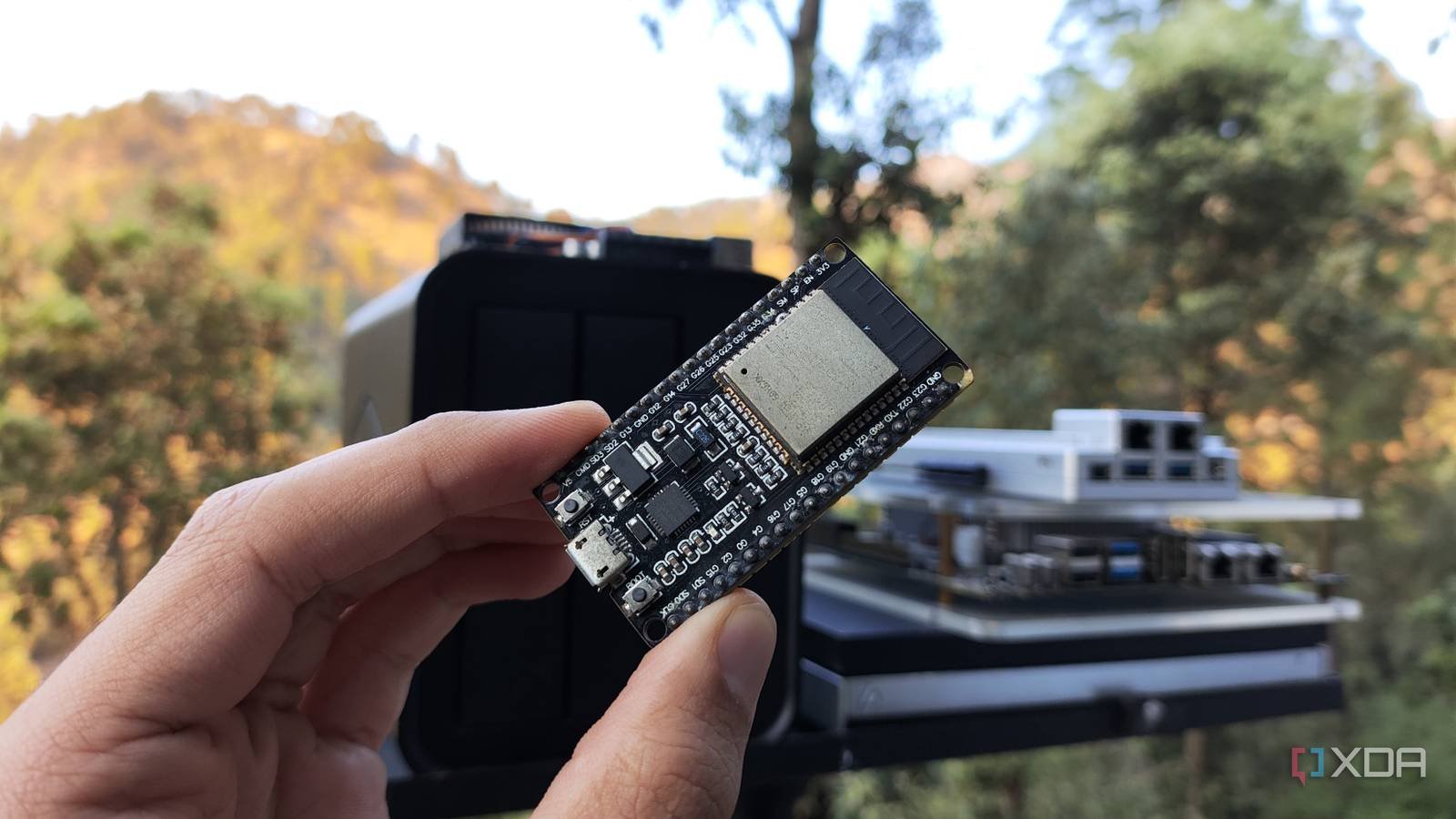
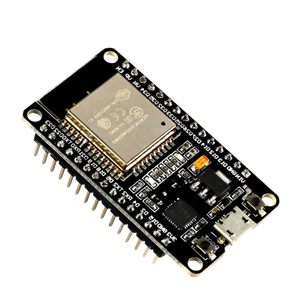
As much as I love single board computers in my arsenal, microcontrollers like the ESP32 have become my favorite tinkering devices for low-power projects during the RAM apocalypse. Now, I can’t use my ESP32 boards for typical computer experiments, but they are fair game for anything involving external circuitry and sensors. Thanks to their wireless capabilities, the ESP32 systems serve as amazing network scanners for my LAN and, with the right automation workflows in Home Assistant, can even control the smart devices in my home lab.
I also have a separate ESP32 that serves as Bluetooth Proxy between my BLE devices and the HASS hub, but it works just as well as a live dashboard when I pair it with an e-ink display. Heck, I plan to buy another one so I can pair it with some presence detection modules and vibration sensors to control Proxmox nodes I have paired it with my central Home Assistant.
- Brand
-
AITRIP
- Connectivity features
-
USB
Dummy HDMI connector
For remote gaming VM shenanigans

Despite the crazy premise, a virtual machine is more than capable of running modern games, but it requires a vital component in addition to a graphics card, access to the host CPU, and excess memory resources. Typical streaming servers need a display for a completely headless setup, and that’s something I learned the hard way during my experiments. A virtual screen can work, but it often involves a lot of tinkering, to the point where I had to give up my Sunshine + Moonlight server and switch to Parsec instead. The other option involves connecting a display to the VM, but my broke self doesn’t have enough monitors for that.

That’s where a dummy HDMI connector comes in handy to trick the virtual gaming machine into thinking it’s connected to a display. That way, I can play my favorite titles at maximum resolution (or as high as my GPU can handle) without installing random virtual display drivers on my remote gaming virtual machine. Additionally, a dummy HDMI adapter is just as useful for remote access tasks when I want to control my mini PCs at full resolution without connecting them to an additional display.
cheap network switches
Not all devices need 10G managed switches

Although I’ve added 10 gigabit functionality to my PC, NAS, and home server, most of my home lab paraphernalia and smart devices still feature 1G ports. Unfortunately, my 12-port switch doesn’t have enough connections to accommodate them all, and that’s where cheap network switches fit into the equation.
Instead of spending hundreds of dollars on a giant switch, I bought some cheap 3-5 port switches that cost about $10 each. While the lack of VLAN support is a bit annoying, I don’t need managed switches for every device and their unmanaged counterparts are more than enough to expand my Ethernet ports.
smart plug
Without a doubt, the best addition to my home laboratory.

Compared to everything I’ve mentioned so far, a smart plug may not seem so formidable. I initially bought a couple of these plugs to monitor the power consumption of my Proxmox servers, and thanks to them I was able to compare different power settings and choose the right combo for my workstations. However, combining them with HASS brought to light their true usefulness.
I have created HASS trigger action workflows to ping me if the power diverted by my nodes starts reaching the red zone. Likewise, I set up automations that send a shutdown signal to my secondary nodes upon detecting long periods of inactivity, and setting everything up was a piece of cake thanks to the QoL integrations in the Home Assistant Community Store.
Some more recommendations for hobbyists on a limited budget

If I remove the $10 limit on equipment, there are plenty of other inexpensive devices that blend well with typical home labs. For example, cheap KVM switches can cost around $25, and when you have as many servers as I do, being able to swap the same set of peripherals between them is really helpful when things go wrong. A Bluetooth dongle is really useful for Home Assistant equipment that doesn’t support this functionality, while a cheap Ventoy-equipped flash drive can let you switch between distributions without needing to flash it multiple times.



