
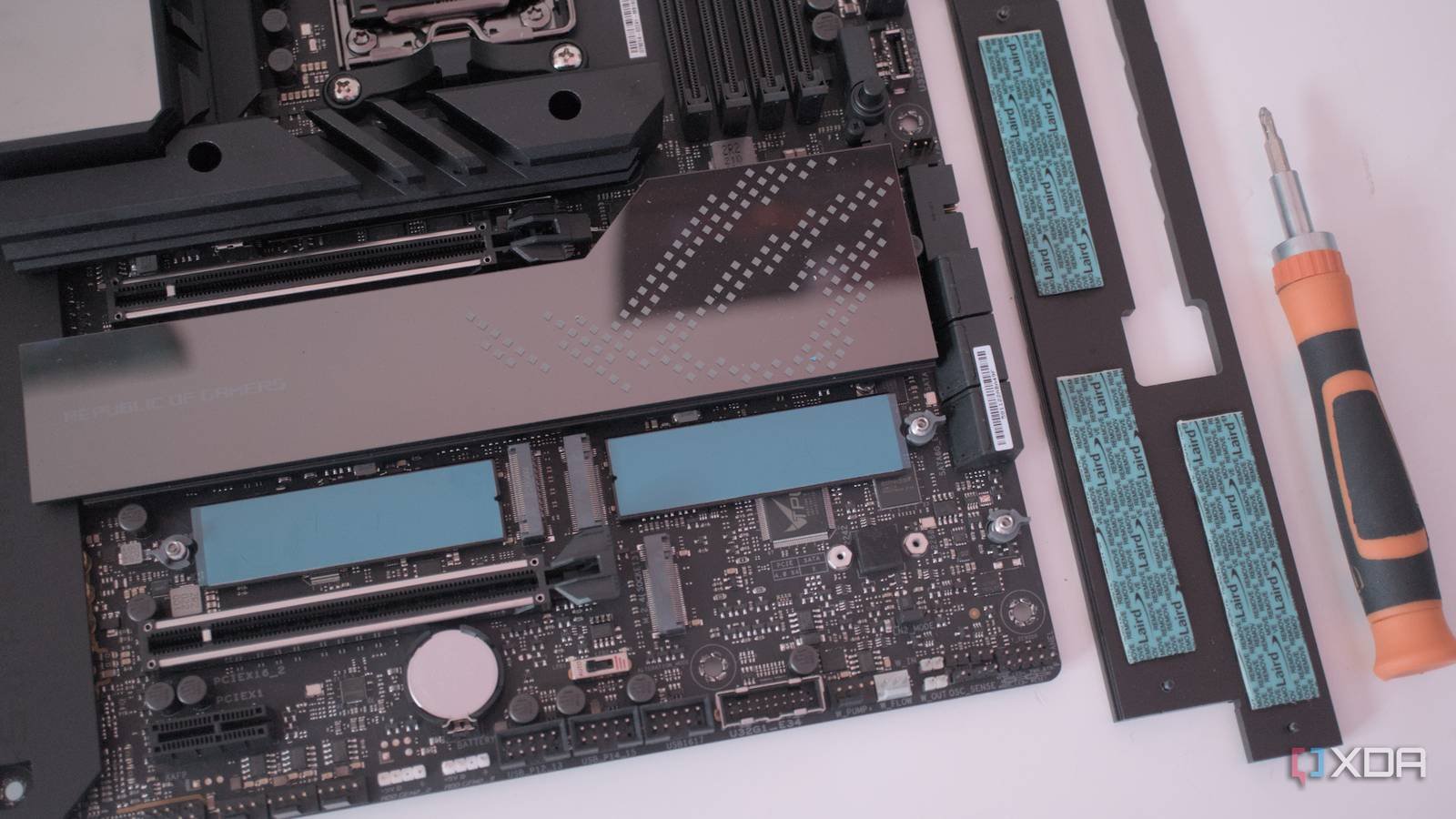
PC storage upgrades are some of the easiest to make, especially since the dawn of M.2 drives. You start with a capacity, check NAND type and maybe PCIe versionand then add to cart. This is great if you have an open slot and are willing to spend a few extra dollars on high-capacity, high-speed drives, but there are alternative options, one of which is U.2 drives.
U.2 is not new and it is not obscure in all contexts. In enterprise data centers, for example, it is a very well-established standard used in conjunction with SATA and SAS. But in the desktop PC space, it’s rarely thought about. That’s a shame, because U.2 can be a legitimate storage upgrade option that can offer higher capacities at a reasonable price, especially if you buy it used.

What really is U.2?
An attempt to combine the best of multiple standards

U.2 is a storage standard developed for the server and data center market. The original goal was to create something that could deliver the speeds of NVMe over PCIe while also being physically robust and hot-swappable, and they were extremely successful. U.2 drives look a lot like SATA drives and at first glance you wouldn’t be wrong to confuse one with the other, but the connectors are really different. U.2 communicates using the same protocol as M.2, just in a different form factor, so it’s actually nothing like SATA except in appearance.
Because it is an enterprise standard, U.2 drives have specifications that are very different than consumer drives. They have much higher endurance ratings, their thermal design is a bit more robust, and they have power loss protection, just like SAS drives. For workstation use, they’re a really solid choice, but even for a gaming PC they can be a handy upgrade with the right setup.

U.2 deserves a look for your next storage upgrade
The value proposition can be difficult to match

Buying a new U.2 drive is not the value. There are new U.2 drives, but they are primarily aimed at the enterprise market and are priced accordingly, often well above standard M.2 drives. The real opportunity is in the used business market, where units like the Intel P4500, Intel P4600, Samsung PM983 and Micron 9200 series are appearing at really competitive prices.
Data centers update their hardware in cycles that have nothing to do with the health of the disk; A U.2 SSD removed from a server after two or three years of use could have consumed a fraction of its nominal endurance and ends up on platforms like eBay or specialized resellers for well below its original price in capacities that would cost several times more in a consumer NVMe drive. A modestly worn 1.6TB or 3.2TB U.2 enterprise drive can have tremendous value for a video editor, 3D artist, gamer, or anyone who works with a lot of data on a regular basis.

U.2 will not be the right choice for everyone
They are also difficult to find.
The first obvious disadvantage of U.2 is the lack of support that comes included with consumer motherboards. Using a U.2 drive on these boards requires the use of an adapter, which can come in the form of a PCIe or M.2 expansion card. They are relatively inexpensive and widely available, but they add a bit of cost to the setup. Native U.2 expansion appears frequently on workstation boards, so if you’re running a WS board of some kind, there’s a good chance it already supports a U.2 drive.
On the BIOS side, most modern boards will handle detection automatically, but it’s worth confirming that the relevant PCIe slot or M.2/U.2 header is set to NVMe mode rather than SATA. If you are using an adapter in a slot that requires branching, you may need to enable it in the BIOS settings, but your motherboard manual will tell you if this is actually necessary.
The other consideration is the purchasing process itself. Purchasing hardware used in data center upgrades requires a little research and some basic verification steps. Unit condition can vary somewhat, some firmware can occasionally be sensitive outside of a business environment, and as with any used product, not all listings are accurately described, especially if you are purchasing on a marketplace like eBay. This is not a reason to avoid the market completely, but to enter with a little extra preparation. They’re also not particularly easy to find: in the short time I was searching for deals on reputable sites, most of what I found were out of stock listings.

A niche worth knowing
U.2 is not a conventional upgrade pathnor will it ever be, but it is an option often forgotten by users looking for storage at a bargain price. M.2 will always be the best supportedIt’s a more convenient option, but for builders who are willing to put up with a little extra friction in the purchasing and installation process, U.2 is a genuine path to more capacity.



