
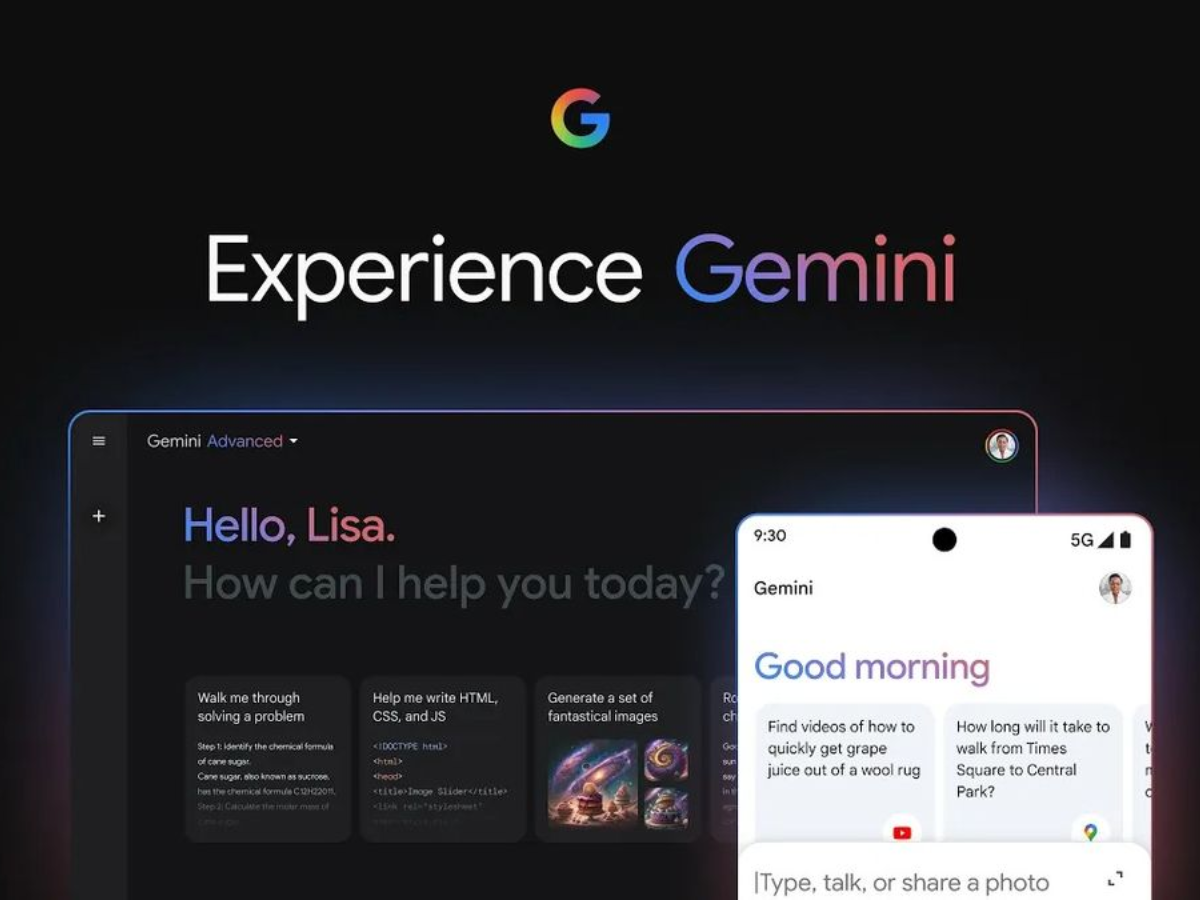
Google has freed a native Gemini app for macOS, now available in gemini.google/mac or in the Mac App Store. The application requires macOS 15 Sequoia or later and supports all languages Gemini is currently offered in. It is globally accessible.
Designed to be used from anywhere on the system without switching browser tabs, the app can be launched by pressing Option + Space from any context on the Mac.
What the Gemini macOS app can do
macOS App Features screen sharing capabilities which allow users to share a specific window with Gemini for context-aware assistance. Google’s example use case involves sharing a chart or data sheet and asking Gemini to summarize the main points directly from what’s visible.
The app supports uploading local files and integrates with Google Drive, Google Photosand NotebookLM. It also provides access to creative tools, including nanobanana for image generation, Veo for video creation and lily 3 for music production, all accessible within the application.
macOS requirements and where to get it
The app requires macOS 15 Sequoia or later. Users running older versions of macOS will not be able to install it. It is available worldwide through the mac app store and directly from gemini.google/mac.
The release brings Google’s native macOS app along with OpenAI’s ChatGPT and Anthropic’s Claude, both of which have been available on the platform for some time. Google has not announced when a desktop version of Windows might be released.




