
Summary
-
You can create a privacy-first security camera with Raspberry Pi Zero 2 and open source firmware.
-
The project includes end-to-end encryption, on-device machine learning, encrypted push notifications, and OTA updates.
-
Join the waitlist for pre-production units or create one with the project setup guide.
If you really want to make sure no one is spying on you through your home security camera, the best way is make one yourself. Unfortunately, going from scratch to creating a privacy-first camera system is no easy feat. The good news is that there are many experts who have done all the hard work for you and you just need to follow their steps.
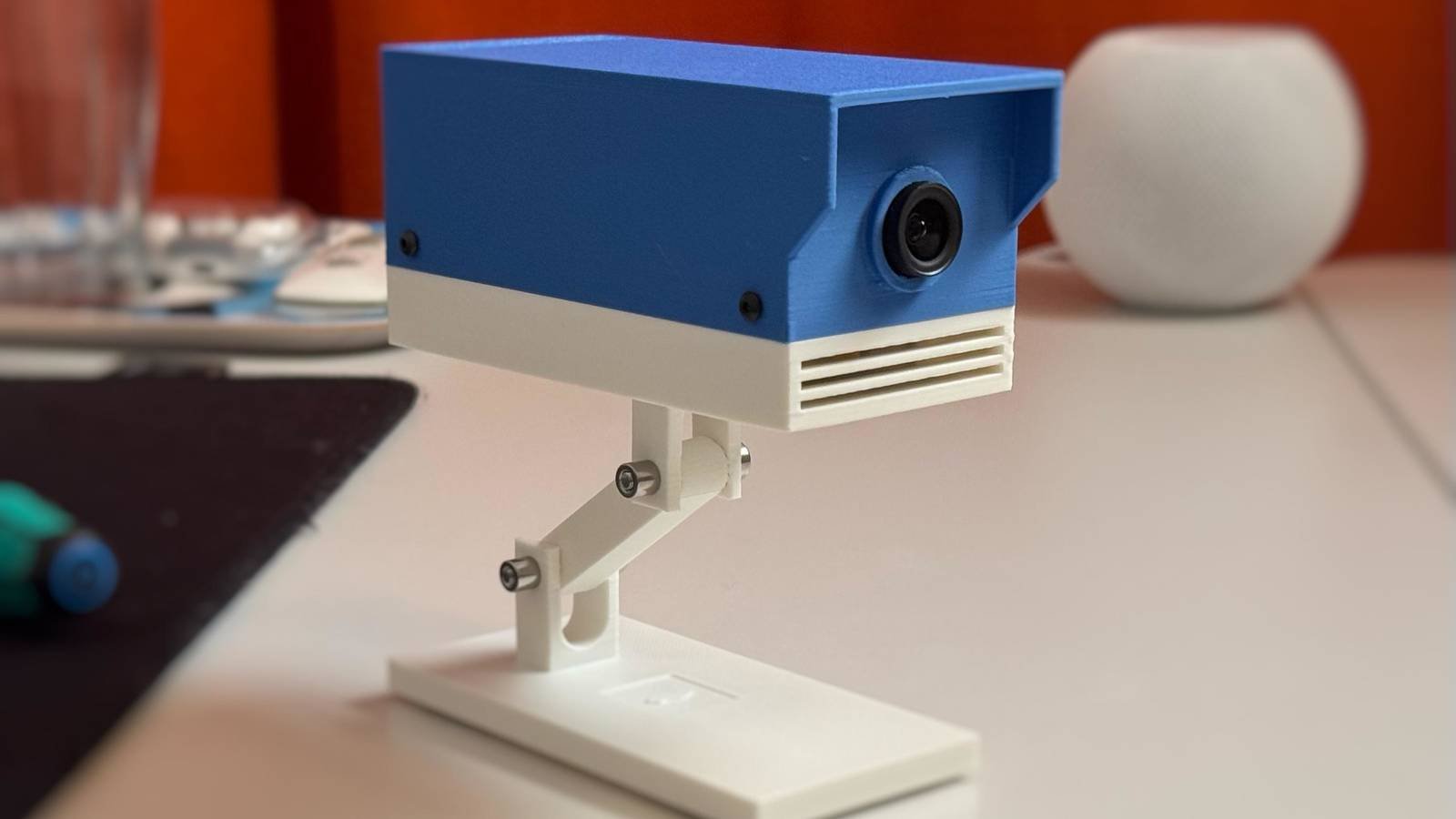
Such is the case of this 3D printed camera, which according to its creator is very respectful of your privacy. If you want one, you can submit your name to receive a pre-production model to try out; However, as long as you’re okay with finding or printing your own shell, you can make one at home using the camera setup guide.

You can also make this homemade security camera at home
Or you can apply to be one of their first testers.
Beyond the Raspberry Pi subreddituser therealPaulPlay has published the second prototype of his latest project. Titled ROOT Observer, this camera combines a Raspberry Pi Zero 2 with a 3D printed case, and its manufacturer claims to put your privacy first.
This is how its creator describes ROOT Observer’s security features:
I have spent the last few months creating the open source firmware and application to power this device. It enables end-to-end encryption, on-device machine learning for event detection, encrypted push notifications, OTA updates, health monitoring, and more.
The camera is a standalone device that connects to a dumb relay server that can’t decrypt the messages being sent. This way, it works from the first moment.
The creator has opened a waiting list for people who want to be included in the first wave of pre-production unit testing. If you want that, go to root websiteClick “Email Waitlist” and see if you can reserve a spot.
On the other hand, if you have a Raspberry Pi Zero 2W, a camera module and a micro SD card larger than 32 GB (the more space, the better), you can head to the project setup guide and make one yourself. Unfortunately, the creator is still fixing issues with the shell STL files, so you’ll have to find or create your own hosting. However, the guide should get you up and running with the core of a privacy-based security camera, and the creator states that there are “many designs (for example, in the Bambu app) that work well for use with ROOT software.”



