
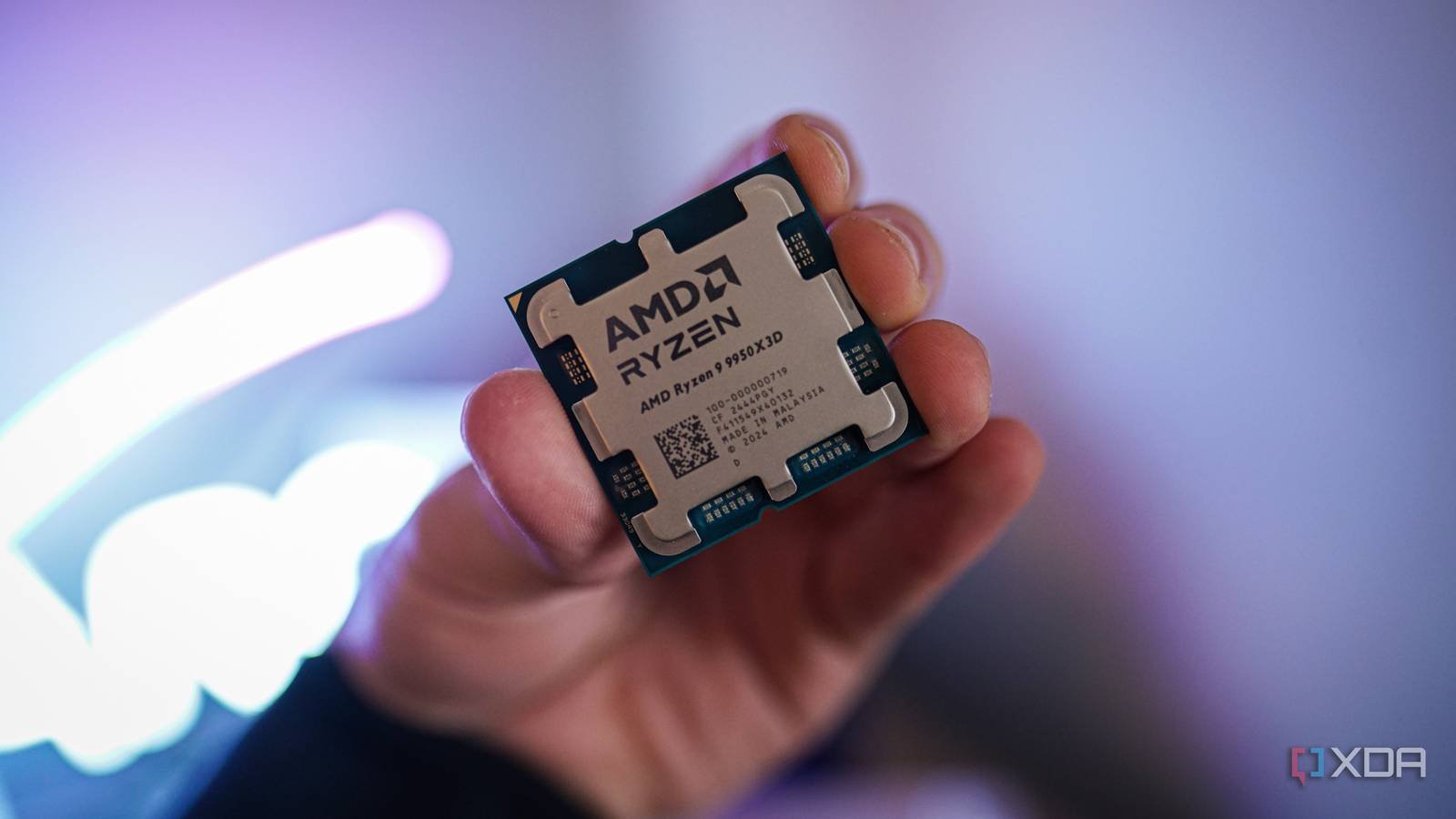
RAM speed is one of those specs that most of us obsess over once the CPU and GPU are sorted. You might have a standard DDR5-6000 kit in mind for your build, but the moment you see a listing for a DDR5-7200 kit or higher, it’s hard not to feel like you’re leaving performance on the table. After all, when you’ve already spent good money on a high-end CPU like the 9800X3D or 9950X3D, it doesn’t seem right to pair it with something that looks average on the spec sheet.
But as someone who has used Of course, that doesn’t mean you don’t need to enable XMP/EXPO, but once you’ve hit the sweet spot, you’ll be paying more for diminishing returns that you may never notice while playing. Most of this is due to the huge amount of L3 cache on these CPUs.
Huge L3 cache reduces how often the CPU needs to rely on RAM
The main reason X3D CPUs excel in gaming is that they keep more game data closer to the CPU cores. DDR5 may be very fast, but it’s still no match for the latency advantage of a massive L3 cache sitting right on the CPU itself. Your CPU relies on RAM when the necessary data is not available in the cache, so the more cache you have, the less frequent the need to access slower system memory. This doesn’t make RAM speed irrelevant, but since your CPU doesn’t rely on it as often, it’s not as sensitive to how fast or slow your kit is.
I realized this when I left my 5900X for a 5800X3D to address CPU bottlenecks. When I upgraded, I couldn’t get my 64GB DDR4-3600 kit to run at its rated speed. I had to settle for 3200MT/s to keep everything stable, but despite that, the average FPS and 1% minimums improved significantly because the additional cache mattered much more than the reduction in RAM speed. So if you’re still looking at the DDR5-7200 kit, there’s a good chance you’re overestimating the difference you’ll actually notice outside of the benchmarks.
You’re probably GPU bound anyway
At lower frame rates, your CPU isn’t stressed enough for faster RAM to matter

I’m not against looking at faster RAM kits, but many of you who do so aren’t playing in the type of scenarios where those speed differences really stand out. Most of the time, your GPU is the limiting factor. Even someone playing AAA titles with an RTX 5090 is GPU bottlenecked at 4K, unless they’re deliberately going for high frame rates with DLSS. When you are GPU boundYour CPU simply isn’t under enough pressure for faster RAM to make a noticeable difference to your frame rates.
Since you have an This is why I think gamers are overestimating the real-world improvement they would get with extreme memory kits. It’s hard enough to tell the difference between these kits in CPU-bound scenarios due to the extra cache, so the value proposition starts to become questionable, especially considering how out of touch with reality RAM prices are these days.
Faster RAM is still important for competitive gamers
But again, you’re chasing a 5-10% improvement at best.
Competitive games with very high refresh rates are an area where faster RAM really shines, even if you have an X3D CPU. If you’re trying to hit 250+ FPS in esports titles like Valuing either Marvel RivalsYour CPU is under constant pressure to feed frames to the GPU as quickly as possible. In these scenarios, high-speed RAM kits with lower CAS latency can not only improve the average frame rate but also smooth out the frame rate. It’s also why RAM upscaling tests are typically run at 1080p, because reviewers need to expose CPU bottlenecks to make those differences easier to measure.
On the other hand, you’re looking at just a 5-10% improvement in FPS at best when going from DDR5-6000 CL30 to DDR5-8000 CL38, and that’s at 1080p. At 1440p, which is what most competitive gamers use with high-end PCs these days, those gains quickly shrink because your GPU is more involved. So when you take into account how expensive RAM kits have becomeThere’s almost no point in burning a hole in your wallet for those last few percentage points.
The “sweet spot” is all you need for your X3D CPU
If you have an X3D CPU, the only thing you really need to worry about is hitting the RAM speed sweet spot that AMD recommends. For both Zen 4 and Zen 5, it is DDR5-6000. Yes, CAS latency is equally important, but as long as you have a decent CL30 or CL28 kit, you’re already getting most of what your CPU is capable of doing anyway. There’s no point chasing faster RAM when your CPU has all that extra cache to compensate in CPU-limited scenarios. I can say this with confidence because I downgraded my DDR5 kit to a speed level for stability and didn’t notice any difference in performance.




