

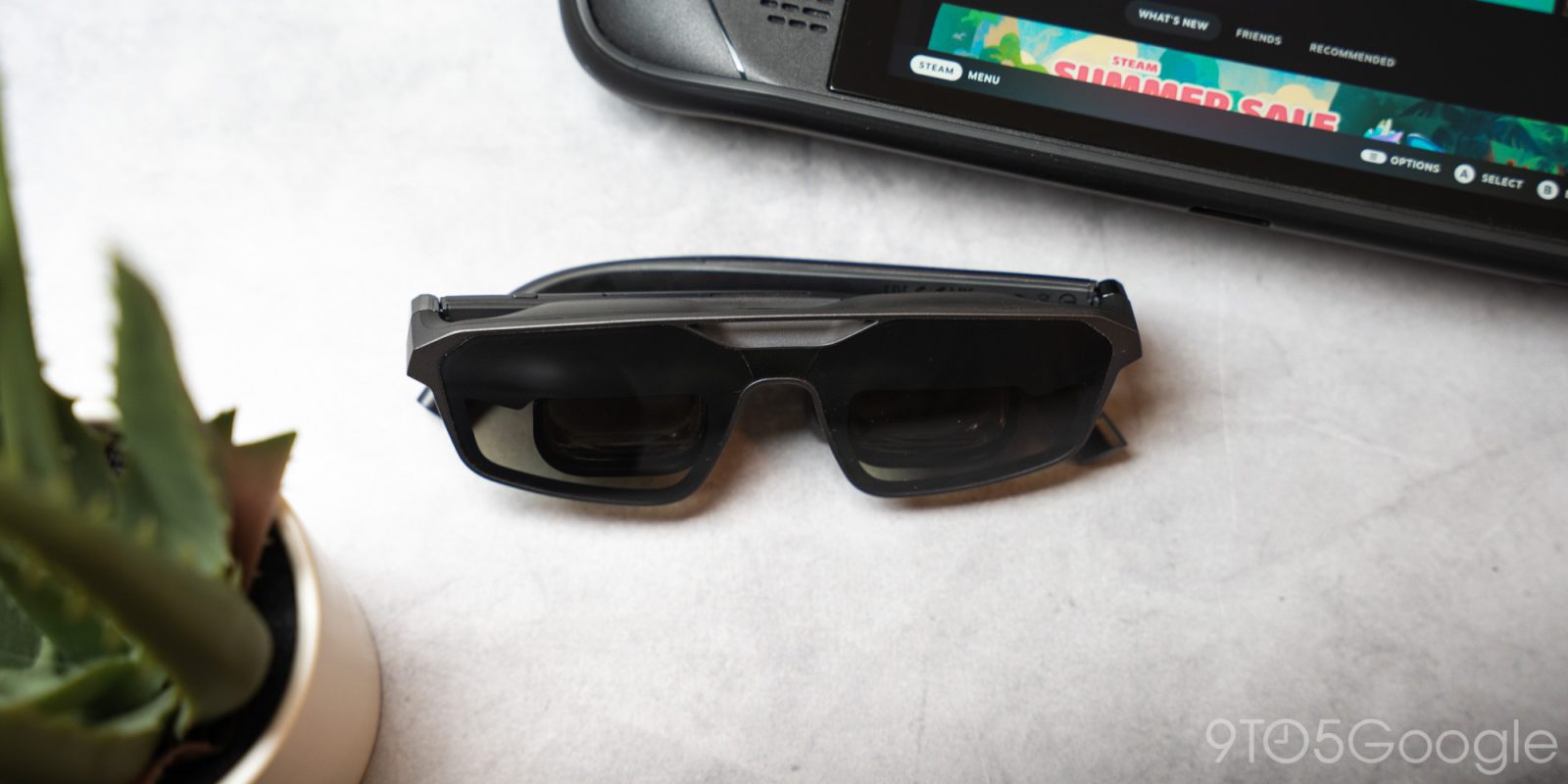
XREAL continues to pioneer the smart glasses form factor, and with the power of Asus display hardware, the ROG R1 is born. The XREAL ROG R1 glasses make a solid companion for mobile games and, to some extent, an option for the home.
The “smart glasses” product category is so new that it is difficult to differentiate between mobile companions and specially designed face displays. Android XR lives in both categories, and options like Meta Ray-Ban display glasses have exploded while Google is still trying to bring its first mobile smart glasses to market.
XREAL lives on the other end of that spectrum. It has produced some impressive AR glasses, although they are mostly aimed at those who need a dedicated tool, rather than a “take anywhere” pair of glasses.
He ROG XREAL R1 AR Glasses fall firmly into that subcategory. They’re intended for gaming, or really any use case that could benefit from a screen for your face, limited by a power cord.
But because of that ROG label and the power that comes from Asus developing alongside XREAL, the ROG R1 offers incredible display power in a surprisingly minimal form factor.
Hardware
Smart glasses are already difficult to develop; Otherwise, we would be inundated with options to choose from. Add a 240Hz micro-OLED display designed for gaming that fits a variety of face and eye shapes, equip it with AR spatial tracking, and you’ve got a real hill to climb.
The XREAL R1 glasses bring those technical challenges to life in the form of what look like slightly oversized sunglasses, and not just at first glance. Behind those two tinted curtains are two optical elements that focus a 1920 x 1080 screen into the frame.
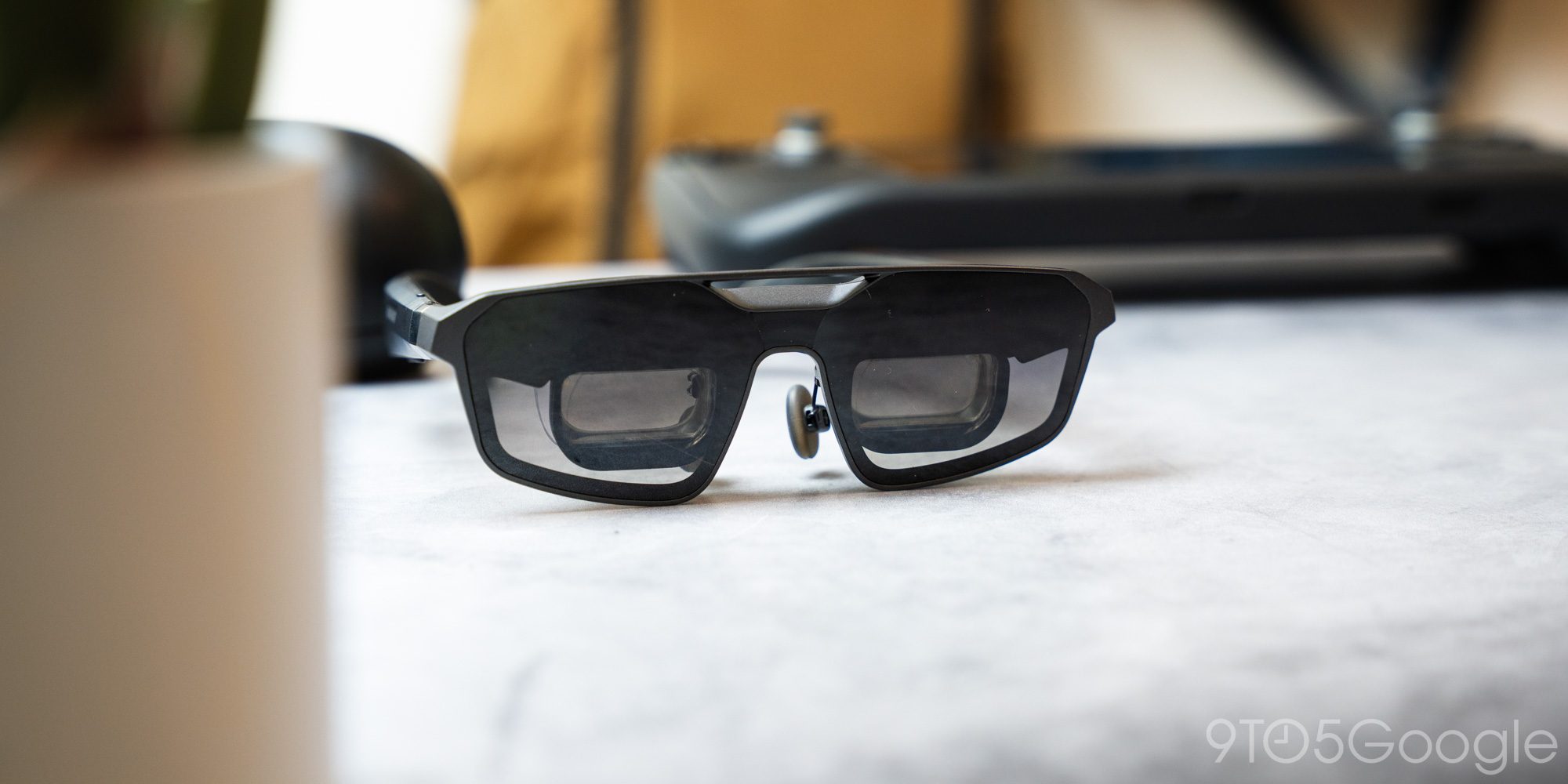
XREAL says the ROG R1 glasses project a 171-inch virtual screen at 4 meters, although it’s hard to confirm it really feels that way. There are several combinations you can play with, ranging from a virtual screen 1 meter in front of you at a bit more full screen, to an image about 10 meters away.
The real reason the distances are adjustable is to make use with other screens and the surrounding environment more comfortable. Imagine using a desktop screen and trying to focus on a huge screen 30 feet away and work with both screens. Your eyes repeatedly focus between near and far, which is exhausting. By setting the R1 display at a similar virtual distance to your surroundings, little effort is needed to transition focus.
Electrochromic lenses facilitate that transition. With the touch of a button or when you look away in “anchor mode,” the sunglasses lenses change from tinted to almost clear. They’re still shaded at the lowest setting of three, but it’s enough to see another screen in front of you or your surroundings.
These days, they wouldn’t be smart glasses without speakers in the arms. The controllers are powered by Bose and certainly make a surprising boom considering what they are. In fact, I’ve always been impressed with the quality of sound that comes out of the arm speakers and the volume they can reach. That’s not to say they will replace your gaming IEMs or dedicated speakers, but they are a solid integrated option. A pair of wireless headphones wouldn’t give you much benefit in most circumstances.
Comfort
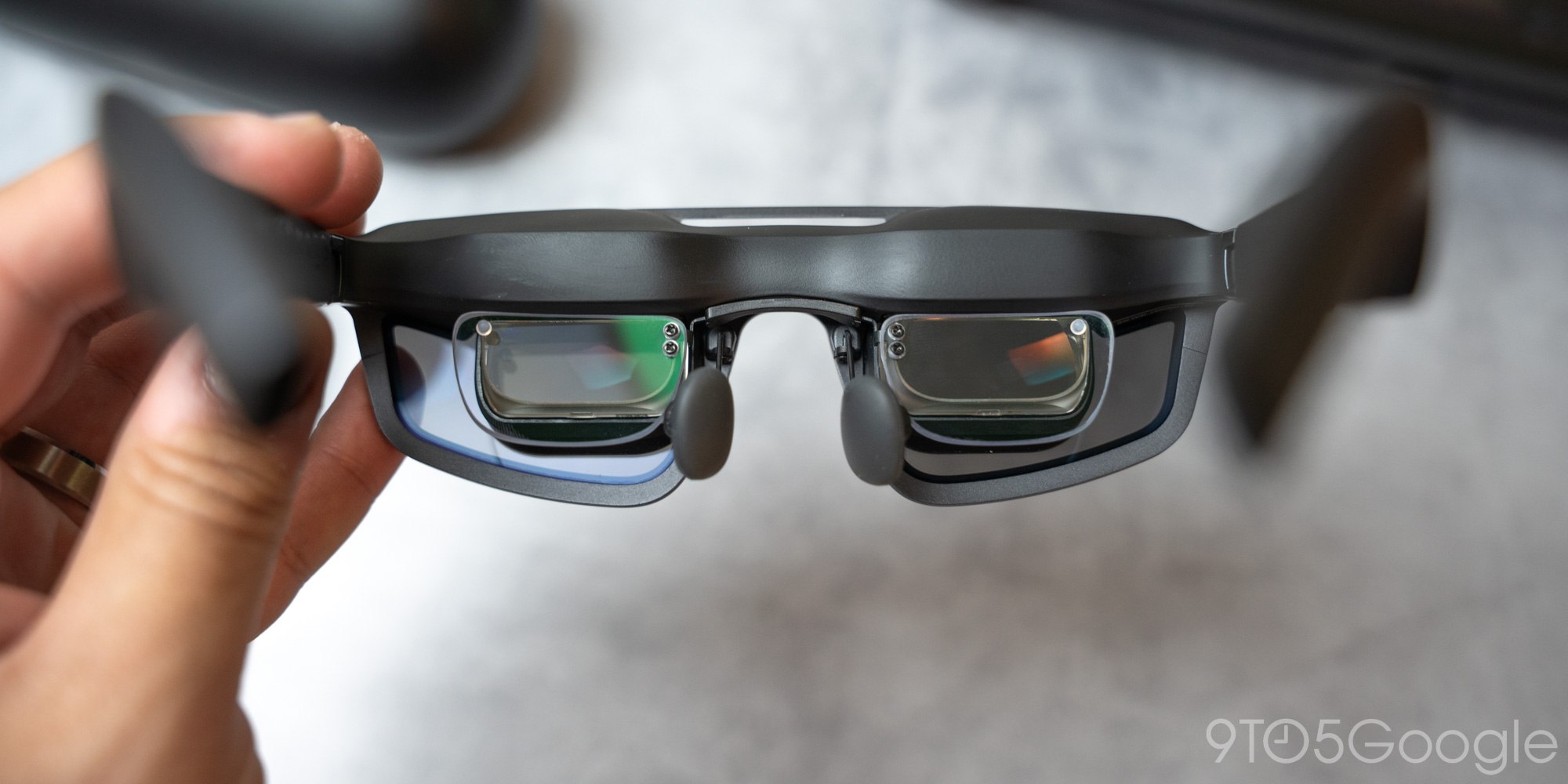
Glasses have two main contact points: the ears and the bridge of the nose. XREAL includes three nose pad options in the box to mark the distance between your eyes and screens. You’re looking for a pretty snug fit and I had no problems getting it with the pre-installed nose pads.
Your ears also play an important role in how ROG R1 glasses perform on your face. Two points of articulation on the arms address that. Not only is each arm spring-loaded to expand outward, but a stepped hinge lets you tilt the arms up and down, effectively moving the angle at which you view the screen. In my case, that meant pushing the arms all the way down so the screen was visible somewhere lower.
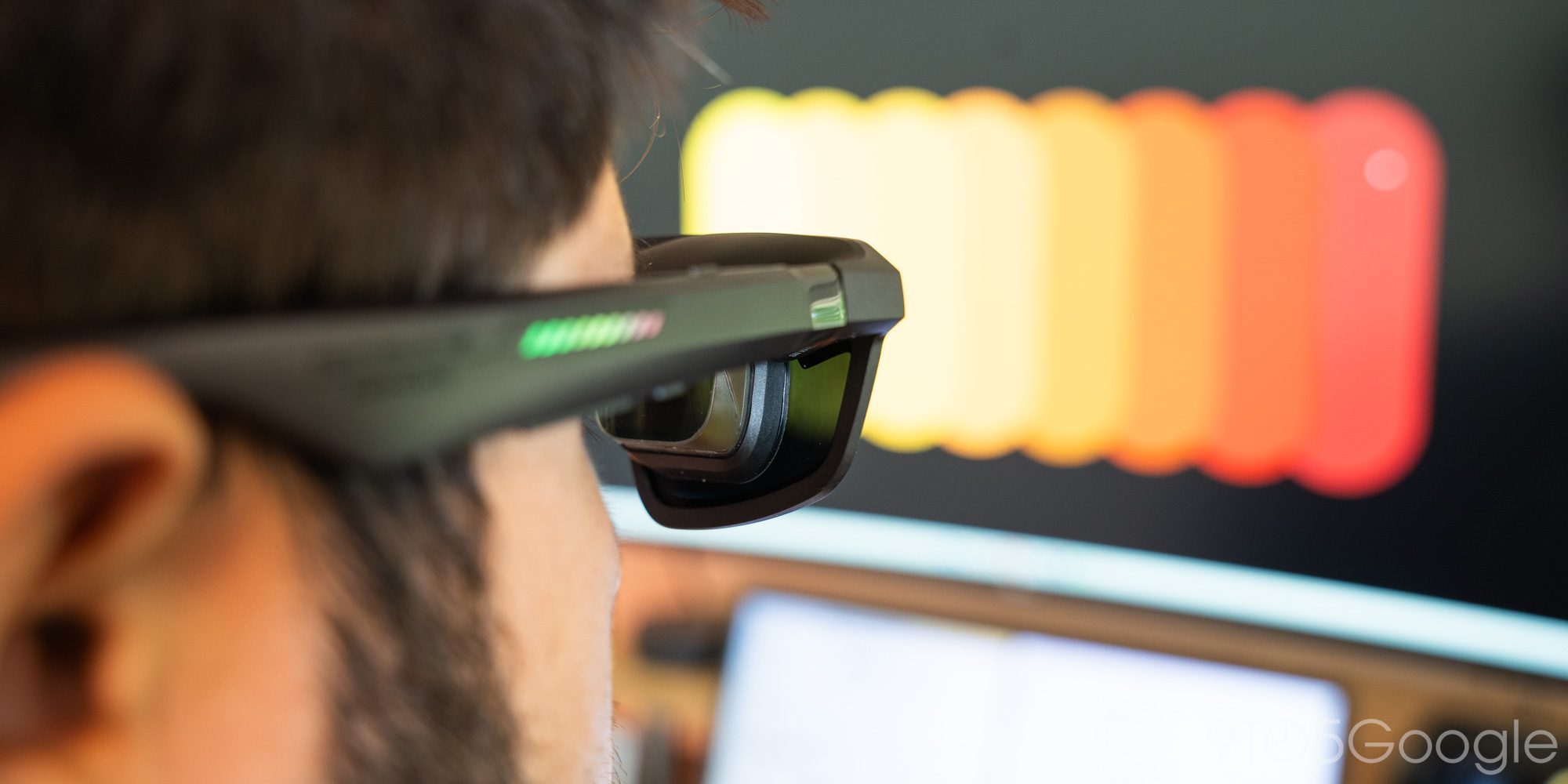
The problem with this type of lenses in the field of vision. They’re essentially little prisms that show you content in a small part of your vision, and aligning them perfectly is a huge part of overall comfort. On paper, the 57-degree field of view gives plenty of room for your eyes to wander, but it can still feel strained.
Between positioning the nose pad and having a pair of lenses at the proper angle, getting the position right is much easier than I’ve experienced with previous versions of display glasses.
When you do it right, the glasses disappear from your face. At least that’s how it feels.
They don’t weigh much at 91g, which lends itself to extended use. They also appear to rest along the brow line, as there is a bit of extra material built into the glasses to distribute what little weight there is.
XREAL also offers the option to add prescription lenses, which is non-negotiable for glasses wearers like me. When created accurately, it gives users who need them an easy and perfect plugin for maximum accuracy. There are also IPD settings within the glasses’ operating system, but you must get the correct frame size when you order them.
Performance
There are two ways to power the glasses and neither of them means you can realistically connect a battery for standalone use.
The ROG R1 can run on the included hub or via a direct USB-C connection. The hub lends itself to better performance because it draws power through a USB-C connection and an AV signal through HDMI or DisplayPort. If you’re using the ROG XREAL R1 glasses with a PC or on your desktop, this is the way to go.
Of course, the direct USB-C option works for portable gaming, and that’s where the glasses shine. The partnership with XREAL and Asus means the glasses are marketed as a perfect option for the ROG Ally handheld, but can actually be used with other options like the Steam Deck or a laptop. Anything that can output a video signal over USB-C will work.
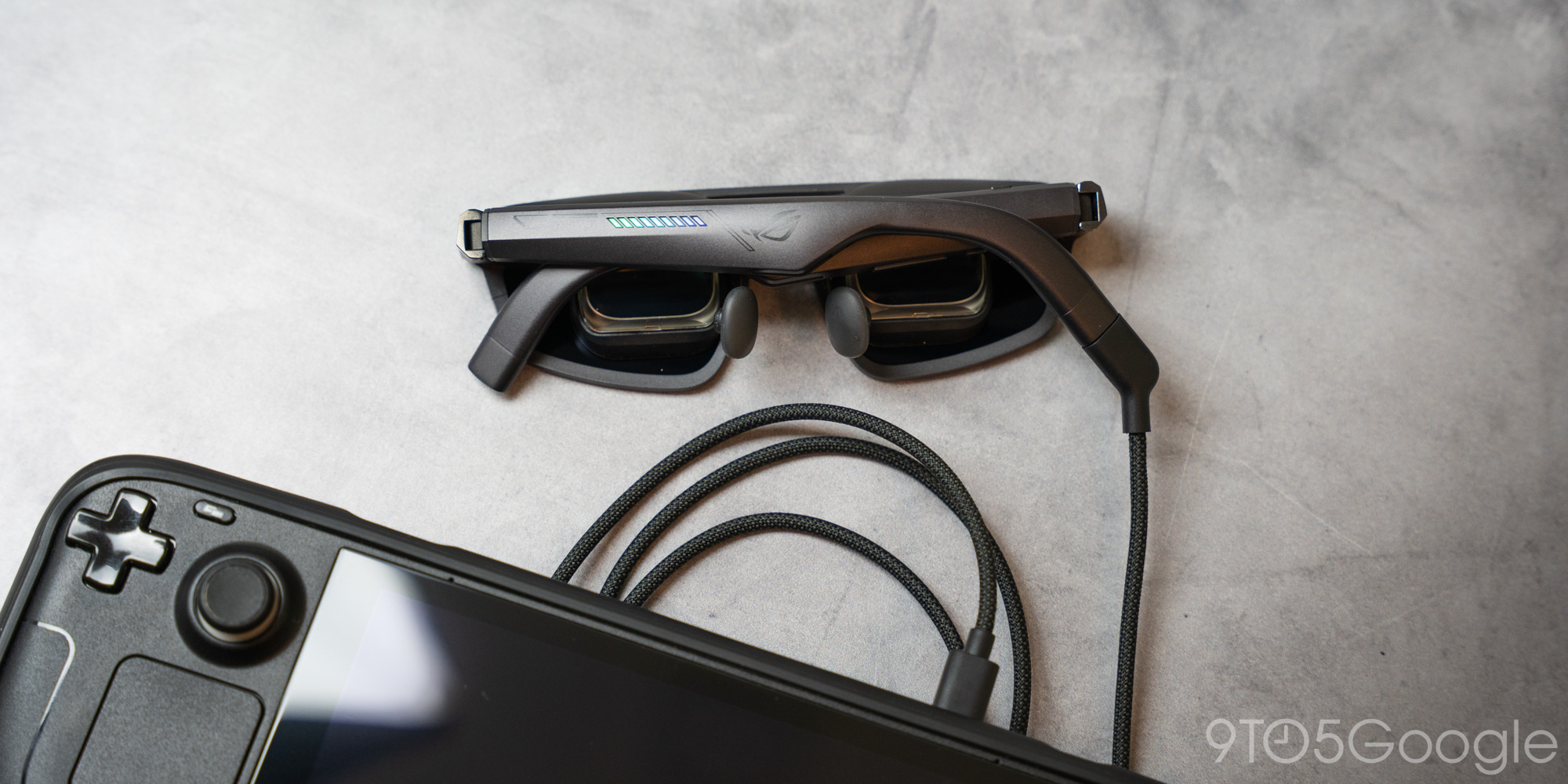
On ROG Ally, all the controls you get with the hub can be accessed through your handheld. For any other device, you must use the hub to access options like Tether Mode or the headset buttons, if you’re using USB-C to USB-C.
The performance of the glasses really depends on the device used to power them. On something like the Steam Deck, you can’t expect a fantastic experience simply because of the limitations of the handheld’s hardware. This is only made more difficult by the lower resolution of the native display, which means the hardware needs to work harder to generate a 1080p image.
Playing heavy games like Horizon: Zero Dawn got me between 45 and 60 fps with quality-focused graphics. Sure, the textures aren’t incredibly sharp and there are strange artifacts that indicate optimized titles, but I had a much better experience than I expected. In less demanding titles like Risk of Rain Returns, I found myself sinking hours into the game that I might not have done without the glasses.
Without the dock, setup couldn’t be much simpler than it is: plug the glasses into the USB-C port and start playing. It depends on the handheld, but it’s really plug-and-play. The Steam Deck has been a good experience, but something like the Switch 2 just doesn’t work. In theory, you could connect the glasses to its dock and then connect HDMI from the Nintendo Switch dock. At that point, it’s not a convenience.
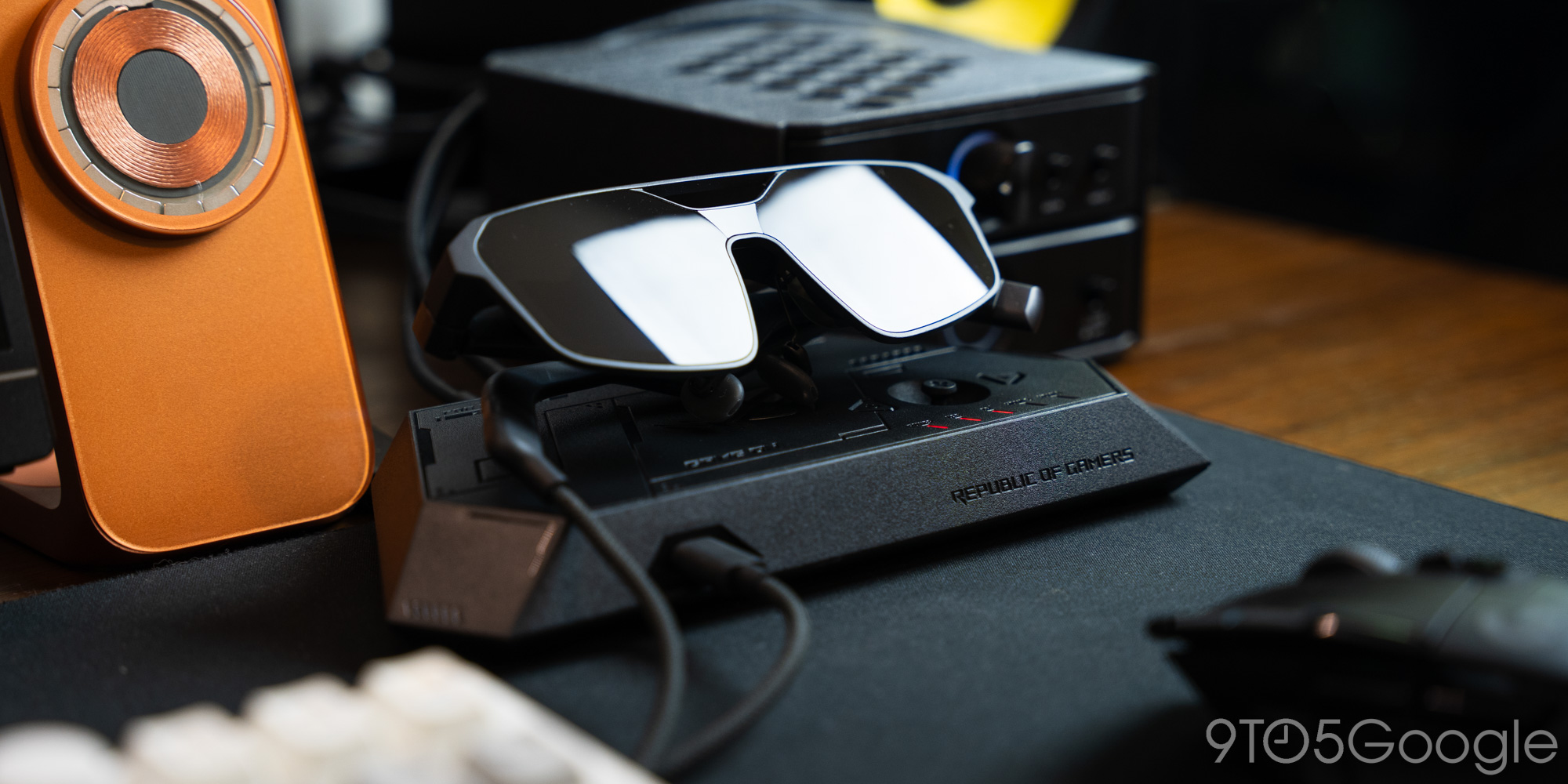
ROG R1 glasses work on my PC impeccably. With a standard 16:9 image at full resolution, I get a constant 120 frames per second, which is exactly what you’d expect.
XREAL and Asus say the ROG R1s are capable of 240Hz, and technically they are. The way to achieve that high refresh rate is by activating image enhancement. It is essentially a generation of cadres on board. Screen response is doubled, but the trade-off is a slightly blurrier image.
The problem with that approach and announcing that the glasses are 240Hz capable is that one might expect a 1080p image, period. Turning on Frame Rate Boost breaks up that 1080p image. It’s still playable, but the text isn’t as clear and it doesn’t feel like a true high-resolution experience.
Immersive visualization
A couple of different display options make the experience a little smoother. First, Anchor Mode brings some of that AR technology into play. Adds head tracking so you can anchor the screen in virtual space. It works so well that using it as a kind of virtual monitor in addition to other displays feels strangely natural.
When I look to where I should be in space, the crystals become tinted and come into view. It never moves and is always where I left it. When I look down, the lenses lose their tint and my main monitor is clearly visible through the lenses.
To be honest, that method is a bit overkill for my use case. But if I wanted to add an extra gaming monitor to my laptop or keep things to a minimum, it makes sense.
When Anchor Mode is off, the screen follows you wherever you go. It works well for traveling, but I found that Anchor Mode allows me to put the virtual screen in one place, make it as big as possible, and look around more comfortably with my head and eyes.
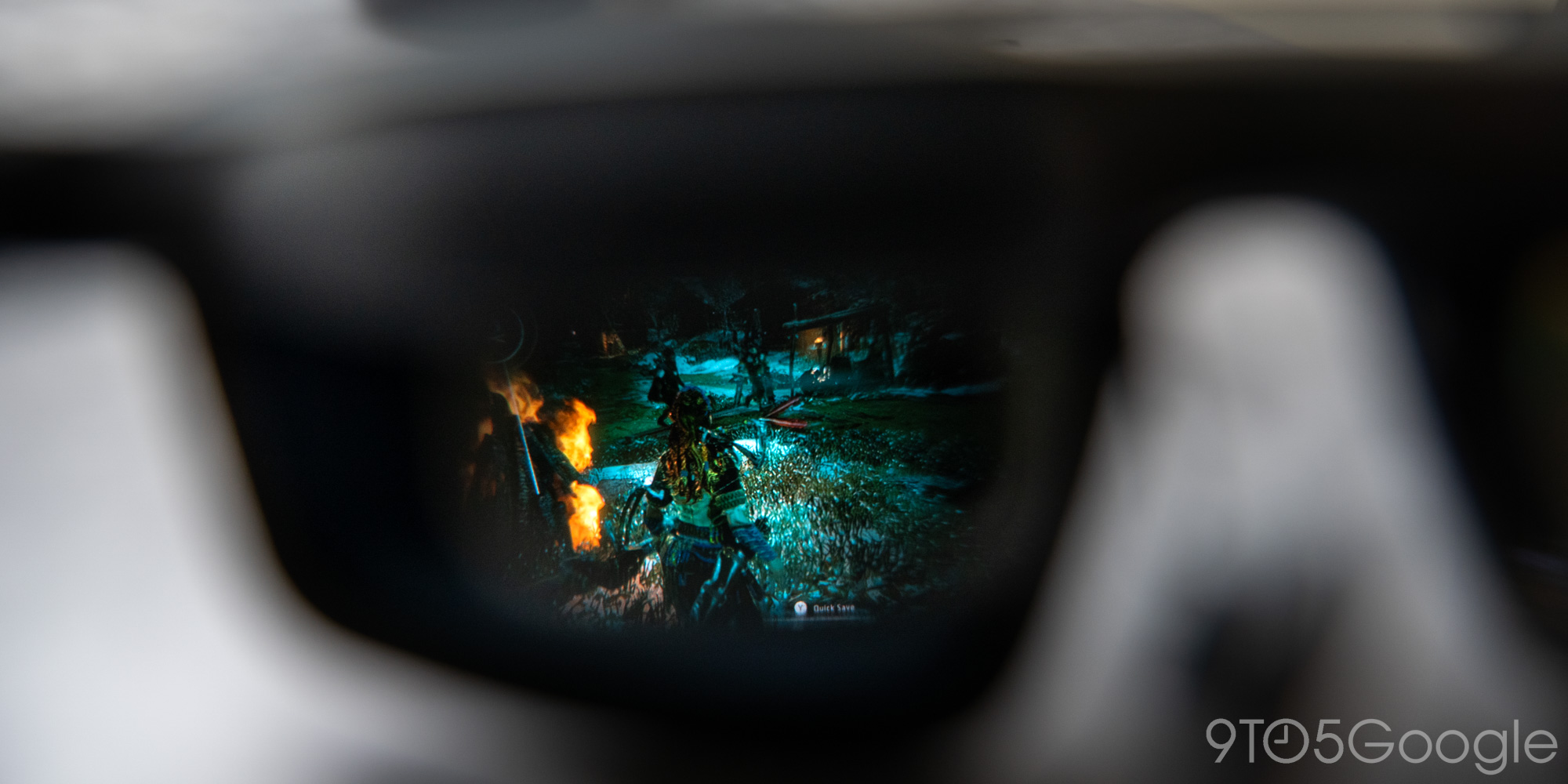
That’s where I find the ROG R1 reaches its limits. At full size, with an image that fits your entire field of view, the glasses give you something like a 27-inch monitor a couple of feet in front of you. Still, it’s still not as smooth as 1440p; Anything larger falls out of sight and you have to move your head to see everything, or the edges start to vignet and content goes out of focus.
Final thoughts
I could see the ROG XREAL R1 glasses being used in a variety of use cases, however specialized it may be.
First of all, I think portable form factors really benefit from something like this. As long as hardware limitations are taken into account, the glasses become a much larger second screen. Even from a comfort perspective, you don’t need to crane your neck while traveling and you can recline without having to hold a screen in front of your face.
Even for PC users, I could see the ROG R1s being a nice addition. Of course, if you have a 1440p monitor larger than 24 inches, it may not make much sense. But you could incorporate these glasses into a stealth setup that allows you to use PC hardware and the glasses without a screen. Or, you can use a gaming PC as a power source and get into a comfortable position.
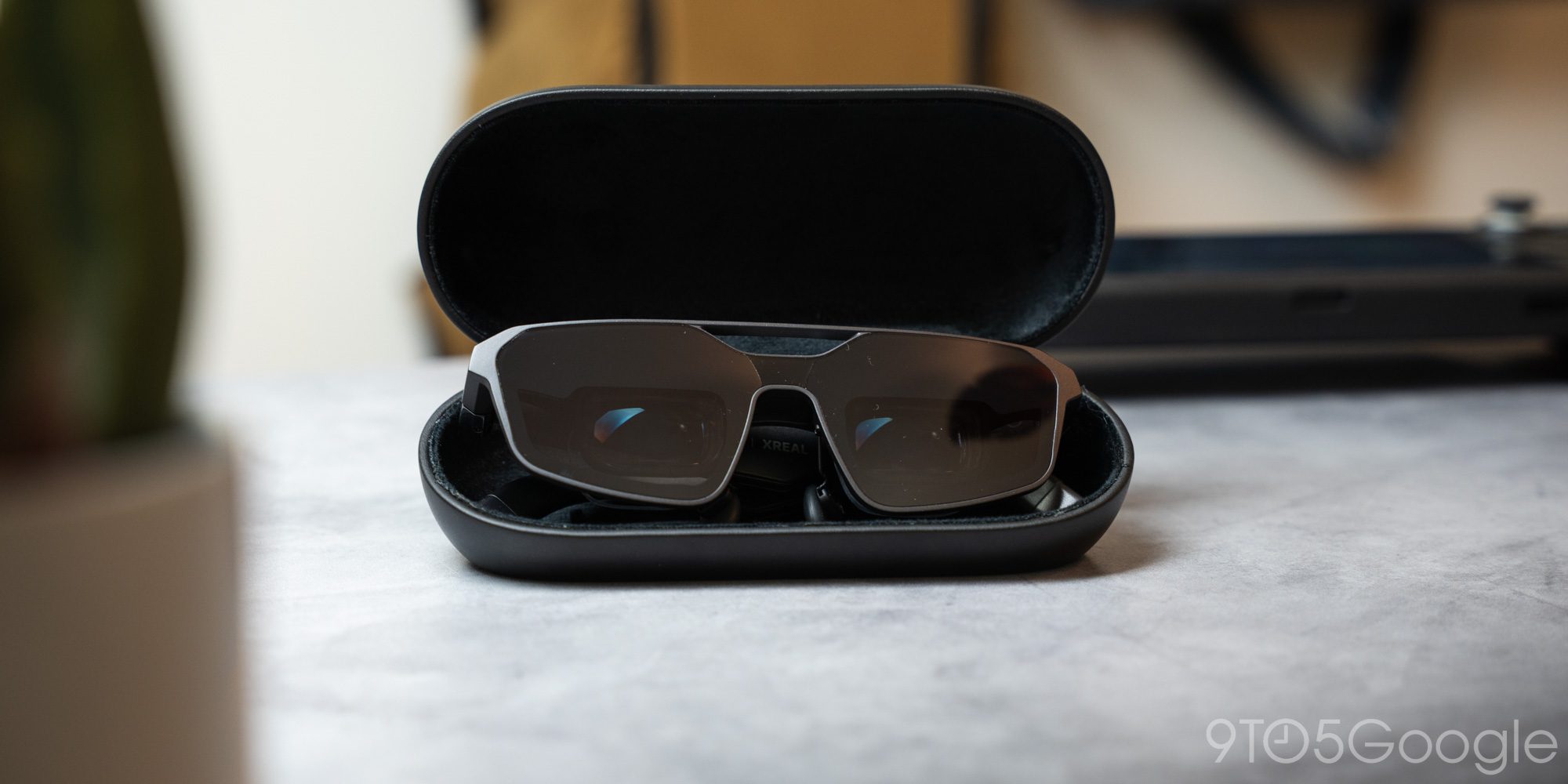
I think XREAL nailed it, to some extent. If I had a slightly wider field of view, I think I’d be completely happy. Overall, though, they look and sound good, and with the right power supply, they’re just another way to see what you’re playing.
He ROG R1 glasses are available on the Asus ROG website, XREAL and other retailers for $849.


FTC: We use automatic affiliate links that generate income. Further.




