
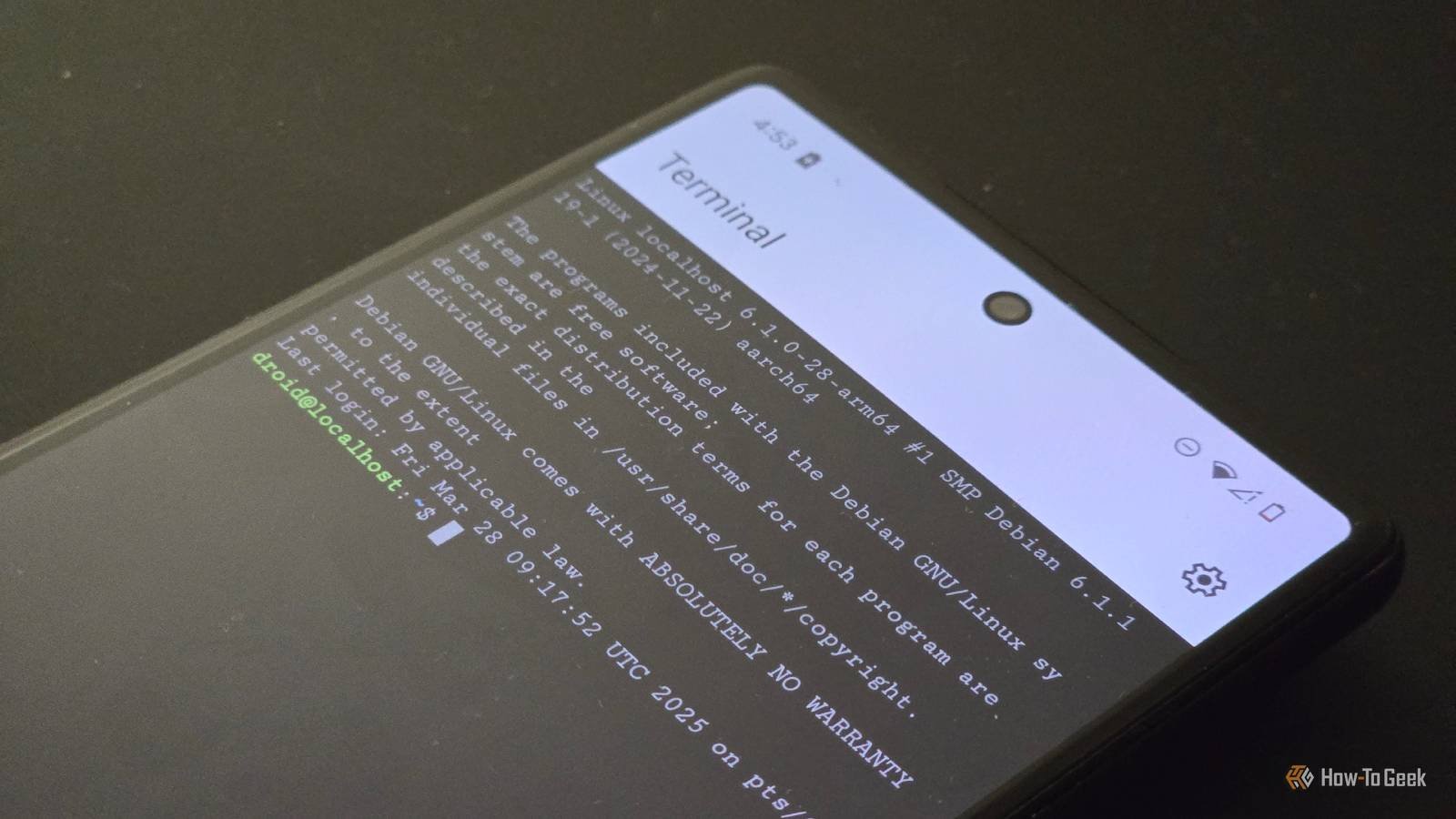

Google is taking advantage of the features of the Linux Terminal app for Android with the recently released beta update, which allows you to change the display resolution of the graphical user interface. Additionally, you now have a ‘Theme’ section in settings, which allows you to import themes for Terminal.
The latest Android 17 QPR1 Beta 1 update brought these features to the Terminal app, as spotted Android Authority. The option to modify the screen resolution of the application’s GUI allows users to find the balance between performance and quality.
The new feature states in settings that keeping the screen resolution at “Full” could degrade performance, while choosing “Quarter” could reduce quality. There is a third recommended option in ‘Half’, which will try to find a balance between performance and quality.
You can find the new screen resolution section in Settings > Advanced. There is now also an option to go full screen as you can simply choose the full screen icon in the bottom right corner of the app.
This follows Android’s first Canary update, which introduced graphical Linux applications in the Linux terminal.
Themes now available in the Android Linux Terminal app
Use standard presets or download your own themes
This new beta update also added a new ‘Theme’ section for the Terminal, creating customization possibilities within the app. While there is a standard, default theme available for light mode, a couple of preset options have been added for dark mode. You can choose a dark theme like ‘Standard Dark’, ‘Solarized Dark’ or ‘Dracula’.
As Android Authority reports, you can also download more themes. There is an option that says “Download more themes” and urges users to download them in Alacritty format. If you tap that option, you will be redirected to terminal colors website, where you can browse and explore different topics.
Google’s progress so far in developing and improving the native Linux Terminal has been steady and positive. However, it is only accessible to those who signed up for the beta and have a Pixel device. For those looking to run Linux environment applications on their phone, the best current public alternative out there is Termux, which offers several practical uses.



