
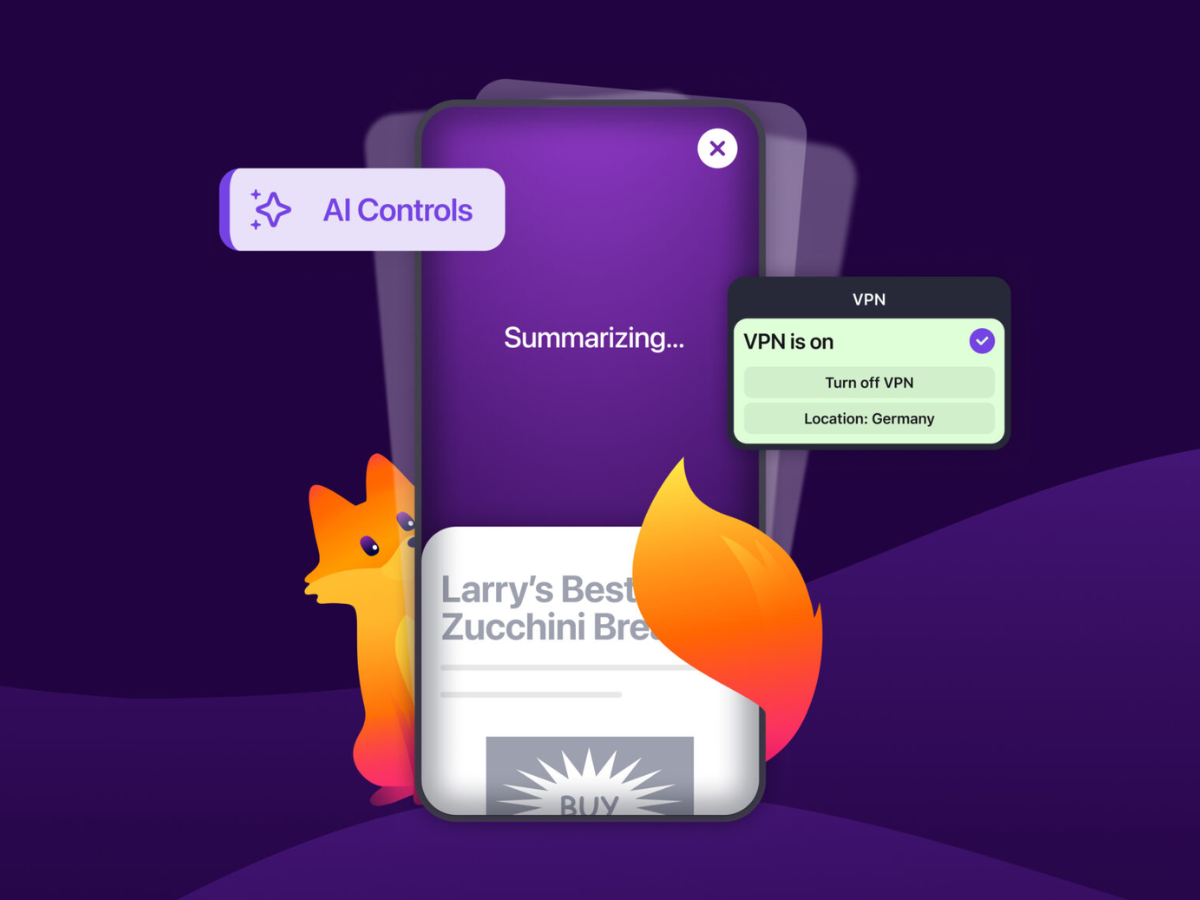
Mozilla has released Firefox 151introducing three notable updates for desktop and mobile users. The new version adds the ability to select VPN locations using the free built-in VPN, expands AI controls on iOS and Android devices, and includes a new one-click reset button for private browsing sessions.
VPN Location Selection in Firefox Free Integrated VPN
(Fountain: Blog-Mozilla)
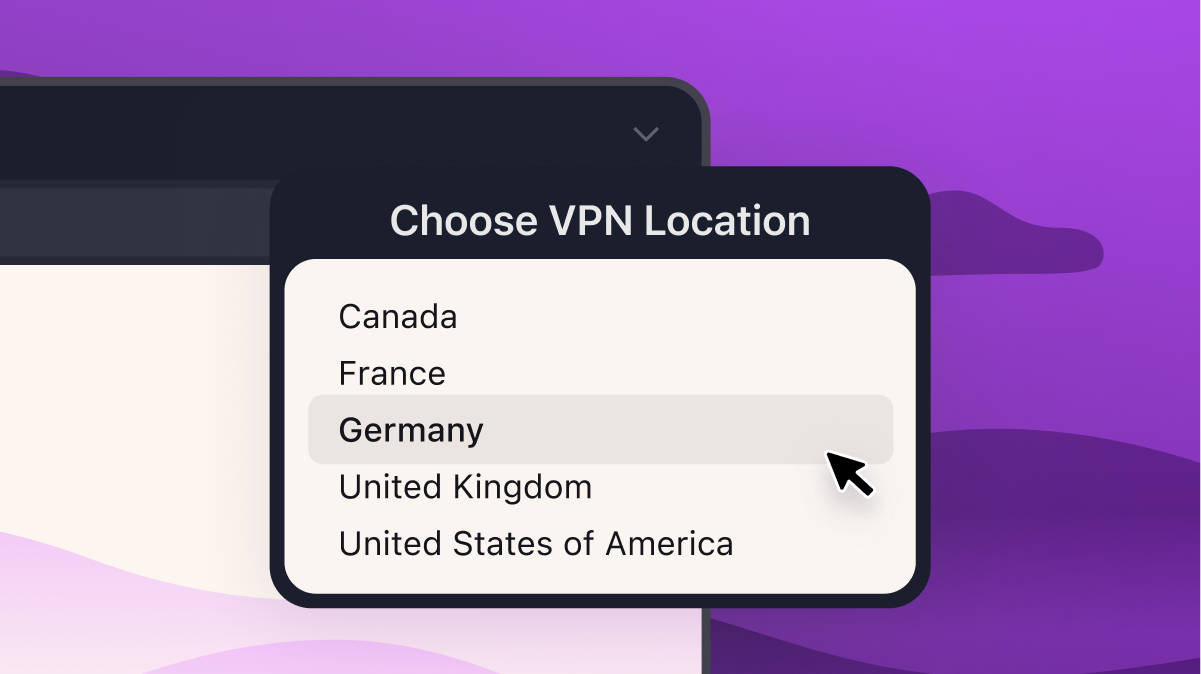
The built-in VPN in Firefox now allows users to select their location in the United States, United Kingdom, France, Germany, and Canada. People in these countries can direct their browsing through any of these supported locations. By default, Firefox recommends the closest location, but users can change it at any time.
Mozilla has said that more locations are planned for future updates. Browsing will still be subject to local laws and content restrictions of your chosen region.
Mozilla also reports that more than one million users have signed up for the free Firefox VPN since its launch about two months ago.
Expanded AI mobile controls in Firefox for iOS and Android
After launching AI controls on the Firefox desktop earlier this year, Mozilla has now expanded its availability to iOS and Android devices. Available options vary by device and region, and include features such as translations, voice search, and Shake to summarize. Users can update their preferences at any time through Firefox settings.
Shake to Summarize, which provides a brief summary of a web page when you shake your device, is now available on Android in English. More languages will be introduced for Android later. On iOS, the feature can be accessed in English, German, French, Spanish, Portuguese, Italian, and Japanese.
One? Click Reset Private Browsing and what comes in Firefox every night
A new flame-shaped button for private sessions now appears to the right of the address bar in Private Browsing windows. Clicking it instantly clears the current private session, including cookies, browsing history, logins, and other session data, and then starts a new session without the need to close and reopen the browser.
Firefox is testing a redesigned settings page in Nightly with better navigation, clearer organization, and updated labels. Your existing preferences won’t change, and a new search feature will help you find settings that may appear in different sections. The new settings page will be enabled by default for Nightly users later this week ahead of a broader rollout.
Firefox 151 is now available through the usual update channel or as a direct download from Mozilla.




