
It seems like every data protocol involving a cable is bound to cause confusion. He confusion over USB cables It’s well documented, even as USB-C is becoming the standard, and today, HDMI isn’t much better. Last summer, the HDMI Forum presented HDMI specification version 2.2which came with some major improvements.
The new protocol supports up to 16K resolution at 60Hz, but perhaps most notable for real-world use is support for 4K resolution at a whopping 480Hz refresh rate when chroma subsampling is enabled. But for all the great things it could bring, the new HDMI standard brings something else: confusion. And all thanks to the new Ultra96 HDMI cables, which enable these capabilities.
Buying the right cable will be a challenge
Be careful with the labels

As with every major new generation of protocol that involves cables, the first big challenge will be purchasing the right one. The HDMI Forum announced that the Ultra96 cables will come with matching packaging. That includes the Ultra96 branding on the box (which would be incredibly easy to counterfeit) and, more importantly, an actual label indicating that the cable is certified to the Ultra96 specification, including a QR code, so consumers can verify that the cable is rated for the advertised bandwidth.
But therein lies the first problem. The Ultra96 designation does not necessarily indicate that the cable you are looking at supports the 96 Gbps bandwidth you would associate with that label. 96 Gbps is simply the maximum limit for the speeds covered by the Ultra96 label, but cables can still have different maximum speeds of 64 Gbps, 80 Gbps, or 96 Gbps. That means you can’t immediately rely on an Ultra96 cable to support 4K at 480Hz; You actually have to look at the entire package to determine if the supported bandwidth is less.
It’s somewhat similar to how you might assume a USB4 cable would support 40Gbps of bandwidth, but in reality, most of USB4’s capabilities are optional to achieve that label, so you have to look for additional labels to make sure the ones you want are supported.

With HDMI, it’s pretty similar, although there is at least one different designation called Ultra High Speed, which is for cables that support up to 48 Gbps of bandwidth. That creates some separation, although it wouldn’t be surprising if many customers didn’t realize that these are different things or which label indicates the highest speed. One wonders why there aren’t clear, separate labels for each bandwidth level.
More confusion at home
Keep your HDMI cables organized

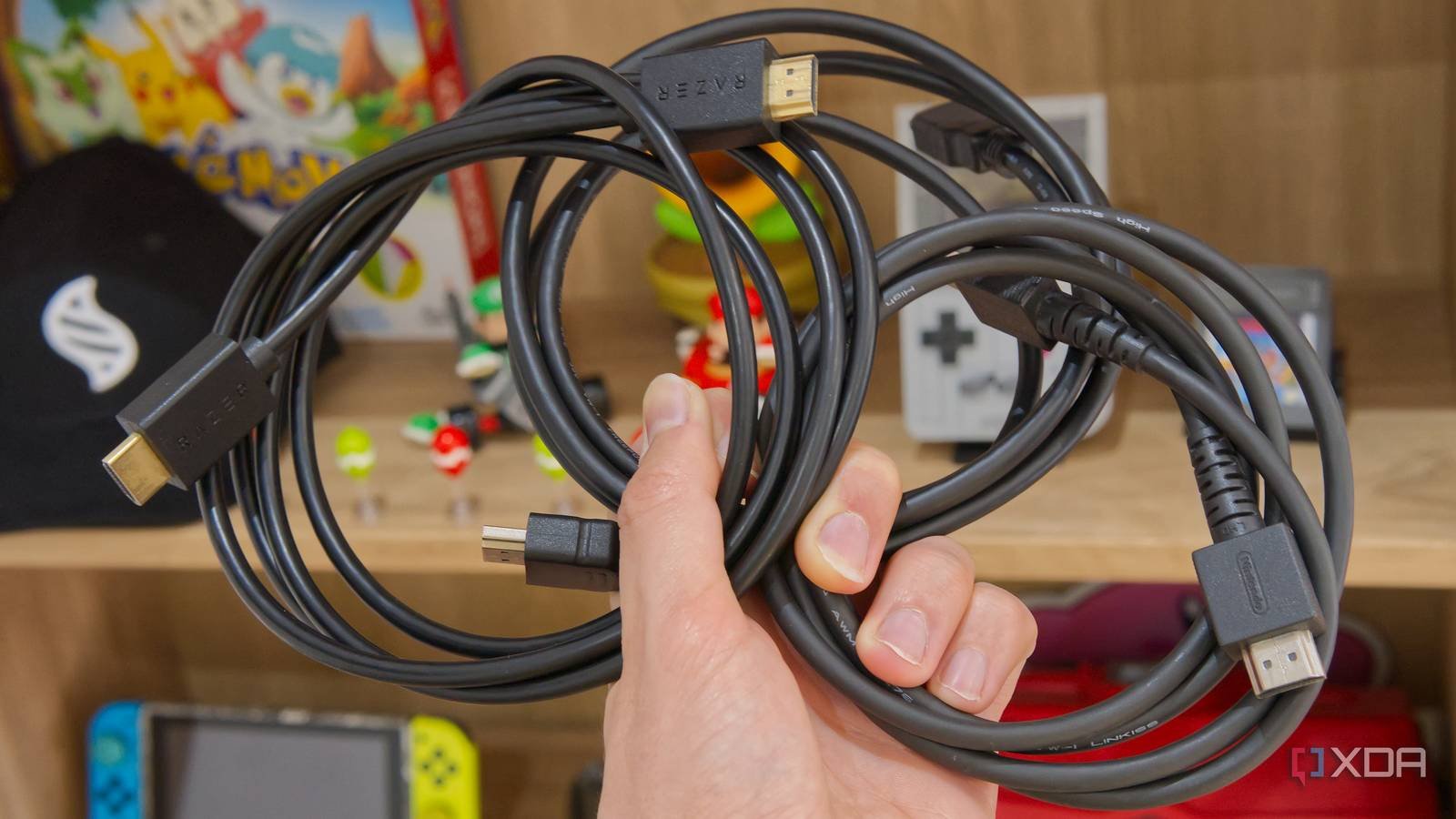
Even once you have the right cables at home, it’s up to you to find the right cable for each device at all times. Like many other types of cables, you’ll probably end up with an overload of HDMI cables in your home, whether they’re included with a TV, monitor, set-top box, or console. As you upgrade your hardware, more of these cables accumulate and the next time you need one, you’ll simply grab the one that’s easiest to reach.
It can be infuriating to grab a cable and realize that it doesn’t have enough bandwidth to drive a monitor with the resolution or refresh rate it’s capable of delivering, and things are about to get more difficult now. Yes, the cables have printing to help identify their capabilities, although I’d say it’s still more work than I’d like, and it would be better to print or etch it on the ends, but even then the Ultra96 designation could be a problem.

The HDMI Forum guidelines only say that the Ultra96 designation should be printed on the cable, but the actual maximum bandwidth supported by the cable may not be. And once you have the cable in your house, you probably won’t have the box to check the actual speed, so you’ll either have to keep things labeled from the start or go through them trial and error style.
It won’t matter for a while
Nobody needs that much bandwidth
That said, it’s good to remember that it will take some time before this really becomes a problem. The HDMI 2.2 specification may be available and some cables may be available, but realistically you won’t need Ultra96 HDMI cables anytime soon. There are currently no 4K monitors that support 480Hz, and the furthest we’ve gone is 4K at 240Hz. It will be some time before we get to the point where that kind of resolution and refresh rate is possible in a monitor.
But even once that happens, you’ll have to wait even longer to have hardware that can play games at such high frame rates and resolution. 4K at 240Hz is already out of reach for the vast majority of today’s PC gaming hardware, unless you’re running games with virtually no 3D rendering. Doubling that performance will require very expensive hardware and time.

Could it be different?
There is a lot that can be done

The thing is, when it comes to cables, there will never be a perfect result. If one connector changes, it’s frustrating because now you have to replace all the cables because they are no longer compatible. But if a connector remains the same and speeds increase under the hood, but different cables are required, then it becomes difficult to know what is what. It’s harder to know what you’re buying or looking for when you grab a cable out of a drawer.
To the HDMI Forum’s credit, having the Ultra96 designations printed on the cable is already a step beyond what a standard like USB offers, and there should be clear signs on the packaging. But I think it would have been smarter for the company to introduce new designations for all of its “Ultra” cable variations, so you would have Ultra64, Ultra80, and Ultra96. Perhaps 48Gbps cables could also be retroactively labeled Ultra48?

Also, as I mentioned above, if the labels were printed or etched on the connectors or their shields, rather than on the cable. That’s just a more natural place for users to look, so it would make things a little easier.
Still, some degree of inconvenience will always occur as technology advances. Not all existing products can magically gain new capabilities, so if you want a specific level of performance, you need to know what you’re buying. As with everything, it’s a good idea to be vigilant when making a purchase.



