

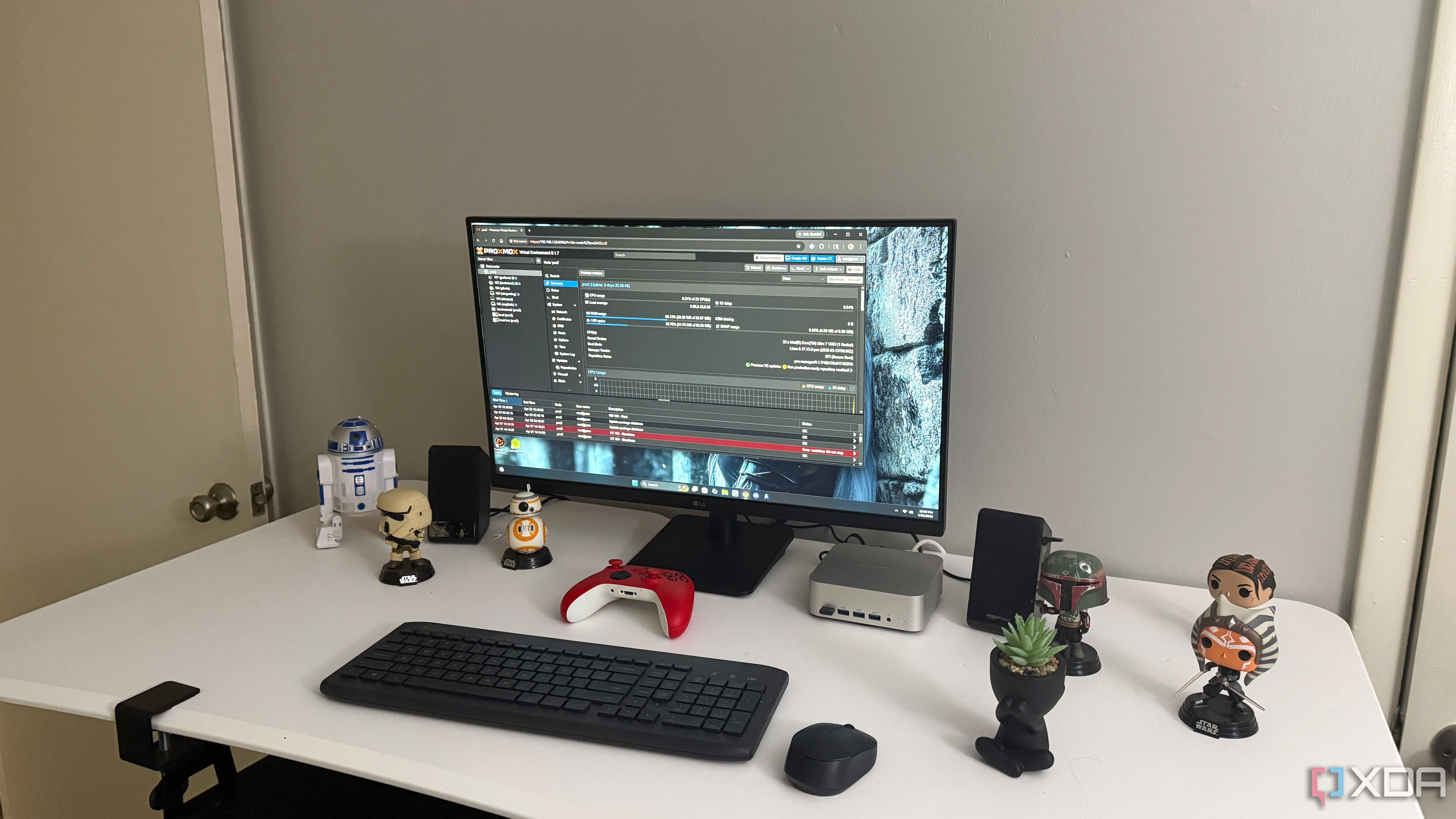
GPU passthrough is the Proxmox trick that everyone wants speak first. It makes for better screenshots, better forum posts, and a much more interesting project than naming storage groups or cleaning up old backups. I receive the appeal, because move a GPU to a Windows VM It feels like the moment when your little server finally starts to shine. But after living with Proxmox for more than a weekend, storage is the part that decides whether the whole setup seems reliable or exhausting.
The best Proxmox setup isn’t the one with the most spectacular trick; it’s the one you can come back to next week and still understand.
That’s the lesson that hits you after the shine of the initial installation wears off. A home server may have a capable CPU, plenty of RAM, and a GPU that does exactly what you ask, but none of that helps if your drives are a mess. It becomes much easier to trust Proxmox when you know where each virtual machine resides, what is backed up, and what you can delete without turning the board into a guessing game. Storage discipline isn’t glamorous, but it’s the difference between a lab you actually use and a lab you keep salvaging from your past decisions.
Storage layout is important before the first virtual machine boots
Fast VMs still feel bad when storage gets complicated
The first storage mistake is treating every available drive as a place to put whatever fits. Proxmox makes it easy to add storage, create directories, connect disks, and start building virtual machines before you’ve thought about long-term design. That freedom is useful, but it also fosters a quiet disorder that only becomes evident later. Suddenly, one VM is on local storage, another is on an NVMe pool, ISO files are scattered, and backups are going wherever there is space that day.
This is important because storage decisions become habits very quickly. If you create your first virtual machines without a system, you’ll probably keep doing it until something breaks or a migration becomes irritating. Then you’ll no longer be simply managing services, you’ll be managing the aftertaste of every hasty configuration choice you made when the project still seemed new. Proxmox doesn’t immediately punish you for sloppy storage, which is part of what makes clutter so easy to ignore.
A clean design doesn’t have to be complicated either. You just need to separate the things that serve different jobs and then stick with that plan. VM disks, container storage, ISO files, backups, and mass media should not appear interchangeable. When each group has a purpose, the web UI starts to make more sense and the entire server feels less like something you’re trying to remember from scratch every time you open it.
Backups Only Work When Your Storage Habits Are Boring
A restoration plan begins long before something finally breaks
Backups are where sloppy storage often goes from mildly annoying to downright painful. It’s easy to assume that having backups is enough, especially when Proxmox says a job completed successfully. But a backup is only useful if you know what it contains, where it is, how long it stays there, and whether it can survive the failure that really worries you. A virtual machine backed up to the same disk that hosts it is better than nothing, but it’s not the safety net people often make it out to be.
This is where boring habits matter more than interesting hardware. A predictable backup target, a sensible retention policy, and occasional test restore do more for confidence than another stored unused VM template. You don’t need to convert your home setup into a business infrastructure, but you do need to know if your most important services can return quickly. If the honest answer is “probably,” your storage plan still needs some improvement.
TO basic 3-2-1 backup strategy is still one of the easiest ways to check the integrity of a Proxmox configuration. Keep three copies of important data, save it in two different types of storageand maintain an off-site copy or otherwise isolated from the host. For a home lab, that could mean the active virtual machine, a local backup destination, and a copy to a NAS, external drive, or cloud storage. The exact tools matter less than making sure a bad drive, bad update, or accidental deletion doesn’t take everything with it.
The same applies to snapshots, which are useful but easy to misinterpret. Snapshots are great before updates, configuration changes, and experiments, but they are not replacements for backups. Leaving them behind forever can create its own storage problems, especially once you forget why they were created in the first place. Used with discipline, snapshots make Proxmox feel more secure, but used casually, they become another small pile of uncertainty waiting for your future.
Snapshots are not backups and should not be treated as a restore plan on their own. They’re great for rolling back a bad update or undoing a risky change, but they typically live close to the virtual machine they protect. If the storage pool fails, that snapshot can disappear with everything else. Use snapshots for short-term safety, then rely on a real backup plan, ideally something close to the 3-2-1 rule, for anything you’d hate to rebuild.
It’s tempting to look for faster hardware first
GPU step is more exciting than another careful data set
The obvious downside is that Proxmox is often fun because people use it to do ambitious things with modest hardware. GPU passthrough, fast networking, clustered nodes, and slick dashboards are part of the appeal. It’s completely reasonable to worry about performance, especially if you’re running a gaming virtual machine, media server, or multiple services at once. Storage discipline can seem awfully boring next to a Windows virtual machine that actually uses real graphics hardware.
It’s also true that storage planning can be overkill. Not every home lab needs a complicated ZFS design, multiple mirror pools, a dedicated backup server, and a written recovery checklist. Sometimes a single NVMe drive and a USB backup disk are enough for the job. If services aren’t essential, creating a perfect storage plan before you’re even allowed to experiment can take the fun out of it all.
And honestly, Proxmox can survive many complicated setups. That’s part of the reason people get away with ignoring storage at first. You can run multiple virtual machines from one disk, put some ISOs on local storage, keep backups wherever there is space, and still have everything seem fine for a while. The problem is that “still working” can hide a slow build-up of risk that only becomes apparent when something needs to be moved, restored, resized, or rebuilt.
Proxmox gets easier when storage stops surprising you
The best update is the one you stop noticing
The reason the storage discipline continues to win is that it reduces the number of decisions that have to be made later. When a new VM has an obvious home, setup is faster. When backups always arrive in the same place, maintenance is easier. When old snapshots and unused disks are purposefully cleaned up, you stop wondering if that mysterious volume is important.
This becomes especially important once Proxmox stops being a toy and starts housing things you actually use. A DNS server, media server, Home Assistant instance, or remote access tool quickly become part of your home routine. At that point, the question changes from “Can I make this work?” to “Can I trust this to continue working?” The hardware helps, but predictable storage is what makes that trust feel earned.
It also makes troubleshooting much less irritating. If a virtual machine is slow, you can discard a bad pool, an almost full disk, or a forgotten snapshot much faster when the storage layout is clean. If backups fail, you’ll know where to look first, instead of searching every storage destination in the user interface. If you need to rebuild a host, you’re not rebuilding the old memory layout while waiting for the important disk image to be the one with a vague name.
Usable Proxmox starts with fewer storage surprises
Proxmox works best when it gives you room to experiment without making every experiment seem risky. GPU passthrough is still worth learning, and can turn a small server into something much more flexible. But the everyday quality of a Proxmox setup comes from quieter options. Clear storage features, reliable backups, and regular cleanup make the platform feel usable long after the first interesting projects have been completed.
That’s why the storage discipline deserves more attention than it usually receives. It doesn’t make the home lab look more impressive and probably won’t be something you brag about first. But it makes everything else easier to run, fix, and trust. The best Proxmox setup isn’t the one with the most spectacular trick; it’s the one you can come back to next week and still understand.



