
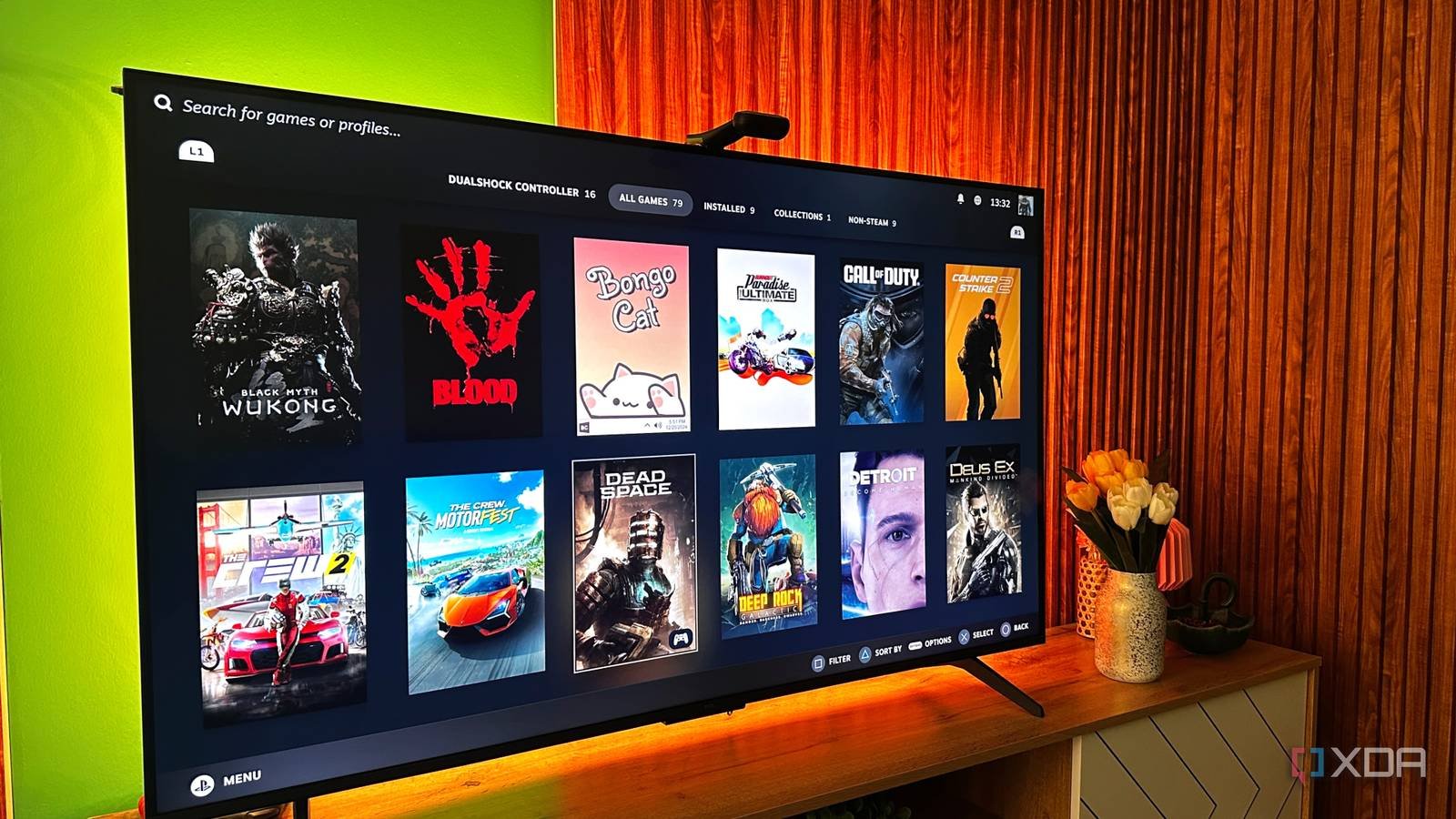
It’s strangely satisfying to finally be able to set up a new TV exactly how you imagined it. After months of debating panel types, refresh rates, HDR performance, and of course budget, I finally pulled the trigger on a new Mini LED TV earlier this year. Of course, I’ve been obsessed with it ever since. Games look phenomenal on it, especially at night, and it has definitely become my favorite screen in the house.
The funny thing, though, is that the biggest upgrade I made to my new TV had absolutely nothing to do with picture quality. It’s been a little $10 accessory that I almost didn’t buy in the first place. That’s because I’ve already been using a LAN cable with my television to get the best possible speeds for the Moonlight transmission. Unfortunately, my TV had other plans: its port limited my maximum Internet speed, something only a small USB Ethernet adapter could fix.
I thought a simple LAN cable on my TV would solve my problems
A cheap cable upgrade turned into a rabbit hole
I have treated my new TV like a new toy since it arrived. The contrast is incredible my HDR content appears incredibly well, and most importantly, my Steam library looks and feels fantastic on the TV. Racing games, in particular, feel transformed into a large, bright panel with appropriate local dimming. For regular streaming, the built-in Wi-Fi was also fine. Netflix, YouTube, and even high-bitrate content played without much drama, but games required higher speeds and less stuttering.
So once I started using Moonlight Game Streaming from my PC, I encountered latency spikes and occasional hiccups that were too noticeable. As such, I ended up spending about $15 to run a LAN cable to the TV because wired Internet is usually better. This turned out to be the right choice as I got a better and more stable connection. However, during a speed test, I noticed that my TV refused to go above about 100 Mbps on my 250 Mbps connection. After some digging, I found out why, and that led me to a little $10 USB 3.0 Gigabit Ethernet adapter that completely changed the experience.
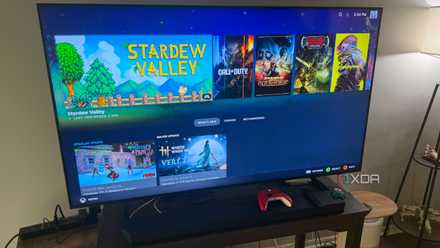
The LAN port on my Smart TV was outdated
So I fixed it via USB.
I was quite surprised to learn that a modern smart TV could still include 10/100 Ethernet ports instead of proper gigabit ones. It sounded ridiculous because these same TVs announce 4K streamingcloud gaming apps and massive ecosystems, but manufacturers of course cut costs wherever they can. It also makes sense, since for most people streaming compressed Netflix content, 100Mbps is technically enough, so upgrading the port probably wouldn’t be considered necessary. The problem, then, is that the rest of the surrounding hardware has moved on, especially modern Wi-Fi standards.
That’s why many TVs benchmark faster over Wi-Fi than over a LAN cable. My TV’s wireless speed comfortably exceeded 200 Mbps, but Ethernet remained limited about 95 Mbps no matter what I tried. However, once I plugged in the gigabit USB adapter, the difference appeared immediately. Fortunately, the TV recognized it immediately and my cable speeds finally surpassed the old limitation. It really felt strange to see a small adapter outperform the built-in Ethernet port on an expensive TV, but after living with it for a few days, it became obvious that this was how the TV should have left the factory in the first place.

Everything just seems more responsive now

The raw speed test numbers definitely got me excited, sure, but what makes the whole “update” even better is how much smoother everything around the TV suddenly feels now. Moonlight transmissionof course, it’s noticeably more consistent during fast camera movement, especially in Forza Horizon 5 and Obligationswhere bitrate fluctuations are fairly easy to detect. The small random compression artifacts and occasional stutters haven’t completely gone away, but they’ve become rare enough that I don’t think about them anymore. This makes the upgrade worth it in itself, because my remote streaming setup has now gone from remarkably good to reliably great.
Even everyday streaming applications have benefited from the additional bandwidth headroom. YouTube videos now jump to 4K almost immediately instead of staying at a blurry 1080p, before having to wait for it to stabilize or set them to 4K myself. App updates also finish faster, and while it’s a small improvement, it definitely adds up in terms of convenience. The entire experience now feels less limited, all thanks to a $10 upgrade that Amazon shipped the same day.
A small improvement, but incredibly satisfying.
It’s really rewarding when a cheap purchase turns out to be a pretty impactful upgrade because it removes the right bottleneck. I spent a lot more time thinking about my TV’s panel and refresh rates than its Ethernet hardware, and yet the latter ended up slowing down the experience.
It’s also pretty fun, since a cheap USB accessory is unlocking performance that a multi-billion dollar TV maker couldn’t offer. Sure, only a small portion of this TV’s user base might care about its Ethernet speeds, but when you optimize a setup to its limits, every little point of friction becomes much more noticeable. Now that the TV finally behaves the way I want it to, I’ve started using it even more, which is probably the best compliment I can give to any upgrade, no matter how small.



