
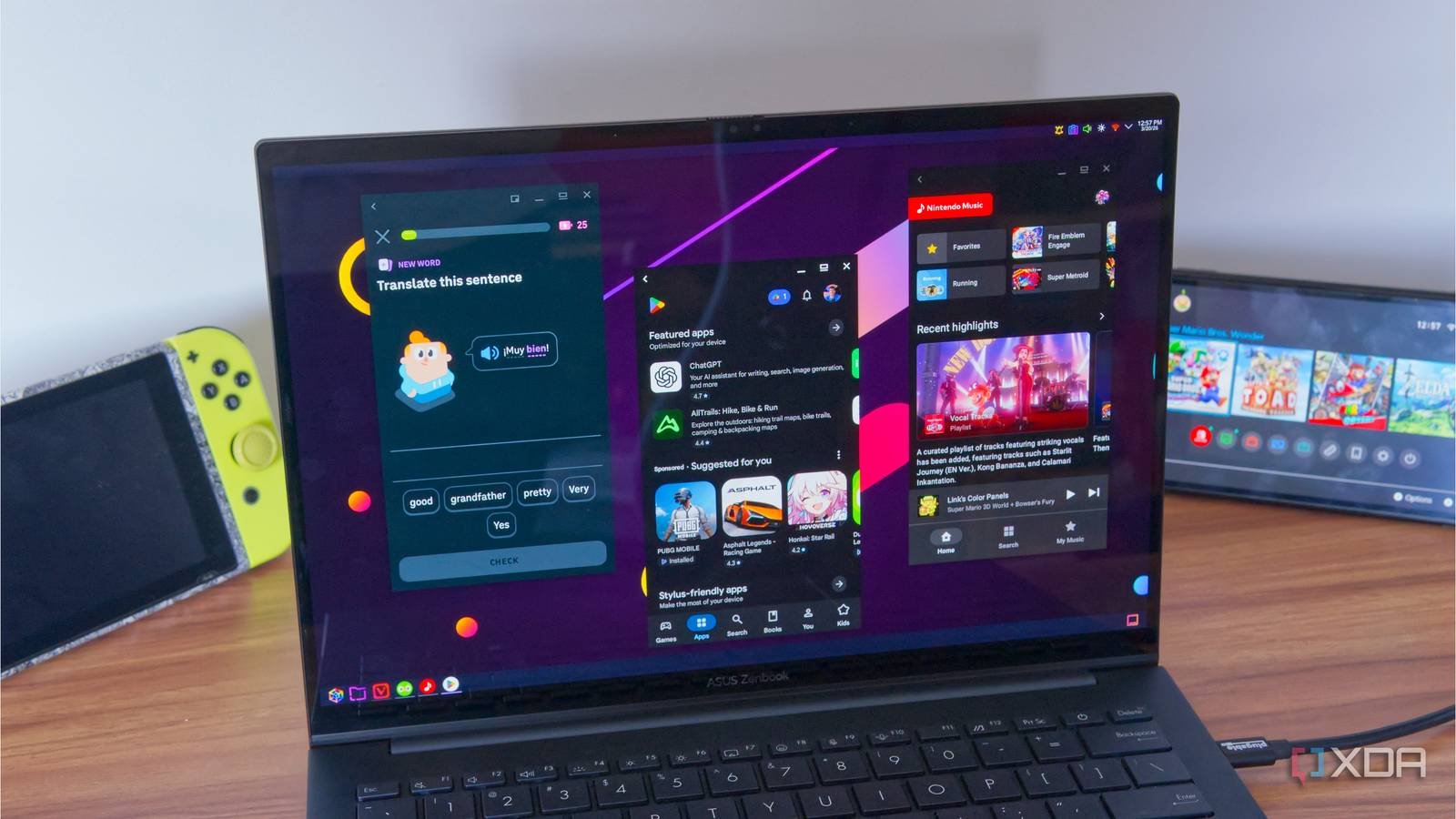
The Windows Subsystem for Android (WSA) is now history. Microsoft relented and killed the project, which angered many users because it was one of the highlights of the Windows 11 launch. Microsoft failed to anticipate the demand to run Android apps with Google Play Store support, and the option to download apps only through the Amazon Appstore did not appeal to many users. I thought the WSA would kill third-party Android emulators on Windowsbut the WSA did not reach them.
However, on the Linux side. Waydroid can help run Google-supported Android apps and that opens the doors to a wide range of apps compared to WSA. The possibilities are endless and I don’t need to worry about a limited app library, poor performance due to virtualization overhead, or figuring out Google account integration.
Waydroid ditches traditional VM route
LXC containers are better

I won’t hide the fact that I was very excited when Microsoft revealed its plans for WSA. There were many Android apps that I wish worked on PC due to the lack of desktop versions. But WSA had a very limited list of apps it could access through its partnership with the Amazon App Store. Additionally, the core idea was to run a virtualized Android system and make the apps look like they were running on Windows.
Waydroid does not rely entirely on the virtualization aspect and instead uses LXC Containers (virtualization at the operating system level), which are like a minisystem within Linux. Avoid using a hardware emulation layer or kernel mirroring to function. Instead, it is simply a lightweight, isolated Linux environment that shares the same operating system kernel. There is much less translation between layers compared to a virtual machine, resulting in better performance when running applications.
Basically it is the core idea of using any Android app emulator. The app should load instantly, work like it does on phones, and not look like a cheap knockoff. I like the experience because it’s snappy and it’s one of the reasons Waydroid has a special place on my Linux system.
When I used WSA, the resource usage was higher as I had to run a full OS (Windows 11) and an Android virtual machine and split the resources between the two. LXC containers can offer a much better experience because they skip the traditional hardware virtualization (CPU, Memory, GPU) and you can access it through Linux kernel sharing. It’s not as clean as bare metal, but it demands less performance compared to full virtualization.

Setting up Waydroid is easy
No unnecessary tricks needed
If you have ever set up a android emulator on your PC, you should be aware of the complications that come with it. While WSA was easy to install and run, it required an Amazon Appstore account to work, and if you wanted to expand it beyond a measly 100 apps, it took too much effort to get up and running.
Waydroid barely needs two things to work. There is official instructions for different distributions, but if you are using Ubuntu or its derivatives, start by adding the Waydroid repository:
sudo apt install curl ca-certificates -y
curl -s https://repo.waydro.id | sudo bash
Next, you need to update your Linux system (I use Ubuntu) with a simple sudo apt update && update command before running the Waydroid installation command.
sudo apt install waydroid -y
Once the tool is installed, you can launch it using the icon and then choose the Android with Google Apps option during initialization. You will download the necessary files, which take up about 1200 MB, and then a full Android operating system (version 13) will be at your disposal. Previously, you needed to certify your Linux device with Google before accessing the Play Store library.

I didn’t encounter the problem after installation and it’s great news for Linux newbies. Instead of enduring the long and arduous process of certifying your device, you can simply log into your account and start installing apps. The experience is similar to how you set up a new Android device.
Extensive application library
WSA barely had a catalog

Even if WSA were to discover performance improvements, the list of apps would make it the least competent emulation app. Waydroid supports Google accounts natively, such as blue batteriesand that is a game changer because the Play Store library is huge. If I look at it from the point of view of a beginner and non-technical user, it would be easier to set up Waydroid and log in with Google account compared to what WSA tries to offer.
Waydroid can run and install apps that are only designed for Arm processors, although these entries may appear as unsupported in the Play Store. The success rate varies, but the fact that it’s possible is a big plus for Linux users. There are other methods to get apps, such as the Aurora or F-Droid store. Games also follow the same route with mixed success in some popular titles.
One thing you should remember is Waydroid’s dependency on wayland. It’s a modern display server that some Linux distributions don’t include or enable by default, and Waydroid won’t work without it. Ubuntu uses Wayland by default, as do other distributions like KDE Neon and Fedora. If you use a non-Wayland distribution like AntiX which uses X11, you will have to use Weston to run a nested composer to display the Waydroid interface.
waydroid is wonderful
Windows may have abandoned the WSA project, but Waydroid achieves a better experience without additional complexities. You can access the Play Store library, a critical part of any modern Android app emulator, and you can switch between software and GPU rendering for better performance. You can also run some unsupported applications using additional scripts and libraries, which makes it much better in comparison.



