
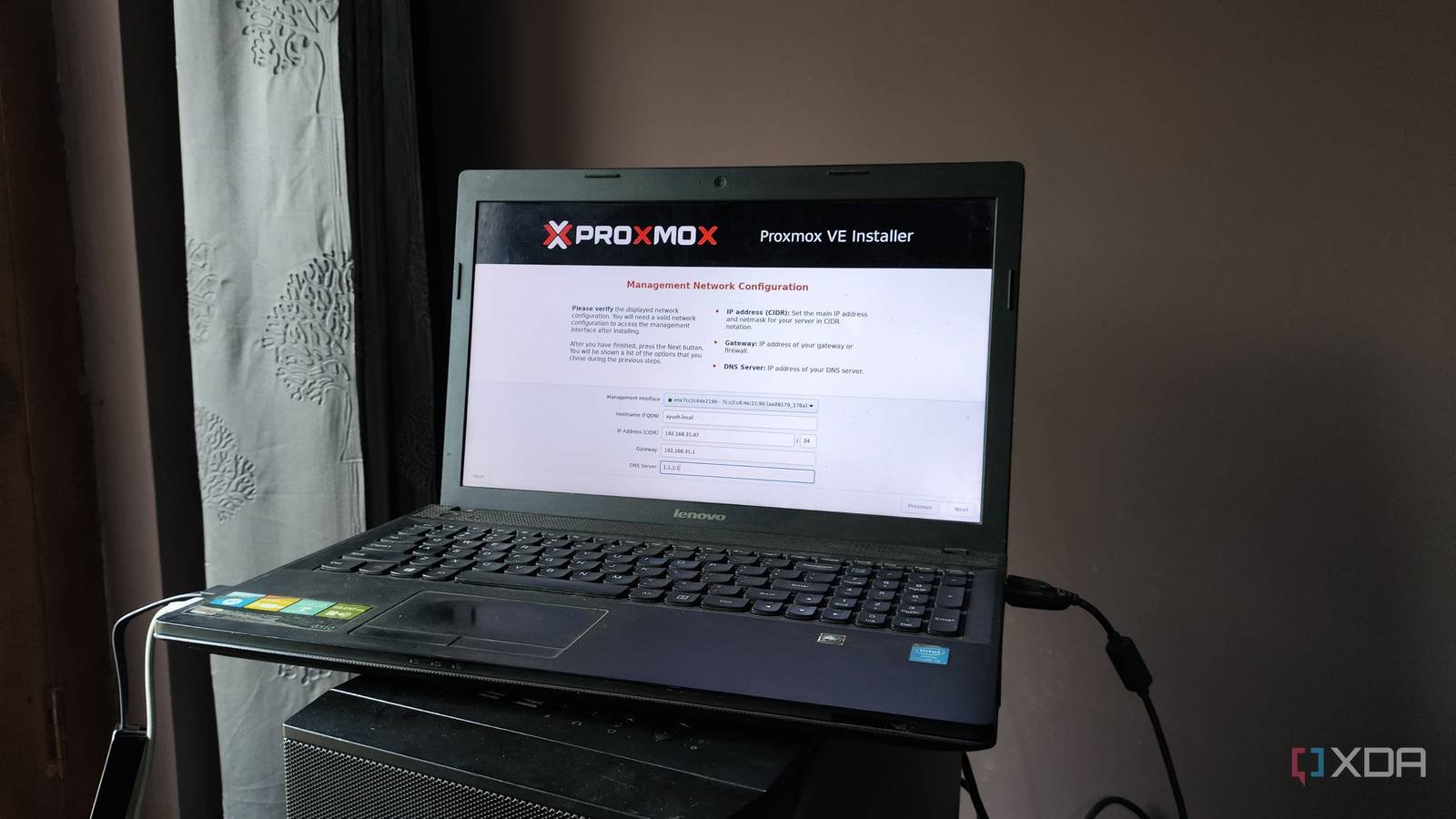
Building a self-hosted workstation from old hardware is the best way to reinvigorate your old computing companions, and I say this as someone who uses multiple outdated systems like Proxmox servers in my home lab. While I typically opt for thin clients, cheap mini PCs, and dinosaur gaming PCs when setting up experimentation rigs for my DIY projects, Proxmox is light enough to run on virtually every x86 machine in my arsenal, including something as old as a cheap laptop from 2014!
In fact, I would go so far as to say that old laptops are surprisingly good for typical server tasks, as long as you are aware of their weaknesses and take extra precautions to mitigate some of them.

Even a cheap laptop can serve as a reliable Proxmox node
Despite its expansion restrictions, your old laptop can handle LXC like a champ
Let’s be honest: if I compared my old gaming PC to a laptop of “comparable” specifications, the latter would almost always lag behind its bulky desktop counterpart in terms of performance. The lack of upgrade options, especially on laptops with soldered memory cards and limited storage drive slots, further limits its usefulness in DIY experiments. Or at least that’s what you think.
However, the home lab ecosystem also encompasses containerized services: environments that trade the additional isolation offered by virtual machines for resource-efficient instances capable of running on even the weakest systems. Combine the lightweight nature of Linux containers with the surprisingly low system requirements of Proxmoxand you will be able to turn your laptop into a powerful LXC hosting server. To put that into perspective, my 2-core, 4GB (DDR3) RAM laptop, which you would normally call e-waste, manages to house at least a dozen FOSS applications inside containers. That’s how low the processing bar is for basic systems. When I tried to convert the Acer Predator G3-571 laptop (i7-7700HQ processor and 16 GB RAM) that I bought in 2017 into a Proxmox nodewas able to handle entire virtual machines. Not just Linux distributions, of course. This old gaming laptop managed to run a Windows 11 development machine without any latency or performance issues.
Sure, you might run into some hiccups when trying something as complex as GPU passthrough on an old muxless laptop like mine. Likewise, laptops with a single SSD can’t really function as ZFS/Ceph clusters, and you’ll want to exclusively use Ethernet adapters instead of Wi-Fi connectivity for your portable Proxmox node. But when it comes to building your first home server, you shouldn’t worry too much about your old laptop’s performance or reduced expansion provisions. Instead, you should focus your attention on the cover and battery…
I wouldn’t recommend closing the lid for 24/7 server tasks
Otherwise, the excess heat could end up damaging it in the long term.

Search any server-focused forum and you’ll probably find people describing detailed ways to ensure your laptop-turned-workstation works even with the lid closed. On paper, it seems like a pretty effective way to reduce clutter on your desk. However, most laptops tend to have air vents around the lid, and keeping it closed will basically cut off the ventilation inside. Heck, even if your laptop has cooling chambers on the back like mine, you’d still lose airflow intake through the keyboard.
As if the excess heat heating up everything inside your PC wasn’t bad enough, keeping the lid closed all the time could end up dispersing heat through the keys and screen, thus damaging its external components as well. I am now well aware that cooling pads and external fans can keep the heat under control. But unless you have a very cluttered desktop, you can simply set Proxmox to turn off the screen during normal use to save power and create a distraction-free portable server.
In the name of all that is holy, do not treat your battery like a UPS.
If anything, I would call it a potential fire hazard.

A laptop battery acting as a makeshift UPS is another common misconception prevalent in the server community, and it’s one I debunk every chance I get. Sure, having a battery that keeps your Proxmox server running even when the AC power is off sounds like a lifesaver, especially if you host mission-critical services on your machine or are worried about random shutdowns corrupting your virtual guests.
But keeping a laptop plugged in 24/7 will eventually degrade its battery. In fact, you could end up with a swollen battery within a few months, which can become a fire hazard if you’re not careful. I recommend removing it completely or at the very least disabling it in the BIOS. But if your laptop does not allow this, you can try limiting the maximum battery charge level to 70%. Or you can plug it into a smart plug and set Home Assistant automation rules to disconnect your laptop from AC as soon as it detects a current fluctuation caused by the battery reaching its maximum charge limit.



