
Microsoft just confirmed which is working on several major Windows 11 updates that will address users’ biggest complaints with the platform over the past two years. This year everything from overall system performance and reliability to the ability to move the taskbar and reduce ads will be addressed.
“We’re focusing on making Windows 11 more responsive and consistent, so performance is smooth and reliable.” says Pavan Davuluri, executive vice president of Windows and devices at Microsoft. “Throughout the year, we are improving system performance, application responsiveness, File Explorer, and the Windows subsystem to linuxhelping Windows stay fast while switching between applications and workloads.
Article continues below.

“Repositioning the taskbar is one of the top requests we’ve heard from you. We’re introducing the ability to reposition it to the top or sides of the screen, making it easier to personalize your workspace.” confirms Davuluri.
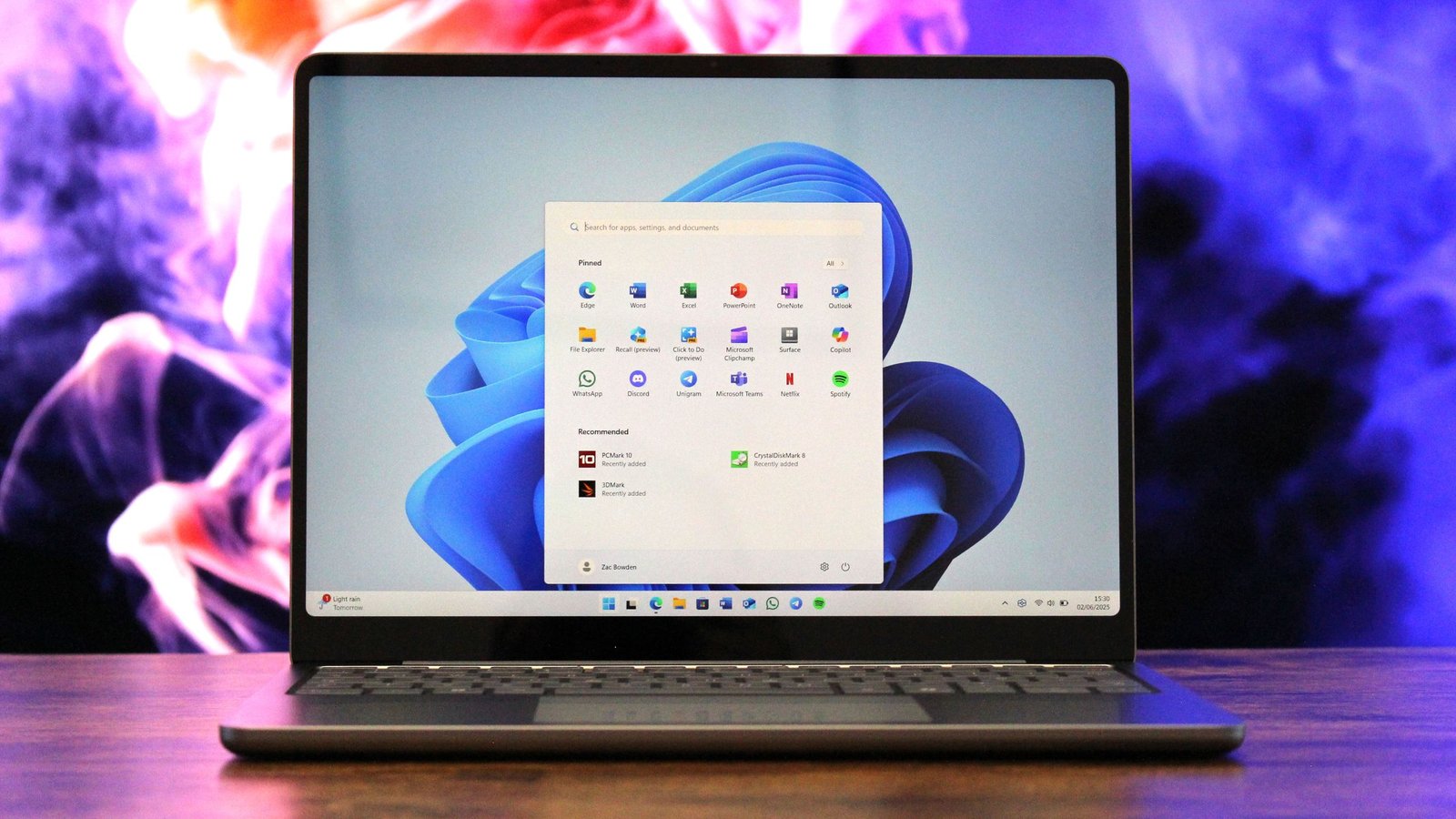
Microsoft also promises to use its native Windows user interface framework, WinUI, in more areas of the system, such as Start menuwhich so far has been built using React. The switch to native WinUI should improve performance, thanks in part to major WinUI performance updates that Microsoft also promises to deliver this year.
The company says that Windows Update will be improved to allow users to have more control over how and when updates are installed. It will allow users to pause updates “for as long as necessary” and is working to reduce how often Windows Update requires a restart so that it doesn’t get in the way as often.
Microsoft has also announced that it will be reduce the number of places where Copilot appears throughout the operating systemstarting with Notepad, Photos, Snipping Tool and Widgets.
In the same thread, the company is also reducing the type of ads that appear in the Recommended feed in the Start menu, going as far as allowing you to easily turn off ads in Home entirely.

It’s clear that Microsoft has realized that it went too far with the constant glamorization of Windows. In fact, today’s announcement almost seems like an apology letter, just without the actual apology. Windows 11’s reputation is currently at an all-time low and the company hopes these changes will begin to turn the tide and help regain user trust.
Sources tell me that this effort to fix Windows 11 even has a codename: Windows K2, It is named after the second highest mountain in the world. I understand that this effort has postponed and even canceled other plans Microsoft had for Windows this year. Delivering these improvements is a top priority for all Windows teams internally.
The company says many of these improvements will begin rolling out in preview over the next few months. Here’s Microsoft’s manifesto outlining its three focus areas for Windows 11 this year: performance, reliability, and craftsmanship.
Performance
We’re focusing on making Windows 11 more responsive and consistent, so performance is smooth and reliable.
Throughout the year, we’re improving system performance, app responsiveness, File Explorer, and the Windows Subsystem for Linux, helping Windows stay fast as you switch between apps and workloads.
- Improve system performance
- Reduce Windows’ resource usage to free up more performance for what you’re doing
- Faster, more responsive Windows experiences, with initial improvements already delivering reductions in startup time in apps like File Explorer.
- Improved memory efficiency, reducing the core memory footprint for Windows and freeing up more capacity for the applications you run.
- More consistent performance, even under load, so apps stay responsive throughout the day
- Smoother and more responsive app interactions
- Reduce interaction latency by moving core Windows experiences to the WinUI3 framework
- Improve the shared UI infrastructure that Windows experiences depend on, reducing interaction latency and platform-level overhead.
- More responsiveness in core Windows experiences, like the Start menu, by moving more experiences to WinUI3.
- Improved File Explorer basics
- Reduce latency and improve reliability in search, browsing and file operations
- Substantially lower latency for search, navigation and context menus.
- Copying and moving large files will be faster and more reliable
- Faster startup and responsiveness for common file tasks
- Improving the Windows Subsystem for Linux (WSL) experience
- Improve performance, reliability, and integration for developers using Linux tools and environments on Windows
- Faster file performance between Linux and Windows
- Improved network compatibility and performance
- More streamlined onboarding and first-time installation experience
- Better business management with stronger policy control, security and governance
Reliability
Reliability is the basis of trust. You need to trust that your PC will be there and working when you need it most.
Across the operating system, we will focus on improving the basic reliability of areas such as Windows internal programdrivers and applications, updates and Windows Hello.
- Strengthening the reliability and quality of the Windows Insider program
- Clearer visibility into what features are included in each Insider build
- More control over the new features you try, with easier switching between channels
- Higher quality constructions entering each channel, with more rigorous validation
- Stronger feedback loops so issues are identified and addressed more quickly
- Increased reliability of the operating system, drivers and applications
- Reduce crashes at the operating system level, improve driver quality and application stability
- More stable Bluetooth connections, fewer USB-related failures, and better printer discoverability
- More reliable camera and audio connections
- More consistent device activation, including docking scenarios
- Improving the Windows Update experience
- Fewer interruptions by moving devices to a single monthly reboot
- More direct control over updates, including pausing as long as necessary and allowing you to shutdown or restart without installing pending updates.
- Faster, more reliable update experiences with clearer progress and built-in recovery
- Improved Windows Hello biometric authentication
- More reliable facial recognition
- Faster and more reliable fingerprint login
- Easier secure login on portable gaming devices like ROG Xbox Ally
Craft
Craft is the discipline that turns functional products into loved ones through usability, polish, consistency and refinement.
This year, you’ll see us invest in raising the bar for overall usability, with more customization, less noise, fewer distractions, and more control across the operating system. That includes thinking about how and where we bring AI to Windows, leading with transparency, choice and control, so that new capabilities enhance the experience rather than complicate it.
- Improving the Start and taskbar experience
- More consistent and reliable access to applications and files
- Expanded taskbar customization, including alternative positions and smaller sizes
- A more relevant Recommended section in Home, with clear controls
- More focused user experience with fewer distractions
- Quieter and optimized device configuration
- Widgets display information more intentionally
- Simpler settings to customize or disable widgets and feed content
- Reduced notifications to help you stay focused
- Improved search experience
- Faster and more accurate results
- Clearer distinction between local and web results
- More consistent search in the taskbar, Start, File Explorer and Settings
💬Will this be enough to change the course?

Microsoft has all but admitted that it made a mistake with Windows 11 and confirmed that it is doing everything it can to address the feedback and right the ship. Do you think this effort will really help Microsoft regain positive sentiment around Windows, or is the platform too far gone? Let us know your opinion in the comments.

Join us on Reddit at r/WindowsCentral to share your ideas and discuss our latest news, reviews and more.



