
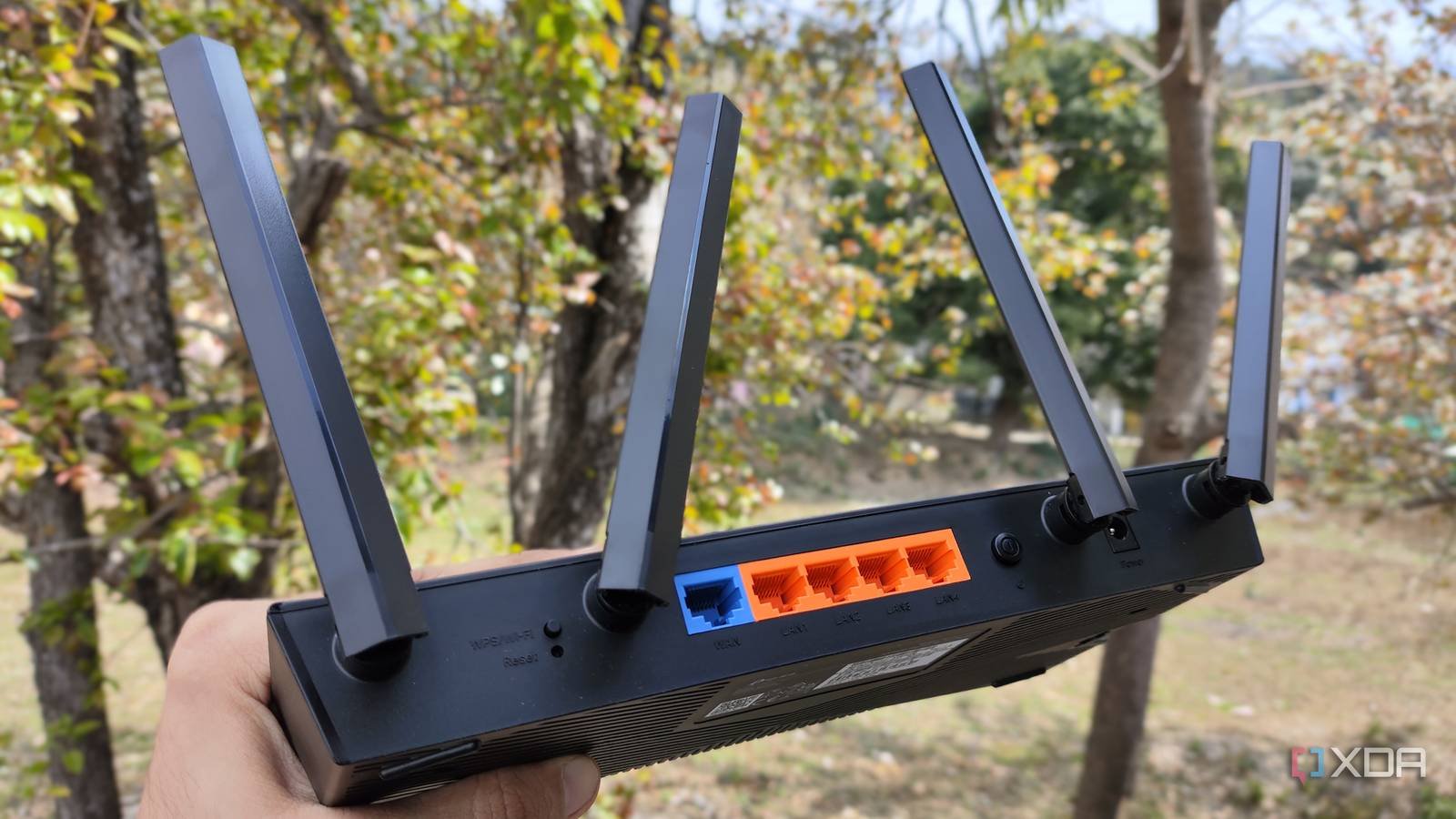
When my ISP offered me a TP-Link Archer BE230 Wi-Fi 7 router at a deep discount for signing up for one of the annual plans, I decided to take the plunge and see if wireless had finally caught up with wired. In theory, Wi-Fi 7 is supposed to be that game-changer, considering its promise of multi-gig speeds, lower latency, and better bandwidth allocation across multiple devices. Marketing buzzwords make it seem like it’s time to get rid of Ethernet, but unfortunately, it still doesn’t behave like a wired connection when it really matters.
I have always run my gaming PC on a 2.5GbE wired connectionso I already had a solid foundation for how my network should behave under load. I ended up purchasing a USB Wi-Fi 7 adapter to test things out, but it didn’t feel like an upgrade like I expected. The speeds came in bursts, but the consistency wasn’t there. Whether it’s large game downloads, local file transfers, or keeping my ping constant while gaming, I kept noticing fluctuations that simply don’t exist on a wired connection.

Ethernet continues to win where it matters most
Wi-Fi 7 is fast, but it still can’t match wired in terms of consistency and latency

Wi-Fi 7 can reach impressive speeds and, at first glance, looks like a real alternative to wired. Especially when my internet plan is capped at 1Gbps anyway.. But after using it, the difference shows in how stable everything is over time. The downloads would increase quickly, but I would still notice small dips and fluctuations along the way, rather than a constant rhythm. The same thing happened when transferring large files to my NAS: performance was not as consistent as I’m used to with an Ethernet connection.
The gap becomes more obvious when latency enters the picture. Over Ethernet, I almost always get a 1-2ms ping when doing a speed test on my nearest server. However, the best I can get with Wi-Fi 7 is around 5ms, and more importantly, it’s not that stable. And that difference starts to matter when I play competitive games online, where even slight inconsistencies in latency can affect how quickly my inputs register on the server. And once you notice that difference, Ethernet always seems like the safer option.
Wi-Fi 7 only shines when everything is aligned
Distance from the router and interference can still limit your speed and latency
The problem with Wi-Fi 7 is that it needs near-perfect conditions to show what it’s really capable of. It doesn’t fundamentally change how dependent your wireless connection is on your environment. For example, when my PC has a clear line of sight to my router, the speed is just as good as my Ethernet connection, especially since I’m capped at 1Gbps. However, when I moved it to the next room, the speed dropped to about 800 Mbps. Sure, that’s still very impressive, but it also shows how quickly wireless performance can decline once conditions are no longer ideal.
Interference makes that even harder to ignore. While Wi-Fi 7 has made improvements to the way it handles multiple devices and congestion, you still have to deal with the same fundamental limitation all wireless standards do this: it sends data over the air instead of over a cable. That means nearby networks, other devices, and even the layout of your home can affect the speeds and latency you actually get. With an Ethernet connection, it doesn’t matter if I’m sitting next to the router or in another room. The cable connection always behaves the same way.
Wi-Fi 7 still works in most of what I do
But I still rely more on a wired connection when reliability and latency are important

Look, I’m not going to connect Ethernet cables to all the devices in my house. On top of that, phones, tablets, and laptops will always rely on Wi-Fi. And in those cases, Wi-Fi 7 is absolutely my best option, which is why I don’t regret getting the router from my ISP even now. For everyday use like browsing, streaming, and even large file downloads, it’s more than enough, especially considering I’m capped at 1Gbps. If anything, coming from a Wi-Fi 6 router, it almost seems excessive at this point.
That said, most of the time I’m sitting in front of my PC, and that’s where the difference still stands out. For the things I do on it, whether it’s moving large files to my NAS or playing competitive shooter games like Valuing and Apex Legendsthe wired connection seems more predictable. Speeds stay constant, latency stays low, and I don’t have to think about where I’m sitting or what’s going on around me. I admit, Wi-Fi 7 is still sufficient for these use cases, but when you need that extra advantage, Ethernet is still the best option. And if my ISP ever starts offering multigig plans, I know my cable setup is already ready for it.
Speed is not the problem; consistency is
Wi-Fi 7 is incredibly fast for almost everyone, but the problem is that maximum speeds alone don’t tell the whole story. Of course, I have absolutely no problem using it to browse the web, stream in 4K, or even download large files, but in scenarios where the stability of your connection is more important, Ethernet still has the advantage. I don’t use a 2.5GbE connection just for its speed. If anything, I’d be more than happy to stick with 1GbE since I’m not bandwidth limited in the first place. What matters most to me when I’m at my desk is how consistent the connection feels. And in that sense, Wi-Fi 7 comes close, but that’s not enough to make me ditch the cable completely.

- Wi-Fi bands
-
2.4GHz, 5GHz, 6GHz
- Ethernet ports
-
4x 2.5Gbps, 2x 10Gbps
- USB ports
-
1x USB-A 3.2



